> ## Documentation Index
> Fetch the complete documentation index at: https://hercules.app/docs/llms.txt
> Use this file to discover all available pages before exploring further.
# Publish your app to Hercules Showcase
> Publish Hercules Apps so other users can discover it on 1) the user's public profile and 2) in Hercules' public templates page, and more.
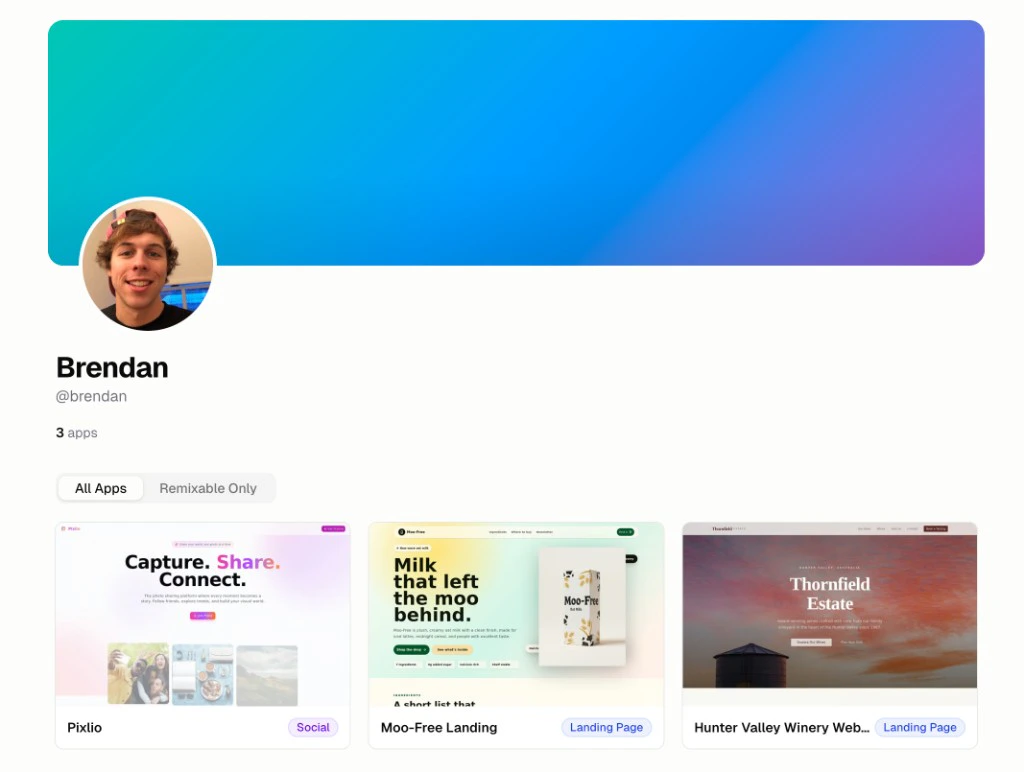
Publish your app to the Hercules Showcase so others can discover it on your public profile (e.g. [hercules.app/@brendan](https://hercules.app/@brendan))
### Where does my app appear publicly?
Your app appears in two places when Public Visibility is on:
1. Your org's public profile page: `https://hercules.app/@org-slug`
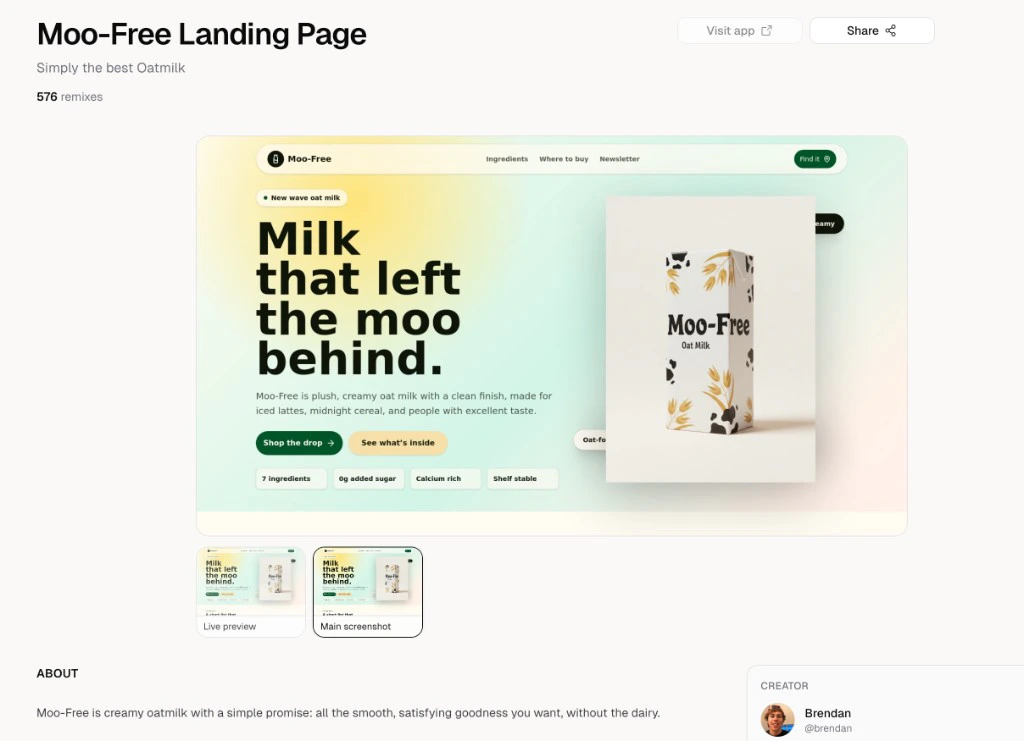
2. The app's own public detail page: `https://hercules.app/@org-slug/app-slug` (e.g. [hercules.app/@brendan/moofree](https://hercules.app/@brendan/moofree))
Soon we will also share your app in a public discovery page and public templates page.
### How do I publish to Hercules Showcase?
1. In the sidebar, go to **Publish** → **Showcase**
2. Configure how your app appears (like name, screenshots, tags, etc)
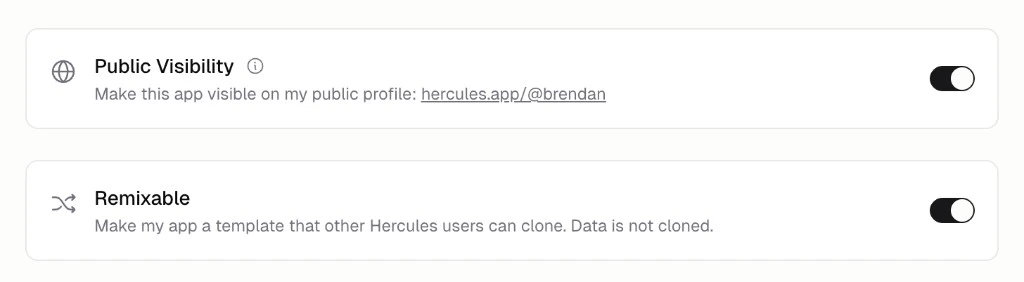
3. Turn on **Public Visibility** to make your app visible on your profile at `https://hercules.app/@your-org-slug`
4. Optionally turn on **Remixable** to make your app a template others can clone
### How do I customize my organization slug?
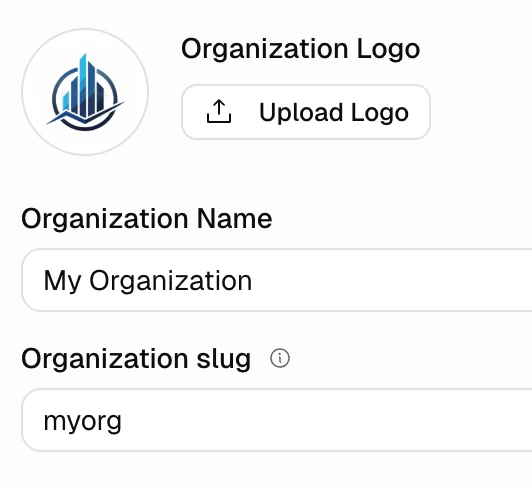
Your organization slug appears in your profile URL and app URLs. To change it:
1. Go to **Settings** → **Organization** → **General**
2. Edit the **Organization slug** field
Your profile will be visible at `https://hercules.app/@org-slug`
### How do I configure how my app appears (like description and screenshots)?
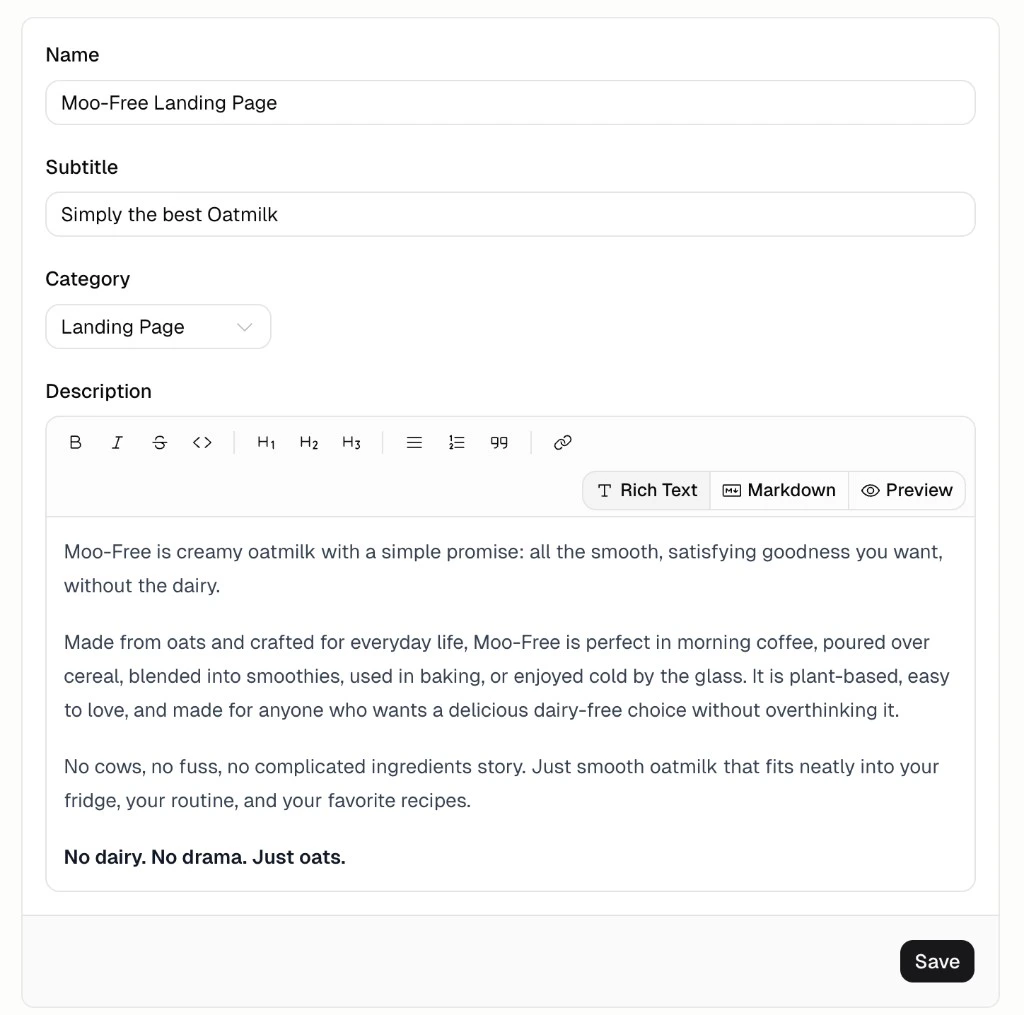
On the Showcase page, fill in:
1. Name
2. Subtitle
3. Category
4. Description
5. Screenshots (Upload up to 6 preview images for your app)
### How do I make my app remixable?
Turn on **Remixable** in the Showcase settings. This will enable anyone to clone your app as a template. Your data is not cloned, only the underlying app structure.
## Additional FAQ
**Public Visibility** makes your app visible on your public profile. Others can view the app and information you publish about it.
**Remixable** makes your app cloneable template. Other Hercules users can clone your app and start editing it. Data is not cloned.
The app slug is derived from your app name. To rename your app, go to **More** → **General** → **App Name**.
Go to **Shocase** and turn off **Public Visibility**
By default all Hercules apps are private (ie Go to **Public Visibility** is off) and not remixable. This applies to free tier and paid tier apps.
Originally, all apps on the Hercules free plan were public and remixable by default (similar to how GitHub started). However on May 4th, 2026 the Hercules team decided to change this. Now all apps are private by default (new and existing apps) and it is opt in to become public.