> ## Documentation Index
> Fetch the complete documentation index at: https://hercules.app/docs/llms.txt
> Use this file to discover all available pages before exploring further.

# Quickstart

> Build and publish your first app in 1 minute. Tell Hercules what you want, refine with chat, then publish.

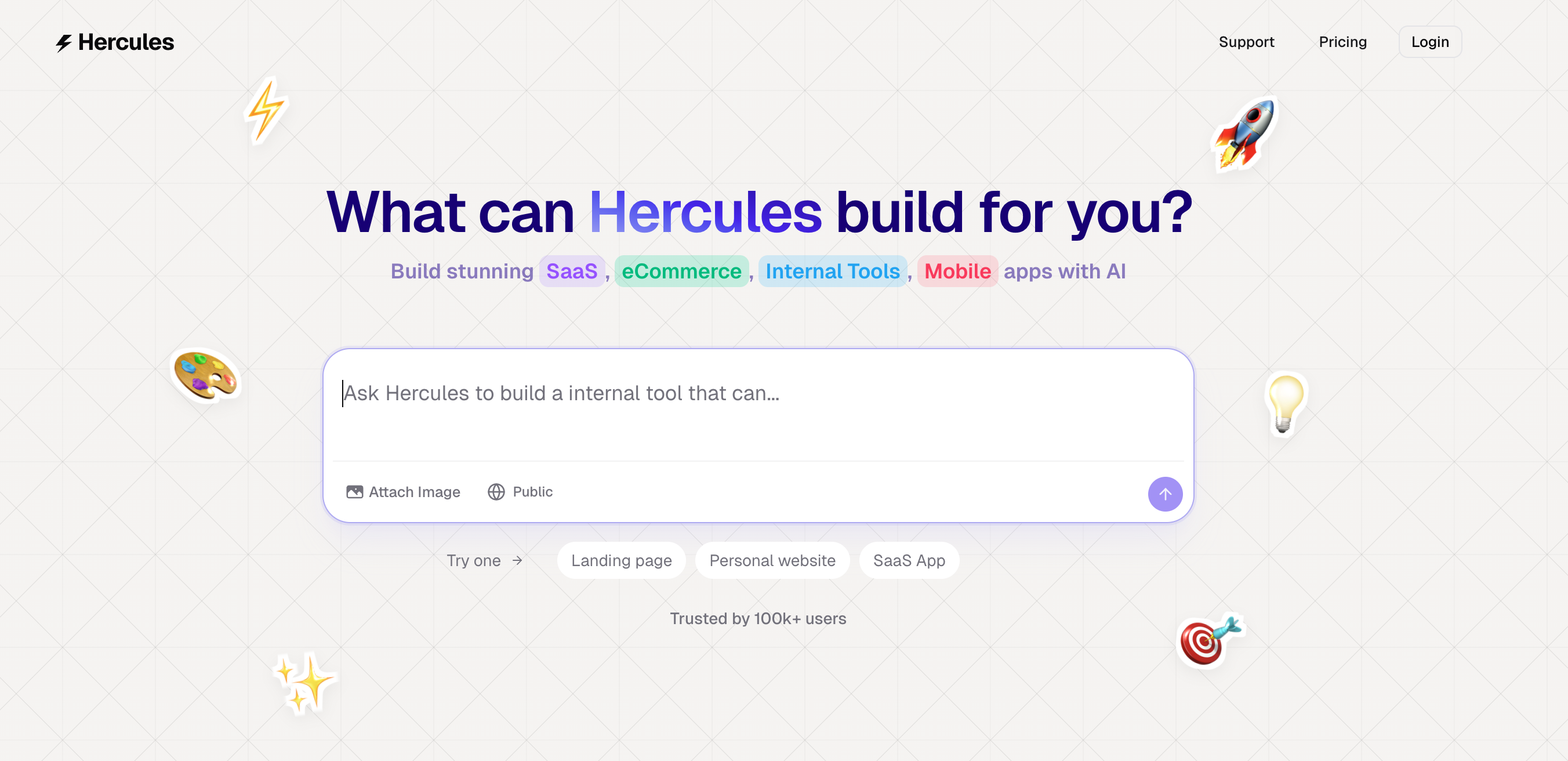
### 1. Tell Hercules what you want to build

Go to [hercules.app](https://hercules.app) and tell Hercules what you want to build. It could be an app, a website, SaaS, internal tool, eCommerce or anything else.

<div className="screenshot coral">
  <img src="https://mintcdn.com/zeus-0f6dadbf/QxQit90Hllg0BaOn/images/landing-page/get-started-with-hercules.png?fit=max&auto=format&n=QxQit90Hllg0BaOn&q=85&s=a7a1f3705ad33f7d525e8a71dc4c0402" alt="Get started with Hercules dialog" width="2704" height="1312" data-path="images/landing-page/get-started-with-hercules.png" />
</div>

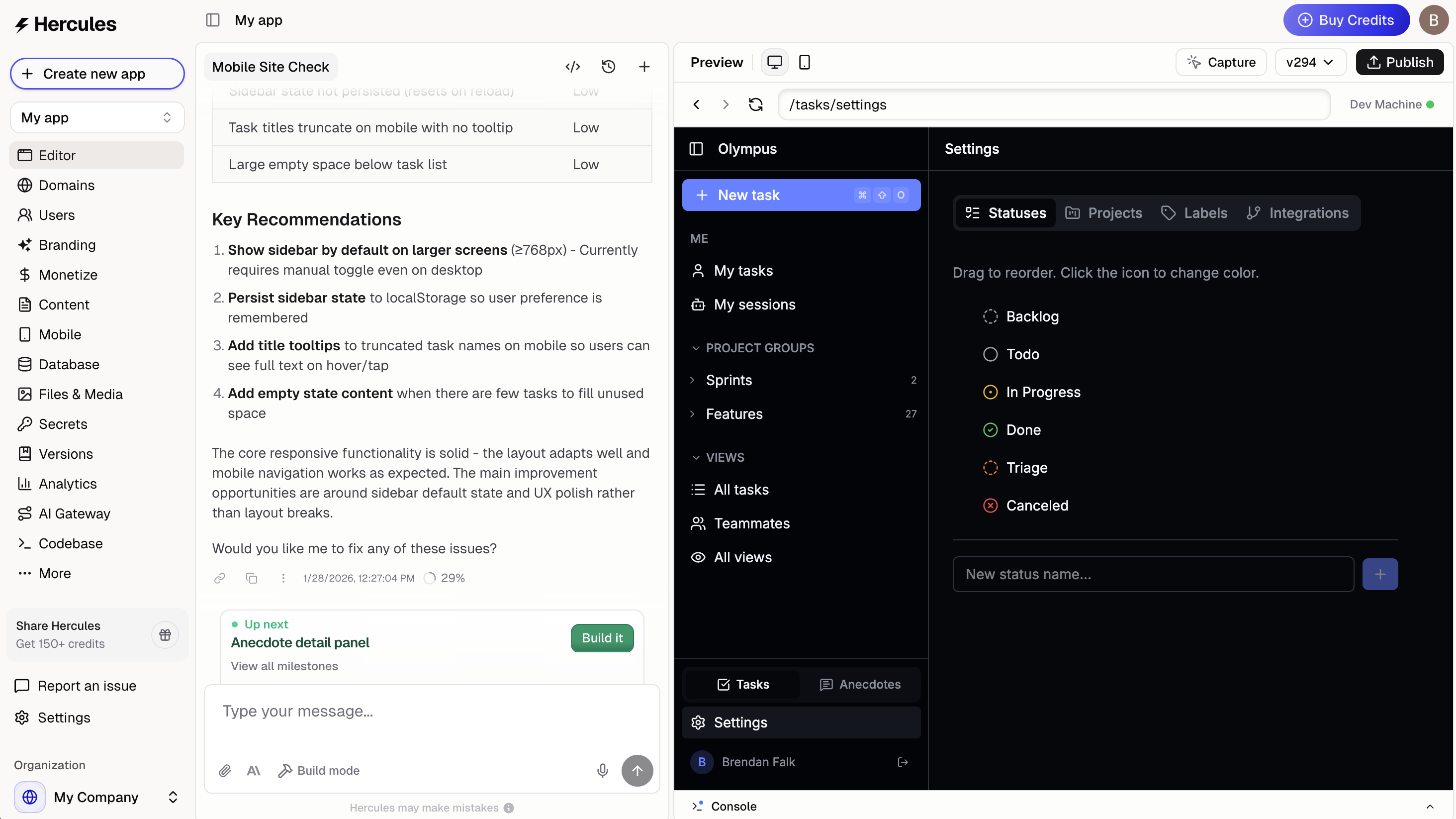
### 2. Continue chatting to refine your features

Tell Hercules what additional features you'd like, and what you want to change.

<div className="screenshot rain">
  <img src="https://mintcdn.com/zeus-0f6dadbf/kr00GTozD-mEFvWE/images/apps/_app-editor-whole-screen-with-text.png?fit=max&auto=format&n=kr00GTozD-mEFvWE&q=85&s=b41e98bdaa8118d89fa7ec2e2302a7ac" alt="Hercules app editor" width="2928" height="1646" data-path="images/apps/_app-editor-whole-screen-with-text.png" />
</div>

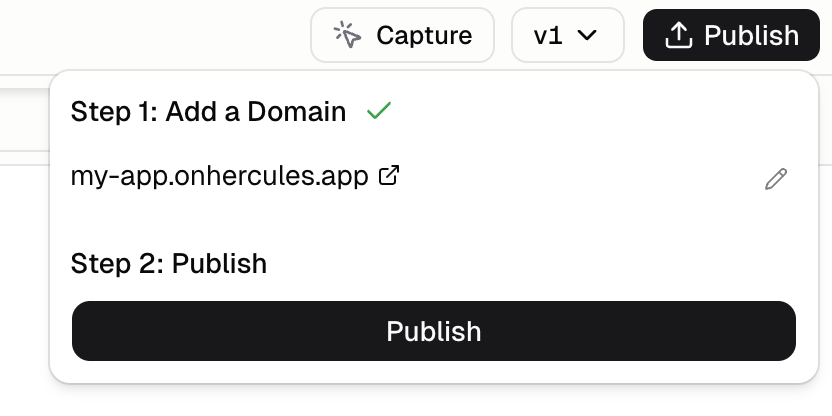
### 3. Publish your app

Click **Publish** in the top right corner. You will need to choose a Hercules domain to publish to first.

<div className="screenshot floss">
  <img src="https://mintcdn.com/zeus-0f6dadbf/vyfZOWPi9KdyCPiO/images/apps/publish-my-app.png?fit=max&auto=format&n=vyfZOWPi9KdyCPiO&q=85&s=b2c1f799c114e72d1c46a1796dcb6475" alt="Publish your app" width="832" height="416" data-path="images/apps/publish-my-app.png" />
</div>

### 4. That's it!

Your app is now live on the web hosted at **\[yourapp].onhercules.app**. Share the link with anyone.

### Keep building

<Card icon="globe" horizontal href="/apps/publish/buy-domain" arrow>
  Publish to a custom domain
</Card>

<Card icon="user" horizontal href="/apps/users-auth/get-started" arrow>
  Set up users, auth, and login
</Card>

<Card icon="credit-card" horizontal href="/apps/commerce/get-started" arrow>
  Accept payments with Hercules Commerce
</Card>

<Card icon="sparkles" horizontal href="/ai/improve-accuracy" arrow>
  Make Hercules AI more accurate
</Card>