> ## Documentation Index
> Fetch the complete documentation index at: https://hercules.app/docs/llms.txt
> Use this file to discover all available pages before exploring further.
# Hercules Auth
> Set up authentication with Google, Apple, Microsoft, Facebook, LinkedIn, email codes, passwords, or usernames, then customize your app's Auth Portal and role-based access.
Hercules handles user authentication for you using Hercules Auth. Allow your users to sign in with Google, Apple, Microsoft, Facebook, LinkedIn, an email code, an email and password, or a username and password.
### How does Hercules Auth work?
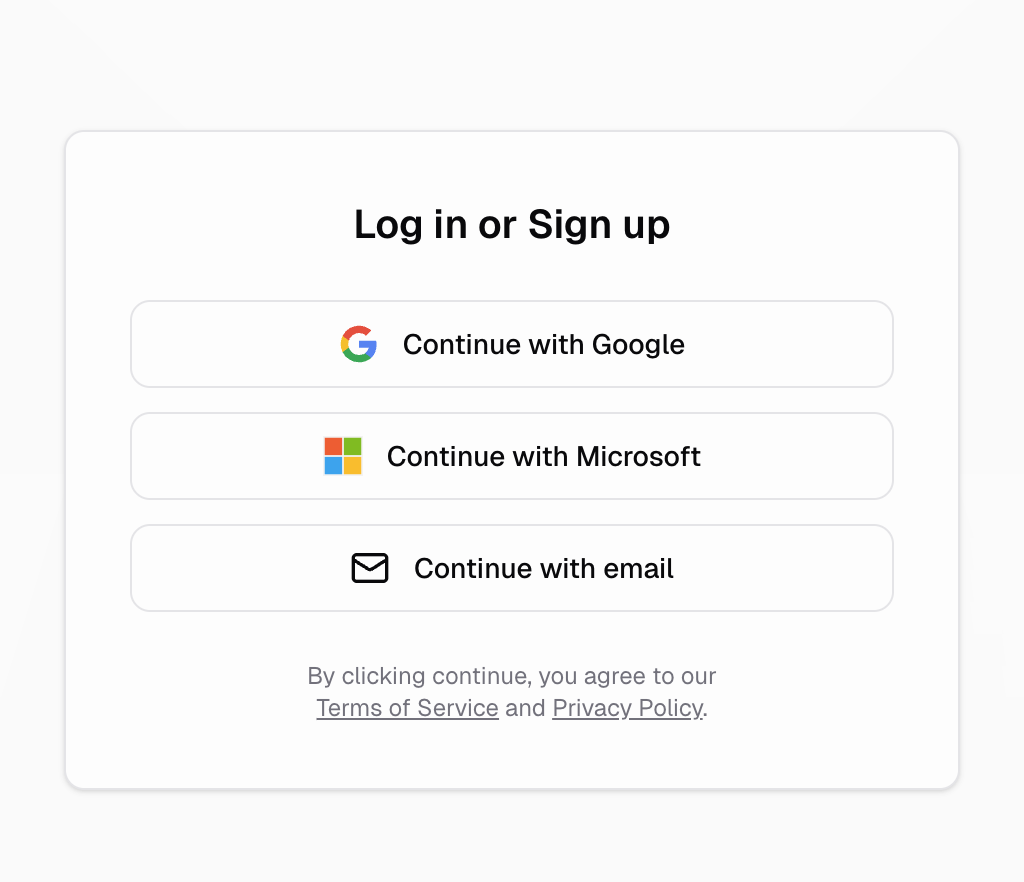
Your users sign into your app through a customizable login portal managed by Hercules. Your user picks their preferred login option. After authenticating, they are redirected back to your app and the authentication is officially saved on your app's frontend and backend.
### What login methods are supported?
Hercules Auth currently supports the following sign-up and login options:
* **Google**
* **Apple**
* **Microsoft**
* **Facebook**
* **LinkedIn**
* **Email via one-time passcode**
* **Email and password**
* **Username and password** (accounts created by you, no email required)
You can [customize which methods are shown](/docs/apps/users-auth/customize-auth-portal) to your users.
See [Customize Auth Portal](/docs/apps/users-auth/customize-auth-portal#how-do-i-enable-email-and-password-sign-in)
for email verification, password recovery, and CSV user imports, and
[Username and password sign-in](/docs/apps/users-auth/customize-auth-portal#how-do-i-enable-username-and-password-sign-in)
for admin-managed accounts.
### How do I enable auth for my app?
It's easy: just ask Hercules to set it up for you!
```text Add authentication to app wrap theme={}
Add login to my app
```
### How do I upgrade an existing app to Hercules Auth 2.0?
Apps created before Hercules Auth 2.0 shipped can upgrade in place to unlock provider toggles, your own developer accounts, and a custom auth domain. See [Upgrade to Hercules Auth 2.0](/docs/apps/users-auth/upgrade-to-hercules-auth-2).
### What's next?
Customize login methods, branding, and domains
Manage users, roles, and permissions