> ## Documentation Index
> Fetch the complete documentation index at: https://hercules.app/docs/llms.txt
> Use this file to discover all available pages before exploring further.

# User Profile and Passwords

> Manage email, password, passkeys. Switch organizations. Settings → Profile and Password.

Manage your personal account settings and passwords.

<div className="screenshot peach">
  <img src="https://mintcdn.com/zeus-0f6dadbf/Ln9dujBPr5a1oxMq/images/user/profile-name-email.png?fit=max&auto=format&n=Ln9dujBPr5a1oxMq&q=85&s=91f20321eeef2a20a891654915ccd176" alt="Profile settings" width="2436" height="814" data-path="images/user/profile-name-email.png" />
</div>

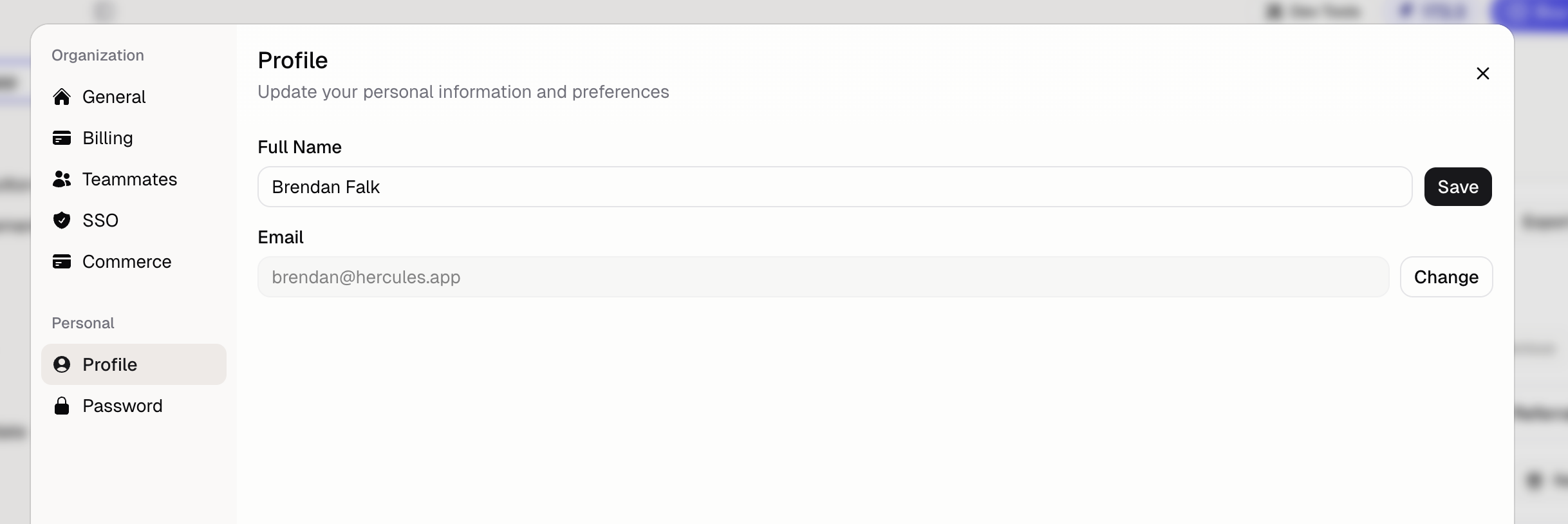
### How do I change my email?

1. Go to **Settings → Profile**
2. Type in your new email address
3. Go to your current email and click accept to verify the new email address
4. Refresh your page

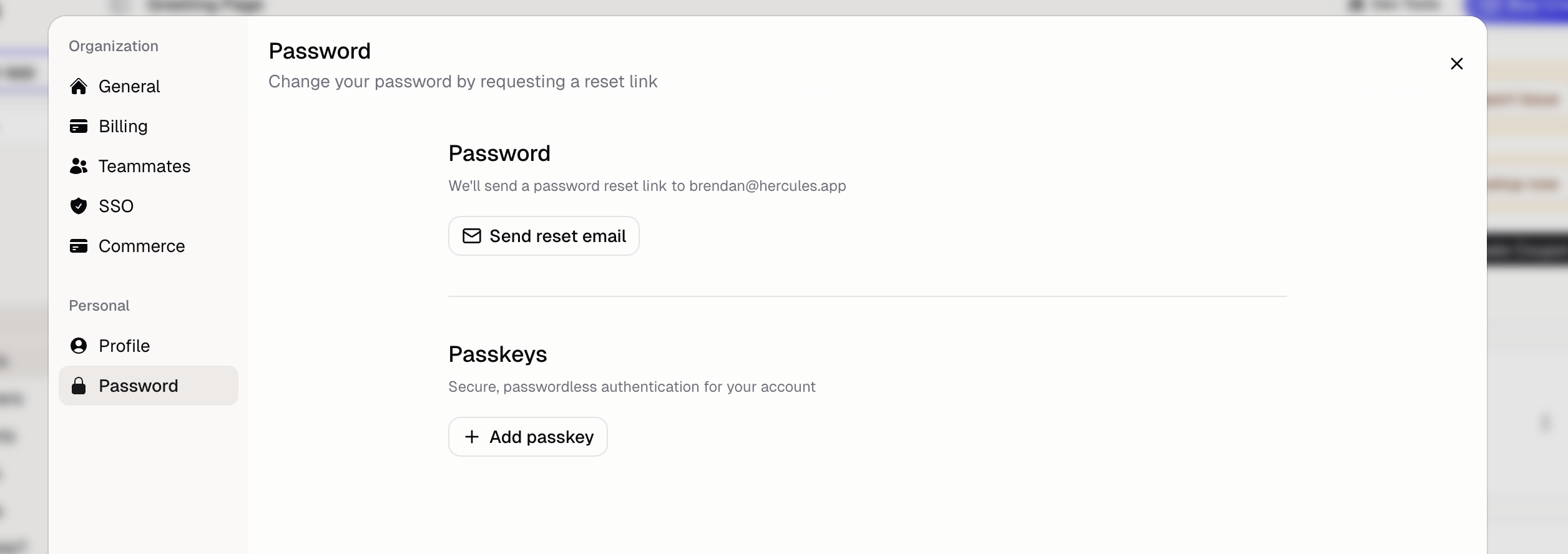
### How do I change my password?

1. Go to **Settings → Password**
2. Click **Send Reset Email**
3. Check your email for the reset link
4. Set a new password

<div className="screenshot lavender">
  <img src="https://mintcdn.com/zeus-0f6dadbf/Ln9dujBPr5a1oxMq/images/user/password-passkey.png?fit=max&auto=format&n=Ln9dujBPr5a1oxMq&q=85&s=515faa81ade6d762b18b4490ce65df7d" alt="Password and passkey settings" width="2512" height="888" data-path="images/user/password-passkey.png" />
</div>

### Can I use passkeys instead of a password?

Yes. Add a passkey in **Settings → Password → Passkeys** for passwordless login:

* Face ID or Touch ID on Apple devices
* Windows Hello on Windows
* Fingerprint on Android

### How do I change how much of the chat I see?

**Conversation density** controls how much of the Agent's work the App Builder chat shows. Go to **Settings** → **Profile** → **Conversation density** and pick:

* **Compact**: routine steps group into one line you can expand
* **Balanced**: every step gets its own row
* **Detailed**: every step gets its own row, with how long it took

The setting is yours alone. It applies to every chat in every App, and you can change it at any time.

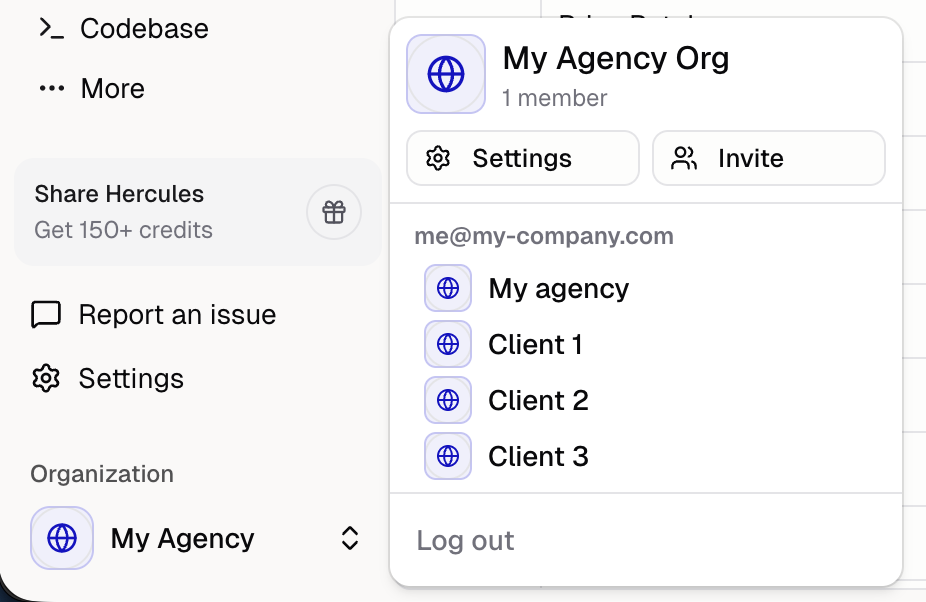
### How do I quickly switch between organizations?

If you belong to multiple organizations:

1. Click the organization name in the sidebar
2. Select a different organization

<div className="screenshot aurora">
  <img src="https://mintcdn.com/zeus-0f6dadbf/K8_RCaEW__ZwN5hW/images/org/org-switcher.png?fit=max&auto=format&n=K8_RCaEW__ZwN5hW&q=85&s=90d030716c3c6f4ba1d691b23abcbff2" alt="Organization switcher" width="926" height="602" data-path="images/org/org-switcher.png" />
</div>

Note: each organization has separate apps, billing, and settings.

This documentation is built and hosted on [Mintlify](https://mintlify.com), a developer documentation platform.