Single Sign-On for Apps
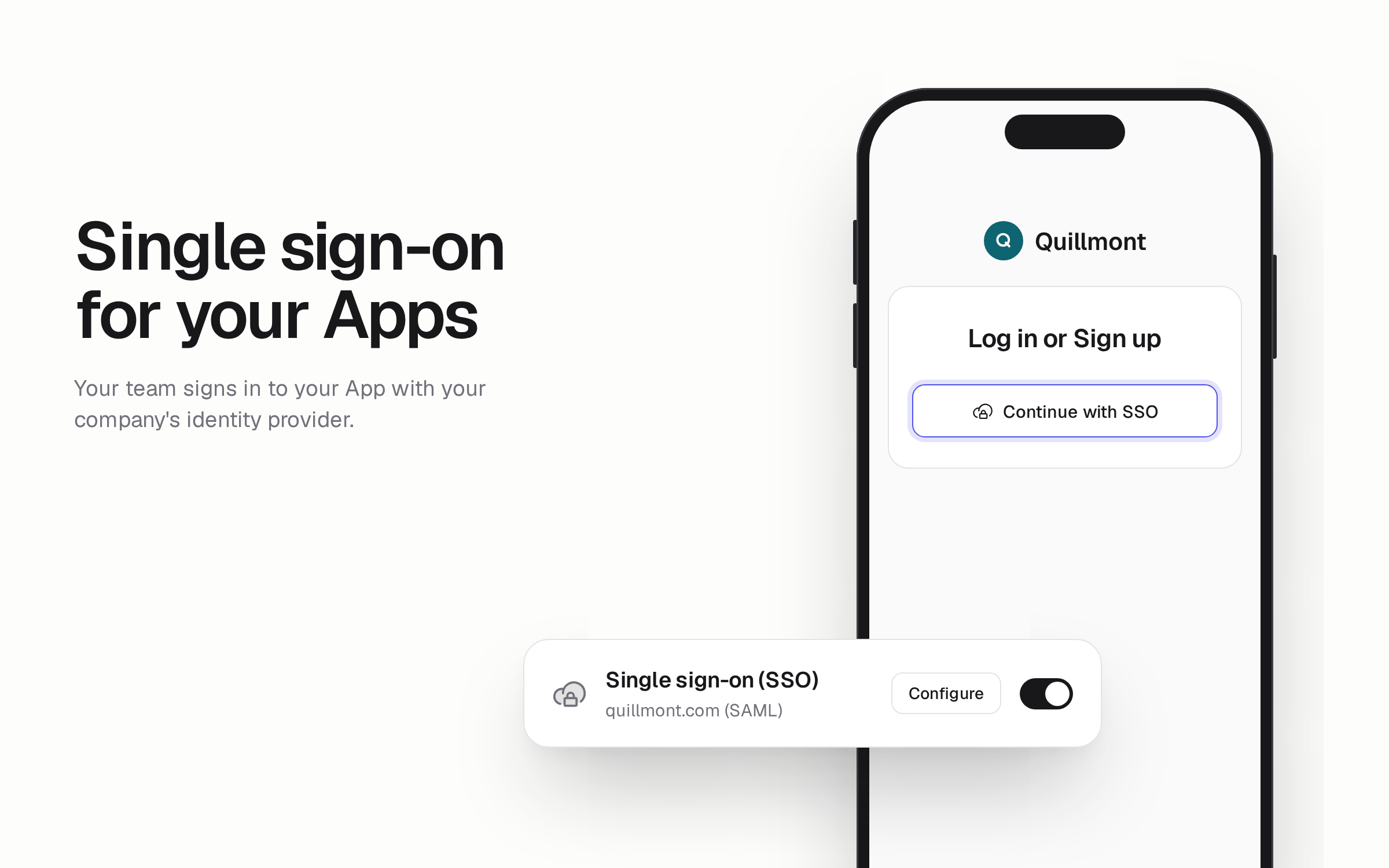
Your users can now sign in to your App through your company's identity provider (the service that manages work accounts), such as Okta, Microsoft Entra ID, or Google Workspace. Connect the provider once for your organization, and any App can show a Continue with SSO button on its sign-in page.
Choose Only SSO users under Sign-in Rules to make SSO the only way into an App. Its other sign-in methods are hidden, so only people your identity provider signs in can get in.
Single sign-on is available on Business and Enterprise plans and requires Hercules Auth 2.0.
To get started, go to Users & Access → Auth Portal → Sign-in Methods. Learn more in the Single Sign-On docs.