
What identity providers are supported?
Hercules works with any SAML 2.0 provider:- Okta
- Azure AD (Microsoft Entra ID)
- Google Workspace
- OneLogin
- Auth0
- Ping Identity
Can I connect multiple providers?
Yes. You can connect multiple SSO/SAML providers to your organization.How do I set up SSO/SAML?
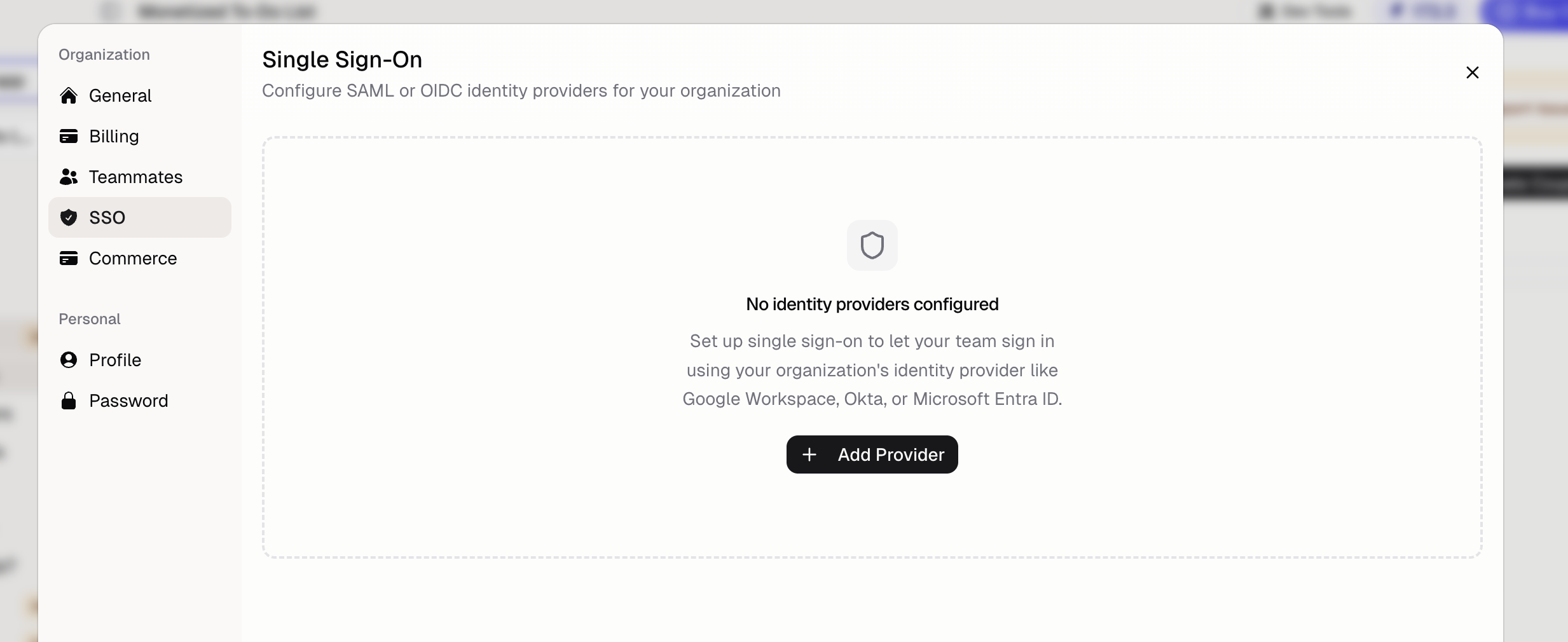
Go to Organization → SSO and follow the instructionsHow do end users sign in with SSO?
After SSO is configured, users must click the “Sign in with SSO/SAML” option on the login page. They authenticate through your identity provider and are redirected back to Hercules.Additional FAQ
Can I get help setting up SSO?
Can I get help setting up SSO?
Yes. Contact hello@hercules.app and we’ll help you configure your identity provider.
Does SSO work for my app's end users?
Does SSO work for my app's end users?
This page covers SSO for logging into the Hercules platform itself (hercules.app). For your
app’s end users, Hercules Auth supports Google, Apple, Microsoft, LinkedIn, email one-time
passcodes, and email and password sign-in. End-user SSO/SAML is not configurable in the
dashboard today. Contact hello@hercules.app if you need it.