Add Visual Context
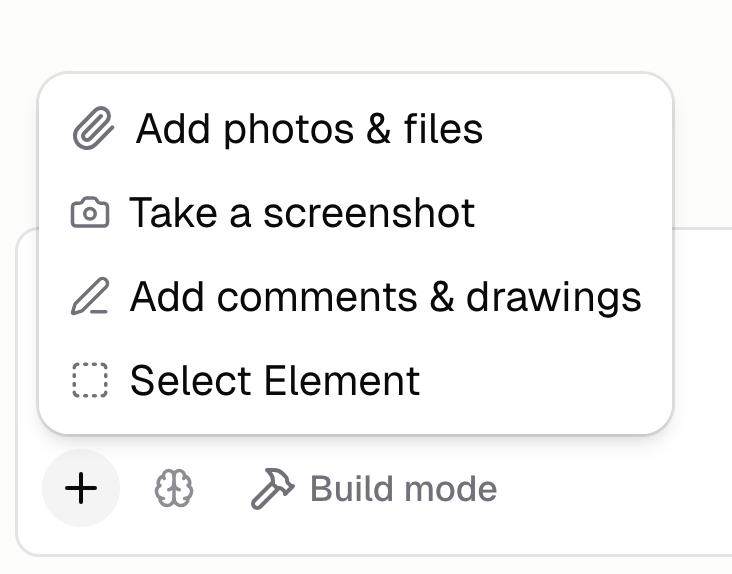
Help Hercules be more accurate by sharing more precise visual context using capture tools.
- Screenshot. Capture part of your app to point Hercules at the right UI.
- Annotate. Draw boxes, arrows, and comments on a screenshot to mark exactly what to change.
- Select element. Point the Agent at a specific HTML element so there's no ambiguity.
- Attach files. Drop in photos and files from your device.
To get started, click + in the chat input. Learn more in the capture tools docs.