Move an App to Another Region
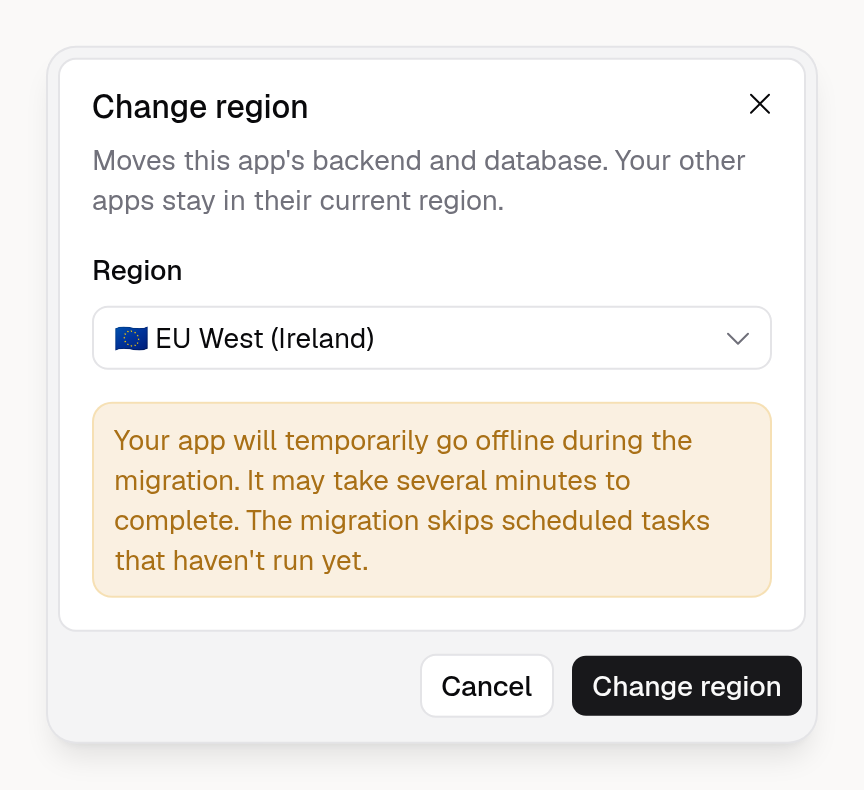
You can now move an existing App's backend and database to another region, such as from the US to the EU or Australia. Only that App moves, and your other Apps stay in their current region.
Your App is offline during the move, usually for a few minutes. Organization owners and admins on Business and Enterprise plans can change an App's region.
To get started, open your App in the App Builder, go to Advanced → Backend, and click ⋯ → Change region on the Production card. Learn more in the Backend docs.