
What can the backend do?
- API routes: Handle requests from your frontend
- Database access: Query and update your data
- Scheduled functions: Run functions at a specific times
- Cron jobs: Run functions on a recurring schedule
- Public API: Expose endpoints that other apps can call to query your data
How do I view backend activity?
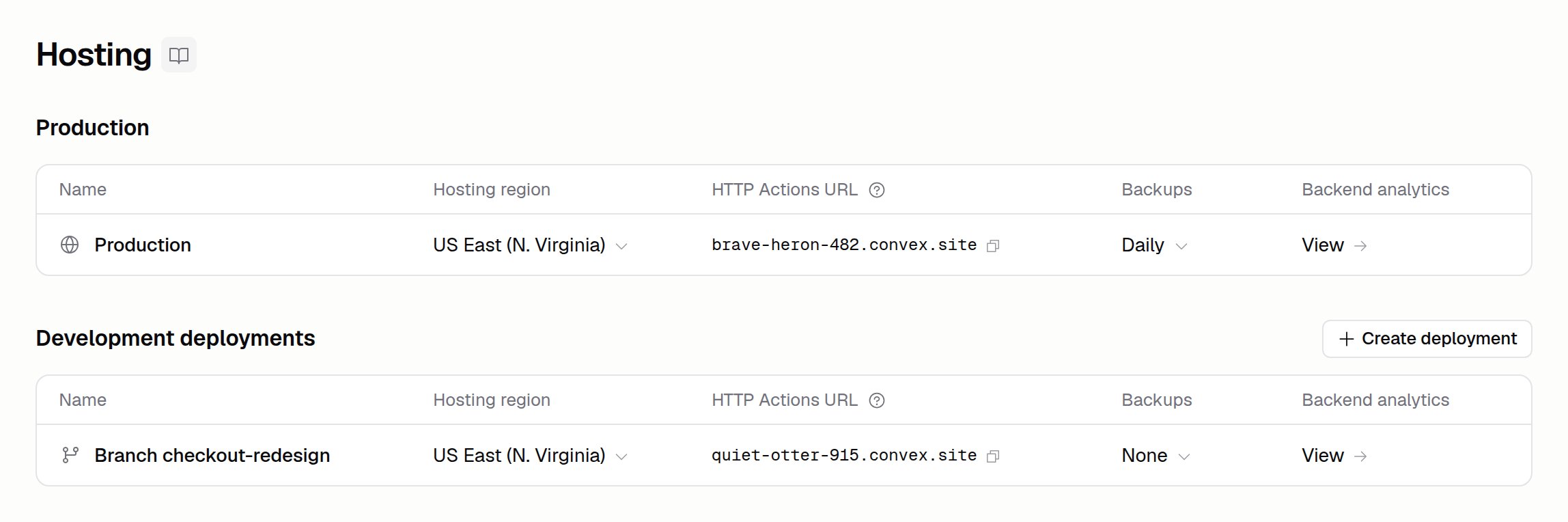
Open the Hosting tab to see your deployments. Each deployment’s row shows:- Backend analytics: Click View to see call counts, database bandwidth, and compute for each backend function, including functions your cron jobs and scheduled functions run
- Backups: Your backup schedule. Click it to see or schedule backups of your data
convex/crons.ts. To check them, or to see backend logs and errors, ask Hercules.
How does it scale?
The backend is serverless meaning it can scale up and scale down as needed. This means it’s cheap and fast.How do I move my app to another region?
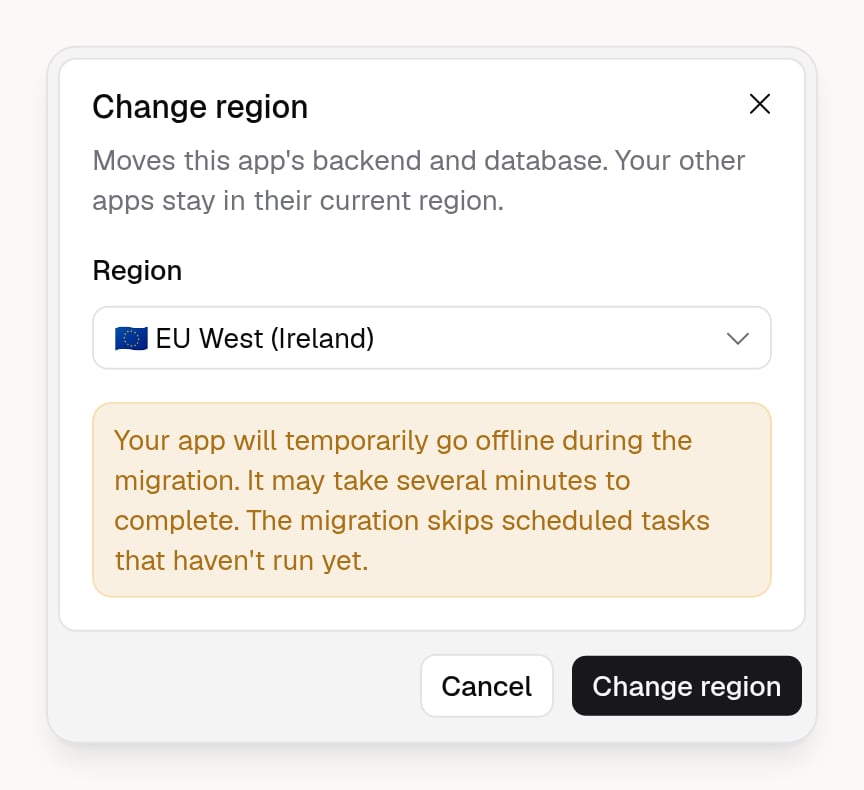
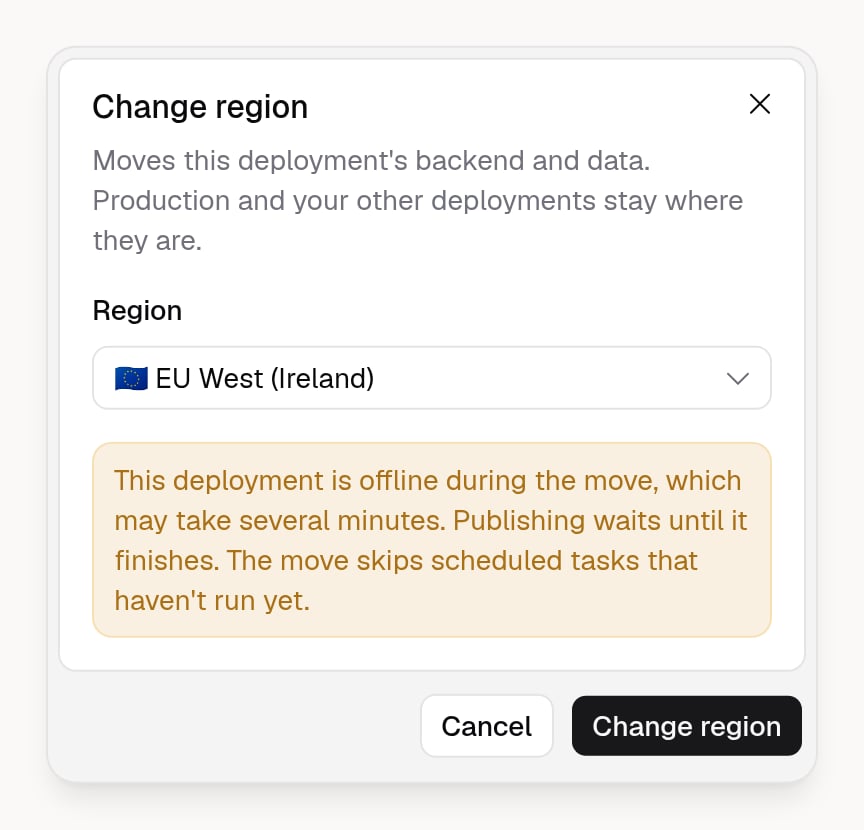
Move an app’s backend and database to another region, such as from the US to Europe or Australia. Only that app moves. Your other apps, and the default region for new apps, stay the same.- Open the app and go to Publish → Hosting in the Sidebar.
- On the Production row, click the hosting region.
- Pick a region and click Change region.
What are Hercule backend's public IP addresses?
What are Hercule backend's public IP addresses?
The Hercules backend uses the following public IP addresses:US East (N. Virginia)
- IPv4:
216.235.222.0/24 - IPv6:
2600:1f18:77e:2300::/56,2600:1f10:4a09:7c00::/56
- IPv4:
3.248.173.188,34.242.144.108,54.170.181.63,54.195.47.143,54.73.189.39,63.33.186.66 - IPv6:
2a05:d018:6f:e900::/56,2a05:d018:3aa:3c00::/56
- IPv4:
3.97.235.161,3.98.180.27,3.98.212.39,15.222.189.58,16.54.252.217,52.60.206.62 - IPv6:
2600:1f11:8:ea00::/56,2600:1f11:56e:300::/56
- IPv4:
13.238.177.157,16.178.19.224,52.62.9.39,52.62.114.123,52.65.179.161,54.66.89.81 - IPv6:
2406:da1c:11ea:f700::/56,2406:da1c:4f4:fd00::/56
Can I access my Convex deploy key?
Can I access my Convex deploy key?
No, for security reasons we unfortunately cannot expose access to the Convex deploy key.