
How does versioning work?
Versions are sequential. Each change creates the next version number:- Version 1 → Version 2 → Version 3 → …
How do I view version history?
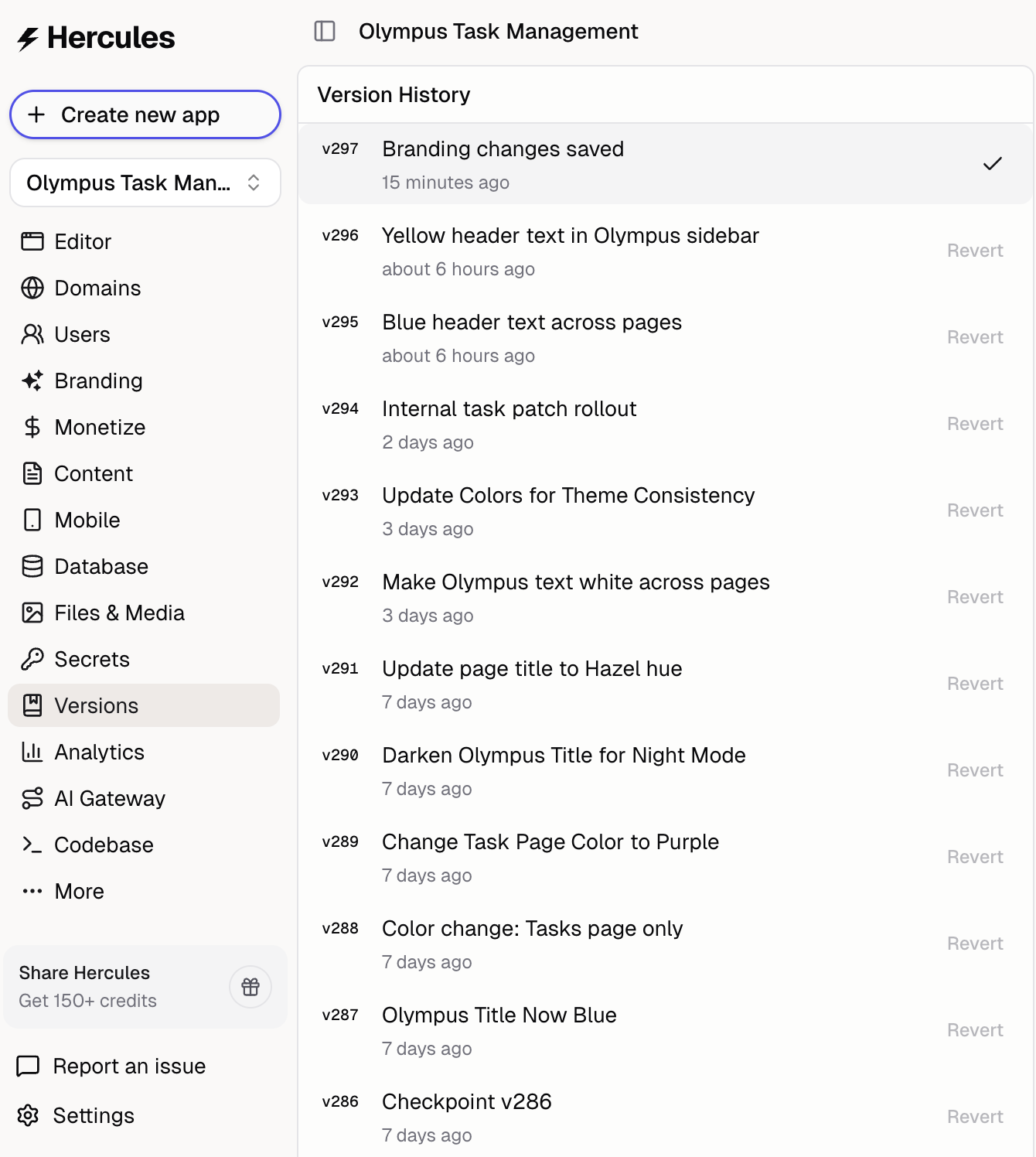
Open the Versions tab in the sidebar to see all changes. Each entry shows:- What was added or changed
- When it happened
How do I revert to a previous version?
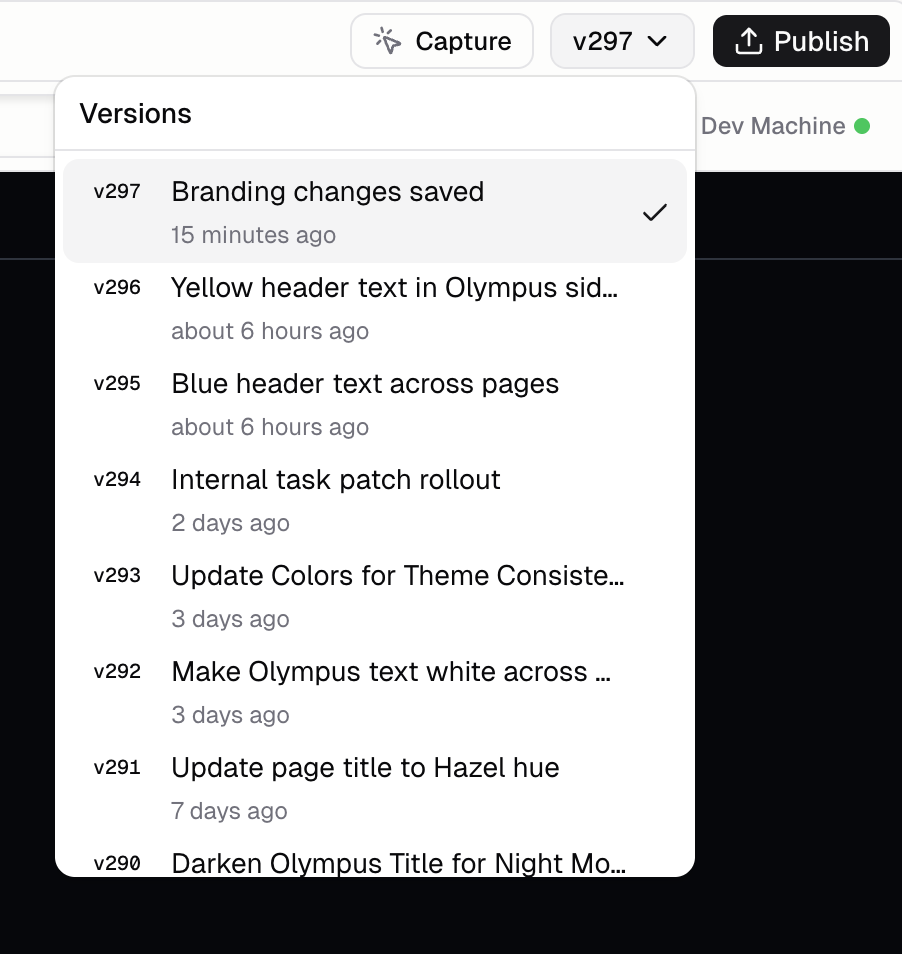
Two ways to revert:- Version switcher near the Publish button
- Versions tab in the sidebar
Can I go forward again after reverting?
Yes. All versions are preserved in history. Reverting doesn’t delete anything.How long is version history retained?
Your versions are stored forever.Additional FAQ
How do I duplicate an app?
How do I duplicate an app?
You can duplicate any app from the Dashboard. Hover over the app, click the three-dot menu (⋯) in the top-right corner, and click Duplicate.A new copy is created and opens automatically. It includes your app’s code, files, settings, description, and AI instructions. The title will have “(Copy)” appended.Duplicating does not copy domains, published URLs, commerce settings, analytics data, or template/showcase configuration. The new app starts as an independent, unpublished copy.
What's included in a version?
What's included in a version?
Almost everything: code, configuration, database schema. A version is a complete snapshot of your app at that point in time.The only things a version does NOT include are 1) files uploaded to Hercules Files and Media and 2) Data in the database.
Can I name or tag versions?
Can I name or tag versions?
Versions are automatically named based on what changed. Custom naming/tagging is on the roadmap.
Why does it take time to propagate after reverting?
Why does it take time to propagate after reverting?
Reverting restores code, rebuilds the app, and updates the preview. This takes up to ~30 seconds depending on app complexity.