
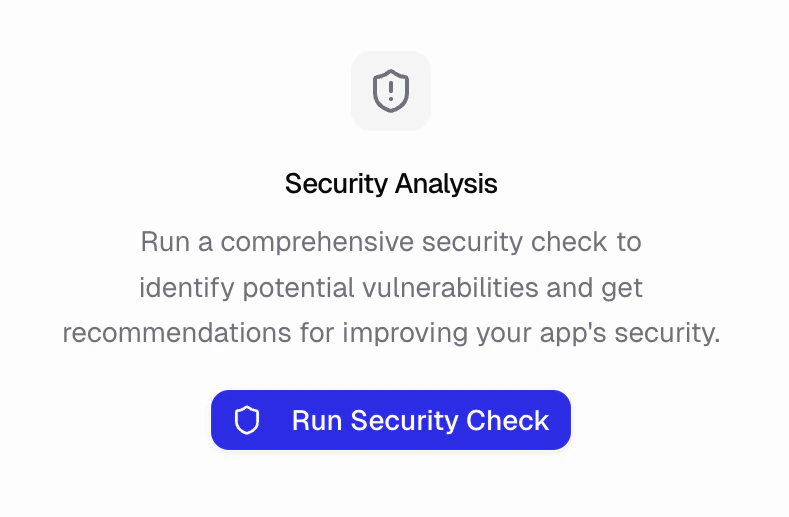
What security audits can I run?
Three audits cover security and access, found under Security & Access in the Audits tab:- Security: Find vulnerabilities and get recommendations to fix them. Covers authentication, authorization, input validation, injection, secret exposure, and insecure data handling.
- Identity & Access: Verify auth and permissions are implemented correctly. Confirms every backend function enforces authorization, ownership checks, and role-based access.
- Dependency & Supply Chain: Check for outdated, vulnerable, or risky dependencies, unused packages, and license risks.
How do I check my app’s security?
- Open the Audits tab in the sidebar
- Under Security & Access, click Run Audit on the audit you want
- Wait for the analysis to complete
- Review prioritized findings
What do the severity levels mean?
- Critical: Fix immediately. Serious vulnerabilities that could compromise your app or user data.
- High: Fix before publishing. Significant issues that should be addressed.
- Medium: Fix when convenient. Issues that improve security but aren’t urgent.
- Low: Consider fixing. Minor improvements or best practices.
What else should I do to keep my app secure?
Keep secrets secure- Use the Secrets panel for API keys
- Never hardcode sensitive values
- Rotate keys if compromised
- Use role-based permissions
- Restrict admin pages
- Validate user input
- Check security analysis after major changes
- Fix critical and high issues promptly
- Add security headers under More → Security
- Turn on HSTS to force HTTPS
- Control iframe embedding with X-Frame-Options