
- Browser tab: Set your tab title and favicon
- Social Media Previews: Control Open Graph images for social sharing
- Built with Hercules Badge: Remove or keep the attribution badge
- SEO and AEO Review: Grade your App for search engines and AI answer engines, then fix issues with the agent
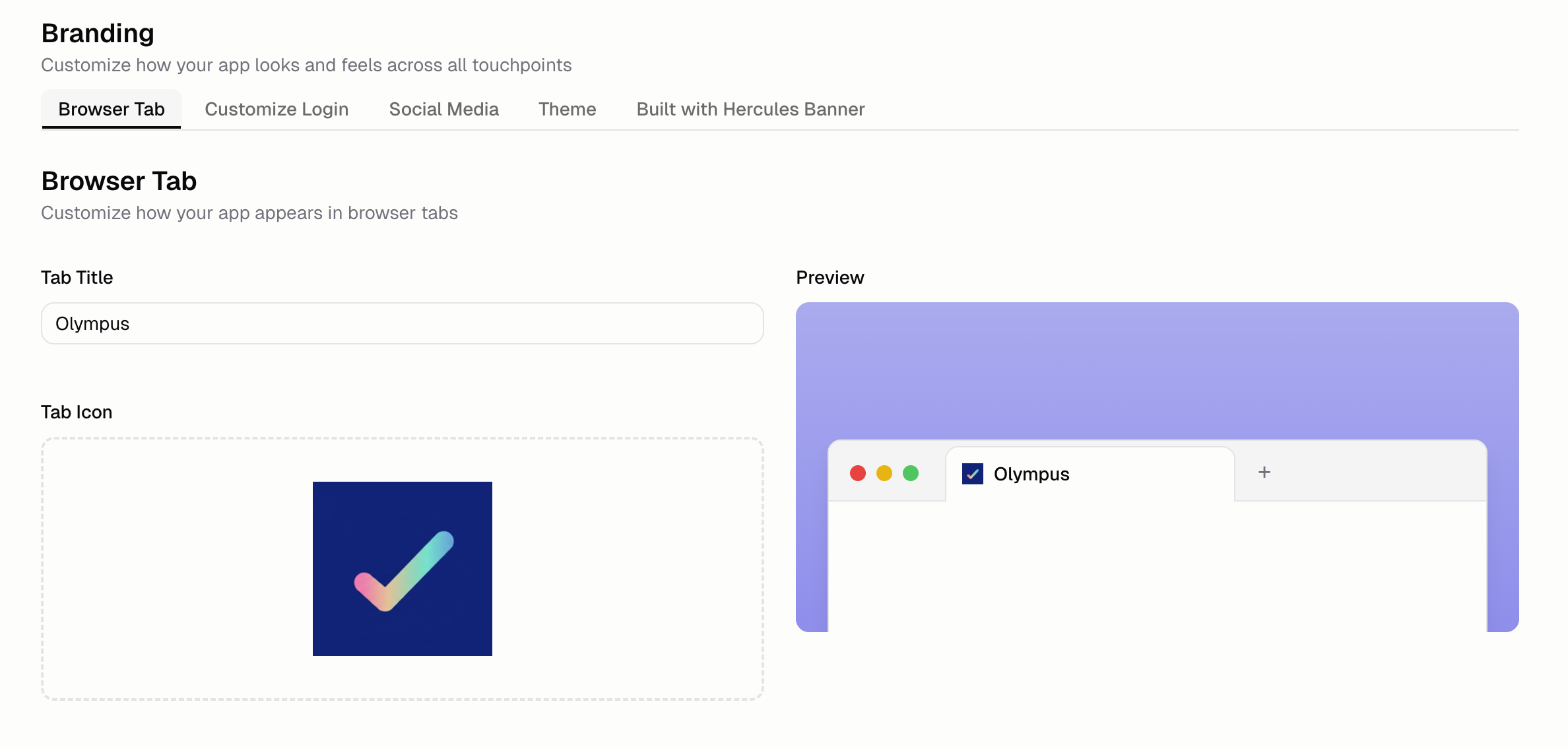
Customize Browser tab
Customize how your app appears in browser tabs. Set your:- Tab title: The text shown in the browser tab
- Favicon: The small icon next to the tab title
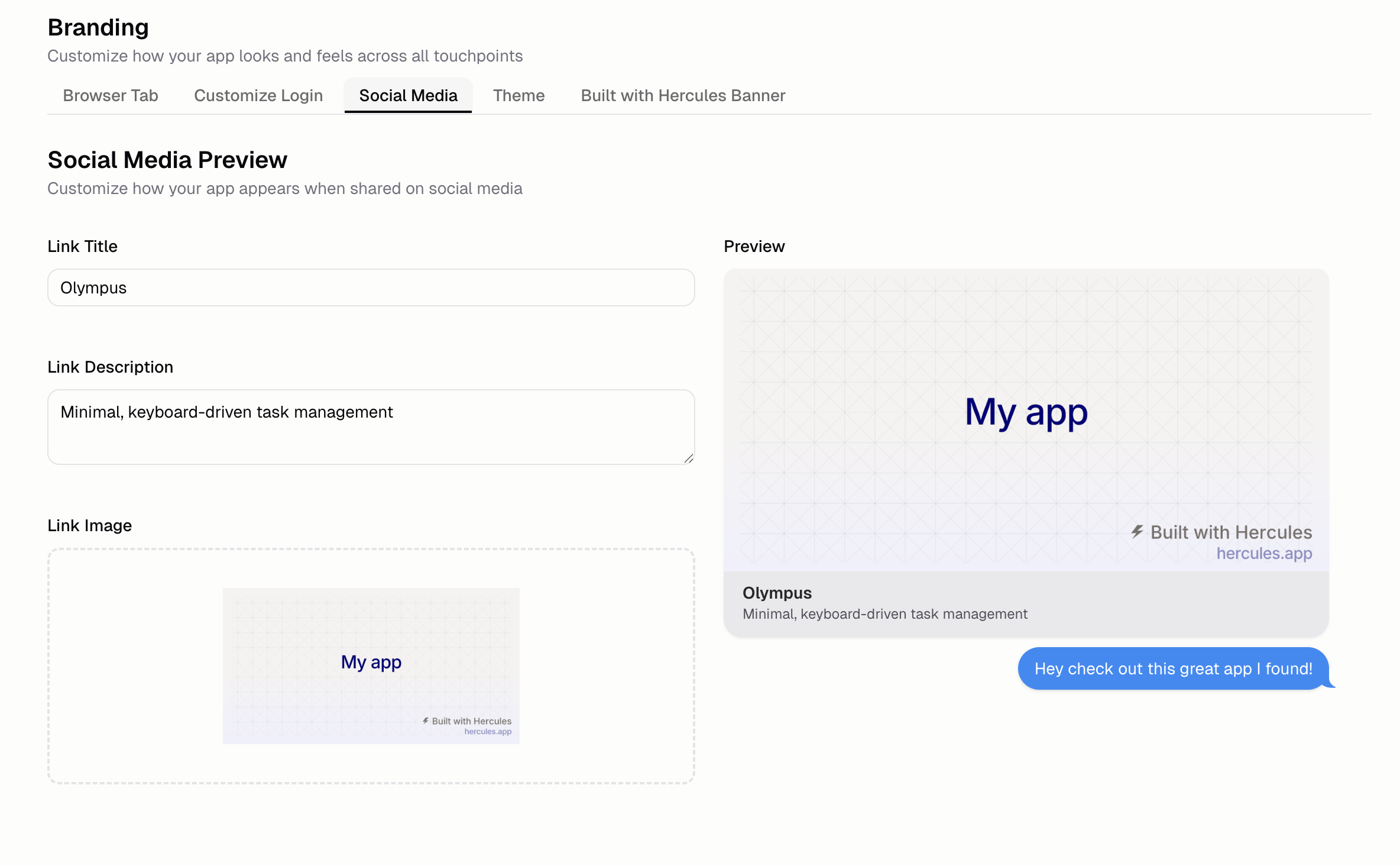
Customize Social Media Previews (Open Graph Images)
Control the preview image that shows up when you share your app on social media like Instagram, Twitter/X, Facebook, Whatsapp, iMessage, and more. Set the:- Title: Headline when shared
- Description: Summary text below the title
- Image: Preview thumbnail
Built with Hercules badge
Free plans show a small “Built with Hercules” badge on all published sites. You can hide this badge by upgrading to a paid plan, going to Branding & SEO, then toggling off badge visibility. You will need to publish your app again after turning it off.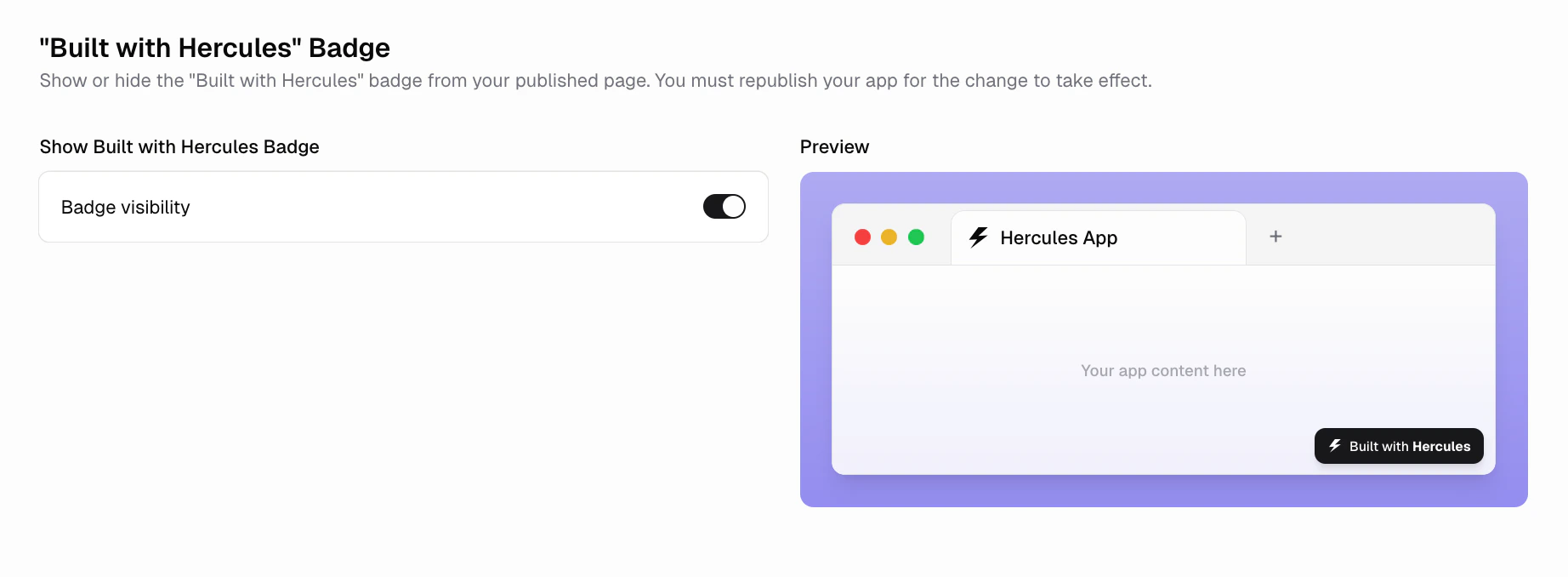
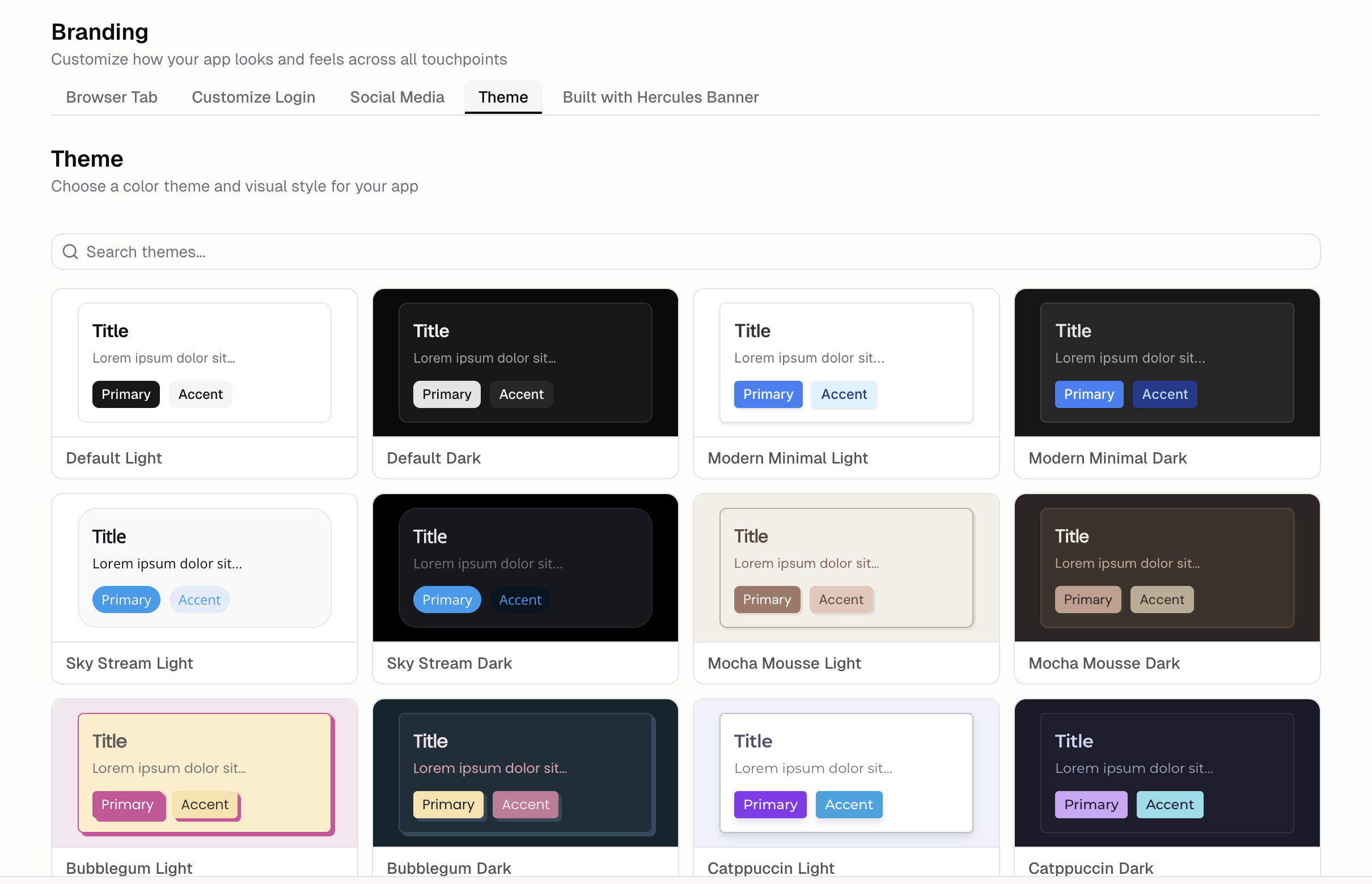
Customize the Theme
You can ask Hercules to customize your apps theme. However, you can also choose one of 20 preset themes. Themes customize:- Primary and accent colors
- Light and dark mode options
- Font choices
- Button styles
SEO and AEO Review
Review your App for search engines and AI answer engines, then fix issues with the agent. Open the Branding & SEO tab, select SEO Review, and click Run review. Available on the Pro, Business, and Enterprise plans.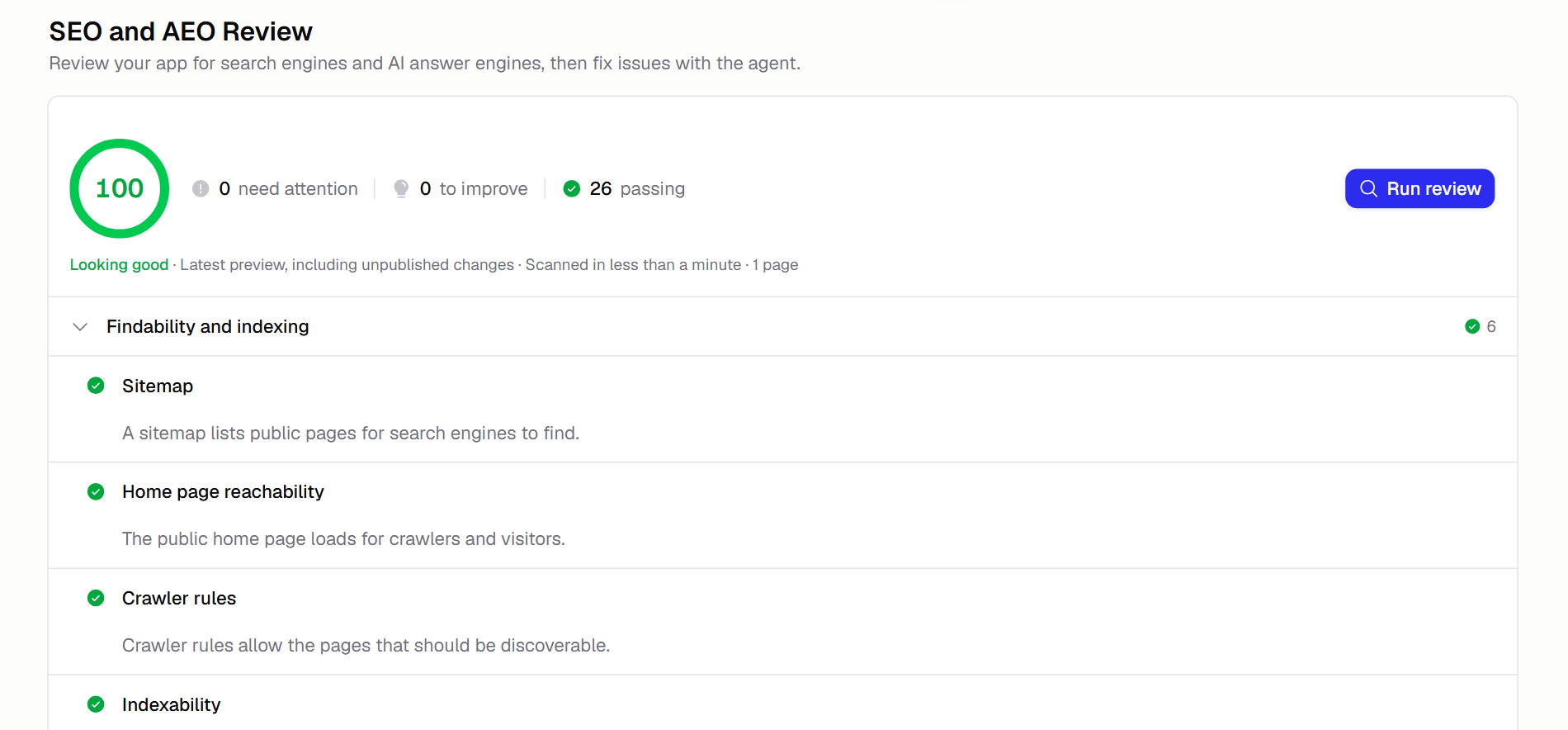
- Findability and indexing: whether search engines and AI crawlers can find and index your pages (sitemap, crawler rules, indexability, broken links)
- Metadata and sharing: page titles, descriptions, canonical URLs, and social share previews
- Content and structure: headings, accessibility, content depth, and descriptive links
- AI search and structured data: structured data and content that AI answer engines can read and cite
- Technical and security: HTTPS, mobile viewport, HTML foundations, and security headers
Improve SEO
Hercules handles the following automatically:- Mobile-friendly design
- Fast page loads
- Clean HTML structure
- A default
robots.txtso crawlers can index your site - SSL encryption
SEO improvement prompt
How do I submit my website to Google and other search engines for indexing?
First, ask Hercules to add a sitemap to your site:Add a sitemap
sitemap.xml to the end of your domain (e.g. https://yourdomain.com/sitemap.xml). Each search engine has its own webmaster tools and method for submitting sitemaps. Verify your domain ownership with each engine before submitting.
Google
Submit sitemap:
- Go to Google Search Console
- Select your site
- Select Sitemaps
- Enter
sitemap.xmlunder Add a new sitemap - Click Submit
- Enter the full URL (including
https://www) in the search bar at the top - Press Enter
- Click Request Indexing
Bing
Bing
Submit sitemap:
- Go to Bing Webmaster Tools
- Select your site
- Click Sitemaps
- Click Submit sitemap
- Enter your full sitemap URL (e.g.
https://yourdomain.com/sitemap.xml) - Click Submit
- Click URL submission
- Click Submit URLs
- Enter the full URL (including
https://www) - Click Submit
Yandex
Yandex
Submit sitemap:
- Go to Yandex Webmaster Tools
- Select your site
- Click Indexing
- Select Sitemap tools
- Enter your full sitemap URL under Add sitemap file
- Click Add
- Click Indexing
- Select Reindex pages
- Enter the full URL (including
https://www) - Click Send