
When should I use a branch?
Use a branch when you want to try changes safely, away from your main app:- Test a risky change or large rework before it reaches your main app
- Let the Agent work on a feature in the background while you keep building on main
- Try changes against a copy of your real data without affecting production
- Run several efforts in parallel, each on its own branch
How do I create a branch?
- Open your app in the Dashboard
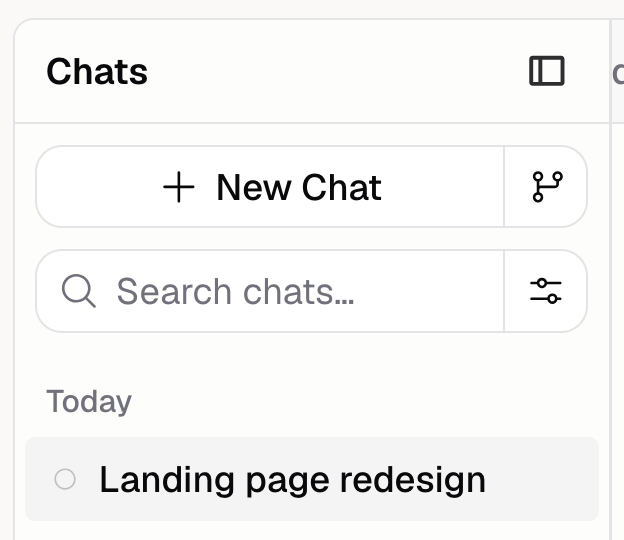
- In the chat click the Branch icon (the icon to the right of New Chat)
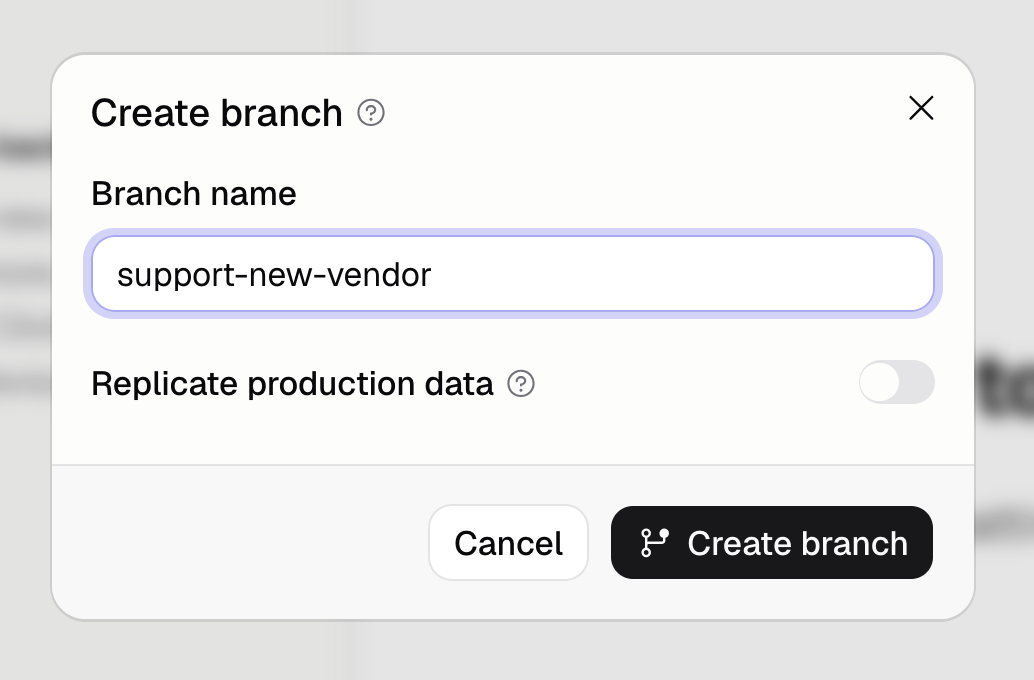
- Enter a Branch name
- Optionally turn on Replicate production data to copy your production database into the branch
- Click Create branch
Start your main dev session before creating a branch. If it isn’t running yet, open your app’s
preview first, then create the branch.
What can I do on a branch?
A branch works like any other chat. You can:- Chat with the Agent and ask for changes
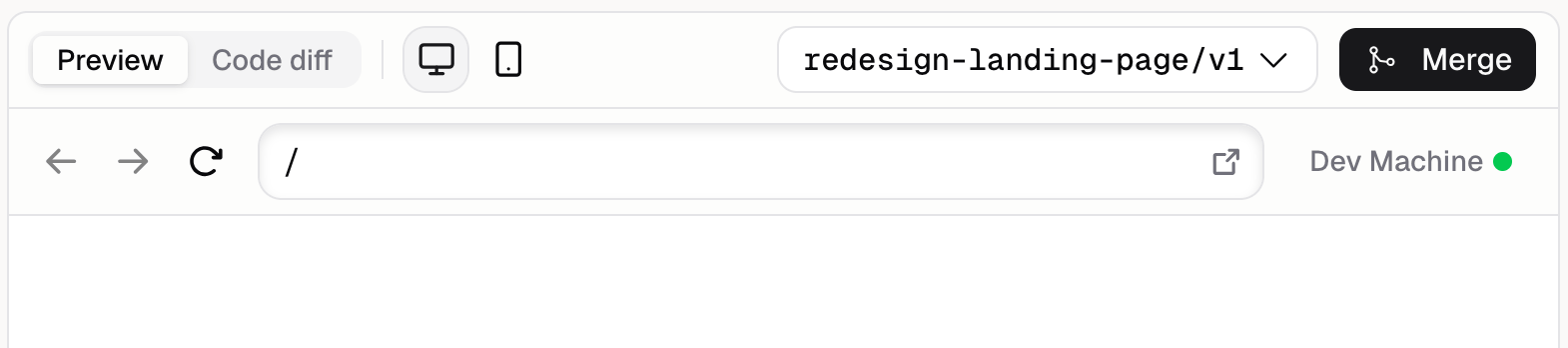
- See a live preview of the branch as the Agent works
- View the diff (the list of files the branch has changed compared to main)
- Open more than one chat on the same branch, they share the same backend and code
How do I merge a branch into main?
Click Merge in the branch banner above the chat input. Hercules combines the branch changes into your main app. When it finishes, you’ll see Merged into main and a “Branch merged into main” confirmation. After a merge, the branch is done:- Its changes are now part of your main app
- The chat for that branch can no longer be continued
What happens if there are merge conflicts?
A conflict happens when the branch and main both changed the same thing. If Hercules can’t merge cleanly, the banner changes to Resolve merge conflicts and shows which files conflict. Ask the Agent to resolve them, then click Merge into main branch to finish.Additional FAQ
What states can a branch be in?
What states can a branch be in?
A branch is one of four states:
- Open. Active and being built. You can chat, merge, or close it.
- Resolving. A merge started but hit conflicts. Resolve them, then complete the merge.
- Merged. The changes are now in your main app. The branch is finished.
- Closed. The branch was discarded without merging. The branch is finished.
Can I reopen a merged?
Can I reopen a merged?
No. Once a branch is merged it’s finished, and its chat can’t be continued. Start a new chat on
main, or create a new branch to keep building.
Can multiple chats work on the same branch?
Can multiple chats work on the same branch?
Yes. After you create a branch, the New Chat in Branch button starts another chat on it. All
chats on the same branch share the same backend and code, so changes from one show up for the
others.
What does “Replicate production data” do?
What does “Replicate production data” do?
It copies your production database into the branch when the branch is created, so you can test
against a copy of real data. The copy is a one-time snapshot, changes you make on the branch
afterward don’t affect production. The option is only available if your app has a production
deployment. See Environments and Database.
How is a branch different from version control?
How is a branch different from version control?
Version control tracks every change to your main app in sequence so you
can revert. A branch is a separate, isolated copy where you build changes in parallel, then merge
them back into main in one step. Use a branch to work safely off to the side, use version history
to step back to an earlier point.
Is there a limit on branches?
Is there a limit on branches?
Each app can have up to 100 branches over its lifetime. Merging or closing branches you’re done
with keeps you well under the limit.
What happens to the preview after I merge?
What happens to the preview after I merge?
The branch’s backend is shut down, so its live preview stops. In its place you’ll see a notice explaining what happened. Your main app’s preview is unaffected.