
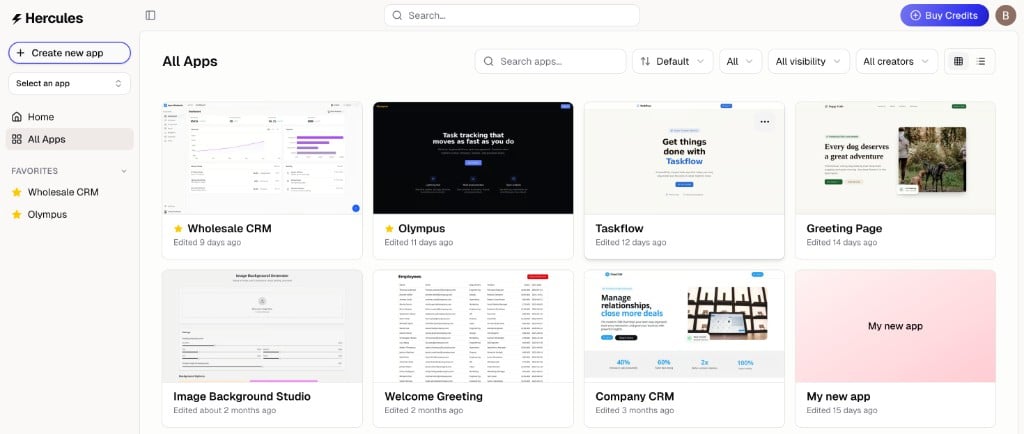
How do I see my apps?
How do I see my apps?
Go to hercules.app/dashboard/app to view all apps in your current organization.
How do I transfer an app from one org to another?
How do I transfer an app from one org to another?
See Transfer an app for how to move an app to another organization.
How do I delete an app?
How do I delete an app?
There are two ways to delete an app, depending on your device.On desktop:
- Go to hercules.app/dashboard/app
- Hover over the app and click the three dots (More)
- Click Delete
- Open the app
- Tap More → Danger Zone
- Tap Delete
How do I duplicate an app?
How do I duplicate an app?
- Go to hercules.app/dashboard/app
- Hover over the app and click the three dots
- Click Duplicate