
- read/write to a codebase to build features, fix bugs, and change UI
- search the internet
- generate images
- change data in your database
- interact with your browser to test changes,
- and more
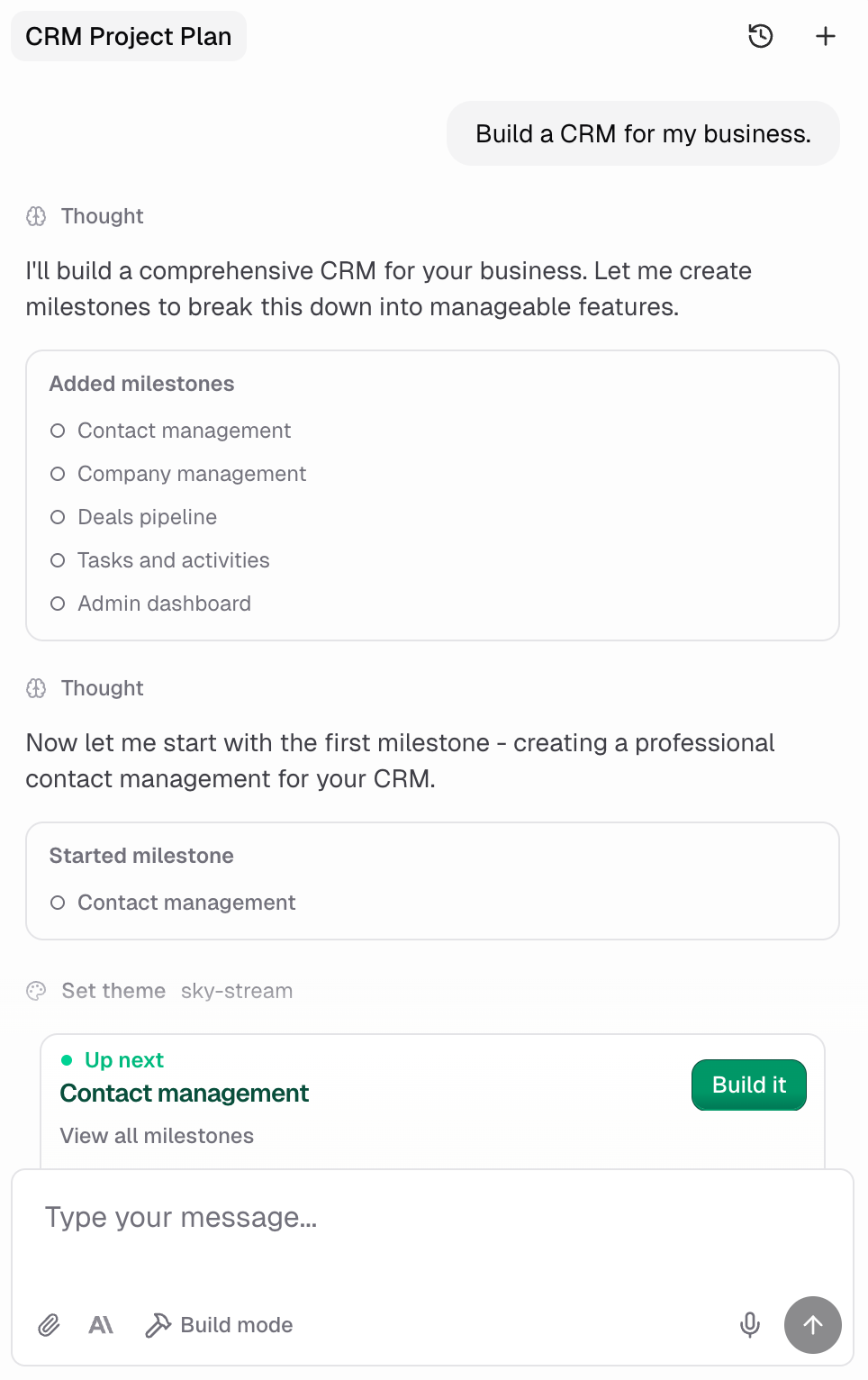
What are agent modes?
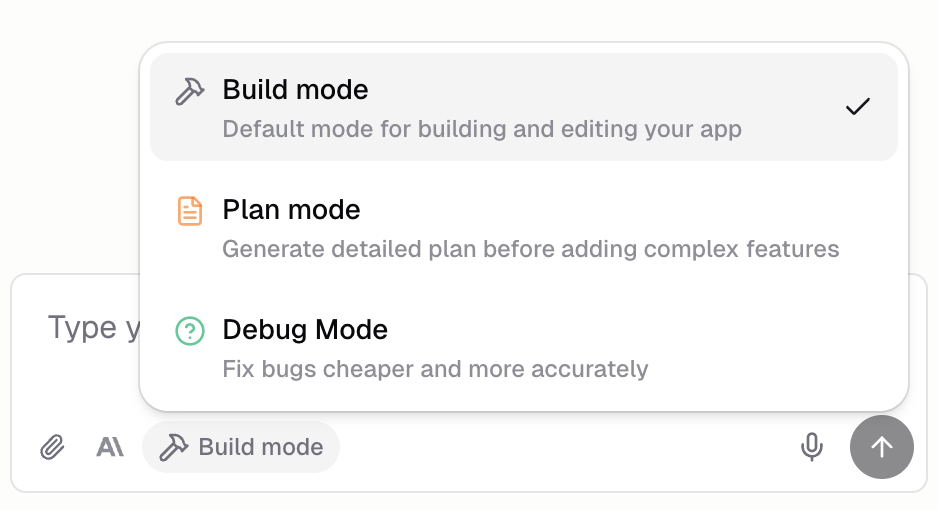
Agent modes to let you customize how Hercules AI responds. Use- Build mode for building
- Plan mode for planning out large, complex features
- Debug mode for fixing issues
How many AI agents can I have running at once?
You can run as many AI agents at the same time as you’d like. Every chat tab creates a new AI agent. Use separate AI agents to keep your chat history clean, make Hercules more accurate, and allow easy collaboration with your teammates. See multi-agent to learn more.
How can I make Hercules more accurate?
Hercules is only as good as the instructions you give it. How you prompt it can make Hercules meaningfully more accurate. We strongly recommend you read our Improve accuracy guide and follow our recommended techniques.Can I share images, links, or files with Hercules?
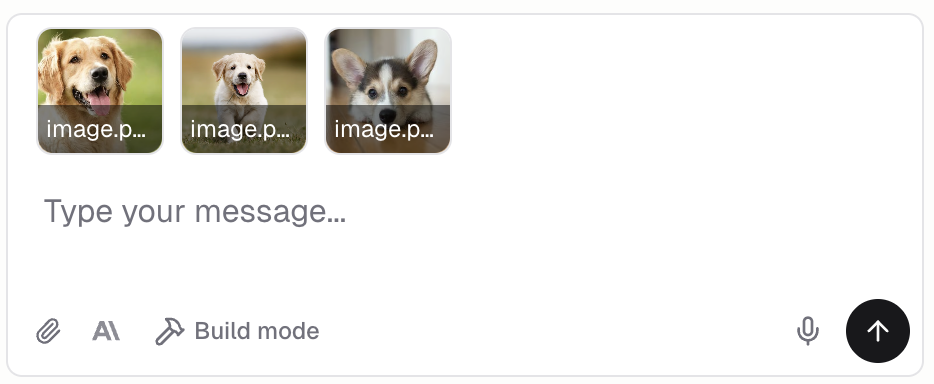
Yes! You can share:- Images like screenshots, gifs, mockups, or designs
- PDFs like requirements documents, design specs, or supporting materials
- Links to websites, pages in your app, or Hercules Files & Media
What models do you offer?
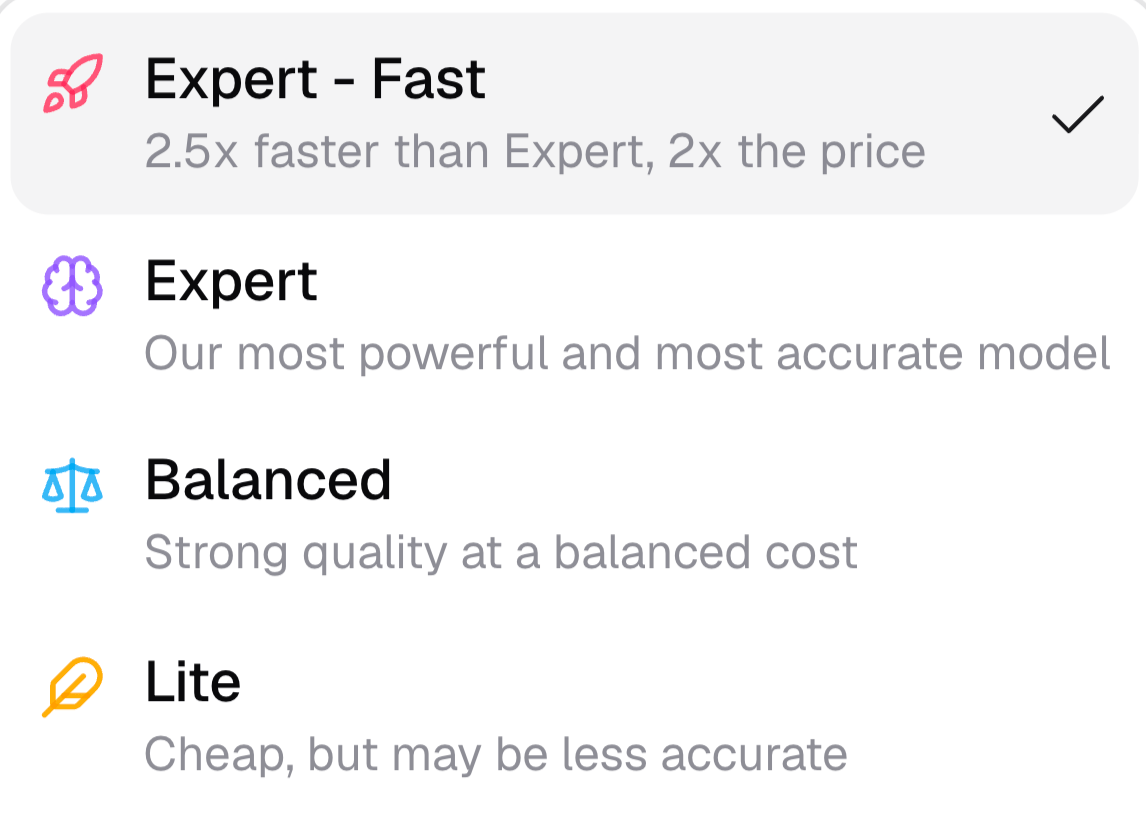
Hercules offers four models. Each one trades off speed, cost, and accuracy:- Expert - Fast: Expert quality with less waiting. It is 2.5x faster than Expert at 2x the cost.
- Expert (recommended): The most powerful and most accurate model. Best for planning and complex work.
- Balanced: Strong quality at a balanced cost. A middle ground between Expert and Lite.
- Lite: The cheapest model, but less accurate. Best for low-risk tasks like small, well-scoped feature changes, content updates, and translations.
Additional FAQ
How do I upload images or PDFs?
How do I upload images or PDFs?
Upload images and PDFs by: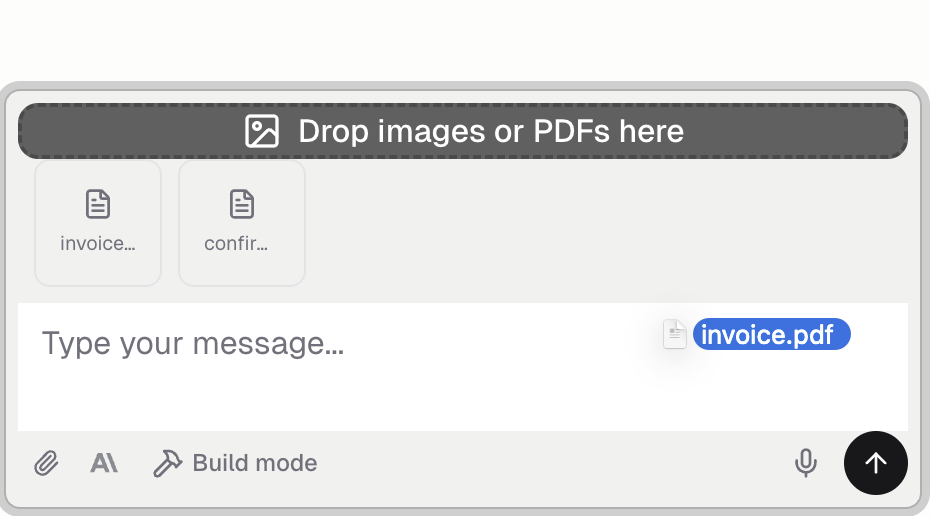
- Dragging them to chat input
- Pasting using the Ctrl + v / Cmd + v keyboard shortcut
- Clicking the + button in the input bar
- Selecting images from the Hercules Files and Media tab
- Using capture tools to capture screenshots, screen recordings, annotations, or code elements from within Hercules
What other files can I upload to Hercules AI chat?
What other files can I upload to Hercules AI chat?
You can upload any type of file. Hercules can only read and understand the contents of text files,
images, and PDFs. Other file types are stored but Hercules can’t read them.
Can the Agent interact with my browser?
Can the Agent interact with my browser?
Yes. The Agent can refresh the page, navigate to different URLs, click on elements, scroll, and more. This allows it to test changes and verify functionality automatically.
How much of the Agent's work does the chat show?
How much of the Agent's work does the chat show?
That depends on your Conversation density setting. On Compact, Hercules groups its routine steps, like reading files or searching your code, into one line you can click to expand. Your messages, Hercules’ replies, and anything that needs your approval always stay visible.To see every step as its own row:
- Go to Settings → Profile
- Set Conversation density to Balanced
What is the difference between the Hercules App Builder Agent and AI Gateway?
What is the difference between the Hercules App Builder Agent and AI Gateway?
- Hercules App Builder Agent is what you use to build your app. It writes code, creates UI, and deploys changes.
- AI Gateway allows you to integrate AI into your app so your users can use AI. For instance, you would use AI Gateway to add a chatbot, content generator, text summarization, or other AI-powered functionality to your app.
What should I do if Hercules is confused / isn't solving my problem?
What should I do if Hercules is confused / isn't solving my problem?
Read our Improve accuracy for our top recommendations on how to make Hercules more accurate.
How do I add custom instructions to the AI?
How do I add custom instructions to the AI?
Go to the Personalize tab and add App Instructions. Hercules follows them every time it
builds or edits your app, in every chat. Useful for enforcing design preferences, coding
standards, or app-specific rules. You can also set Personal Instructions (all your apps) or
Organization Instructions (your whole team).