
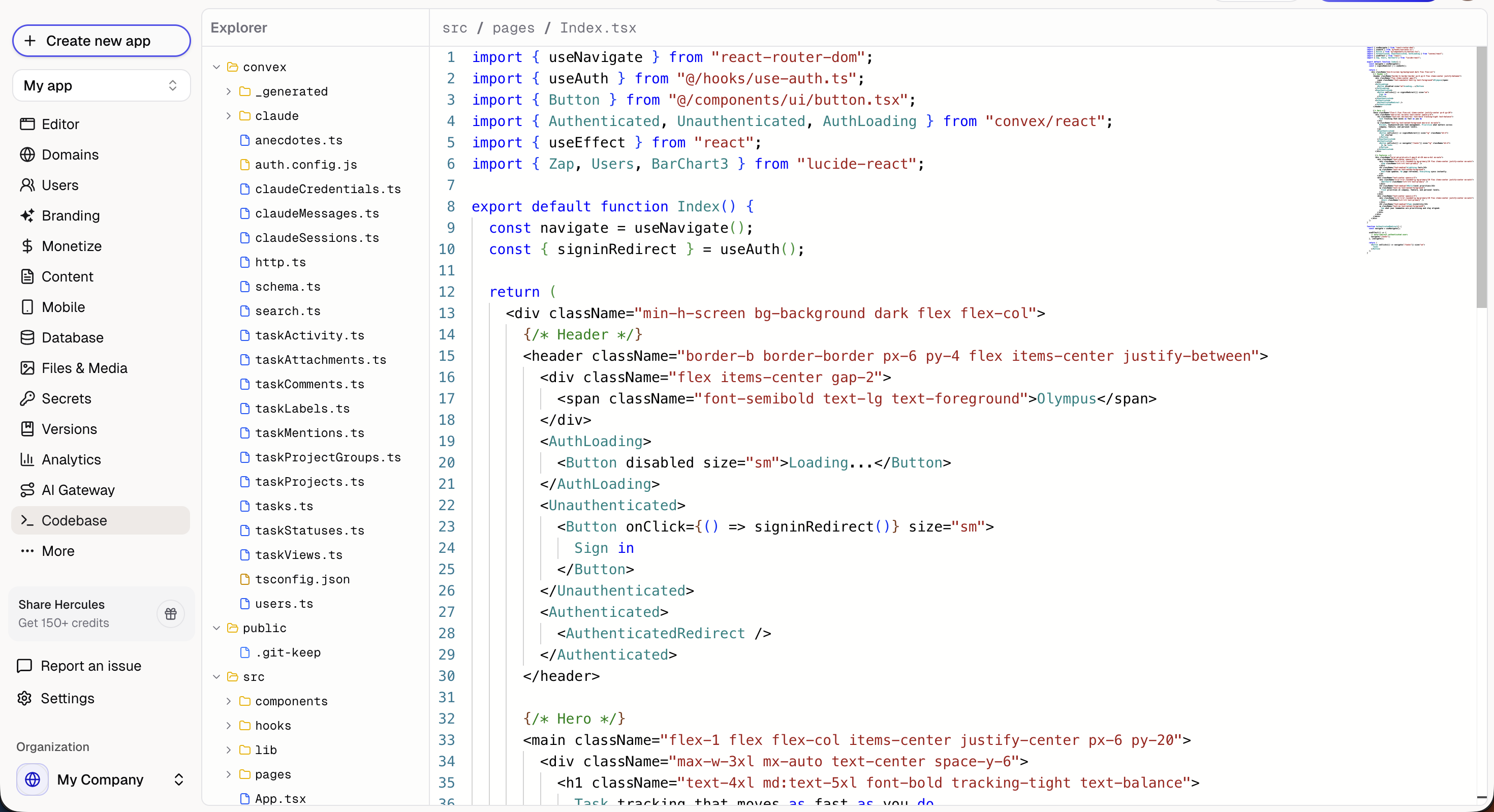
What is the code editor?
A manual code editor that lets you directly modify your app’s source code. Useful for developers who want precise control over specific files.How do I save changes?
You must click Save to commit your changes. Changes are not auto-saved. Unsaved changes will be lost if you navigate away.Should I use Hercules AI or edit code directly?
We strongly recommend using the visual editor or asking Hercules AI to make changes. Hercules AI understands your app’s architecture and makes coordinated changes across multiple files. If you break something, use Version Control to revert.Who can use the code editor?
The code editor is available on Pro plans and above.Additional FAQ
What happens if I break something?
What happens if I break something?
Manual edits can break your app. We cannot support you if you make manual changes to the codebase.If something goes wrong:
- Use Version Control to restore a previous working version
- Ask Hercules to fix the issue
Can I use my own IDE?
Can I use my own IDE?
Not currently. We are working on improving the code editor experience