Move Development Deployments to Another Region
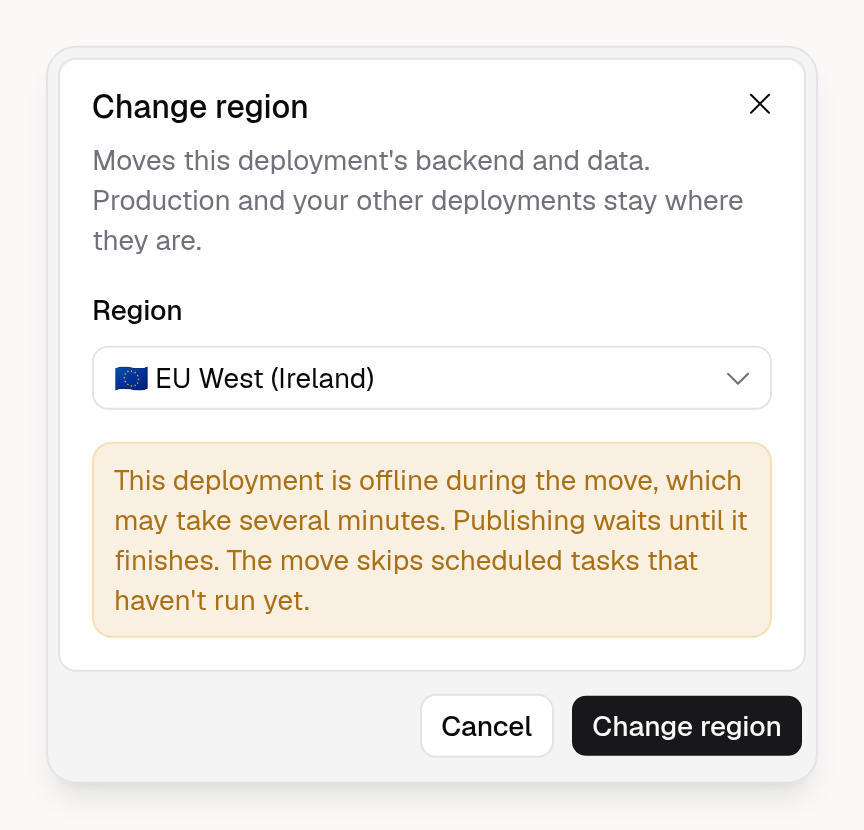
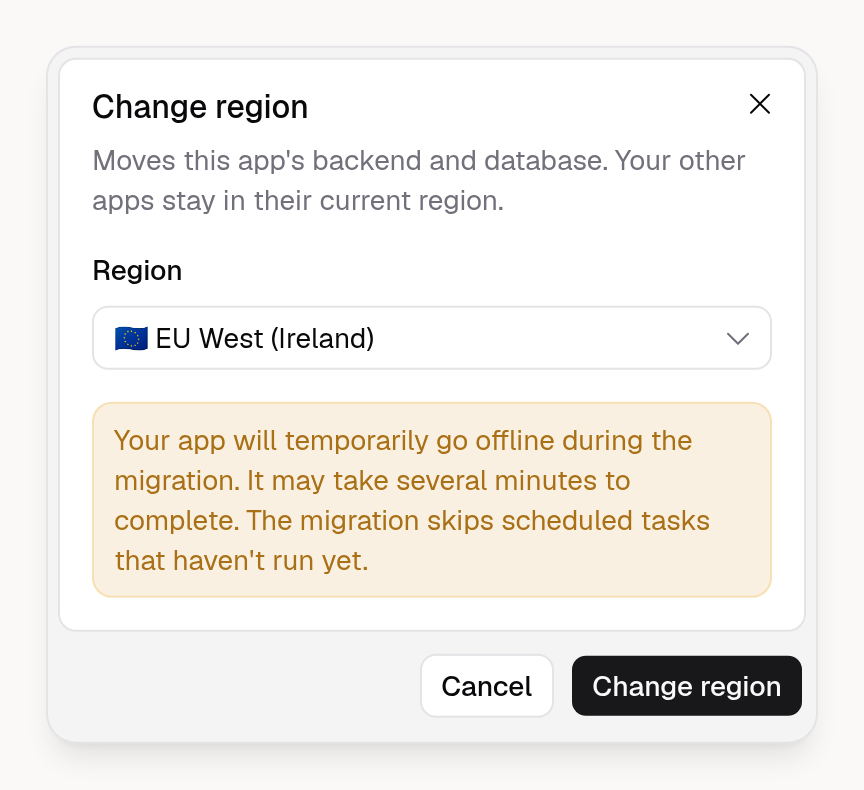
You can now move one development deployment of your App to another region, such as from the US to the EU. Only that deployment moves, and production and your other deployments stay where they are.
That deployment is offline during the move, and publishing waits until it finishes. Organization owners and admins on the Business plan can change a deployment's region.
To get started, open your App in the App Builder, go to Publish → Hosting, and click the hosting region of a deployment under Development deployments. Learn more in the Backend docs.