Clone Production Data
You can now copy a snapshot of your production database into a development deployment. This is useful to test your app against realistic data without impacting production users.
The cloning process can take a few seconds to a few minutes, depending on how large your database is.
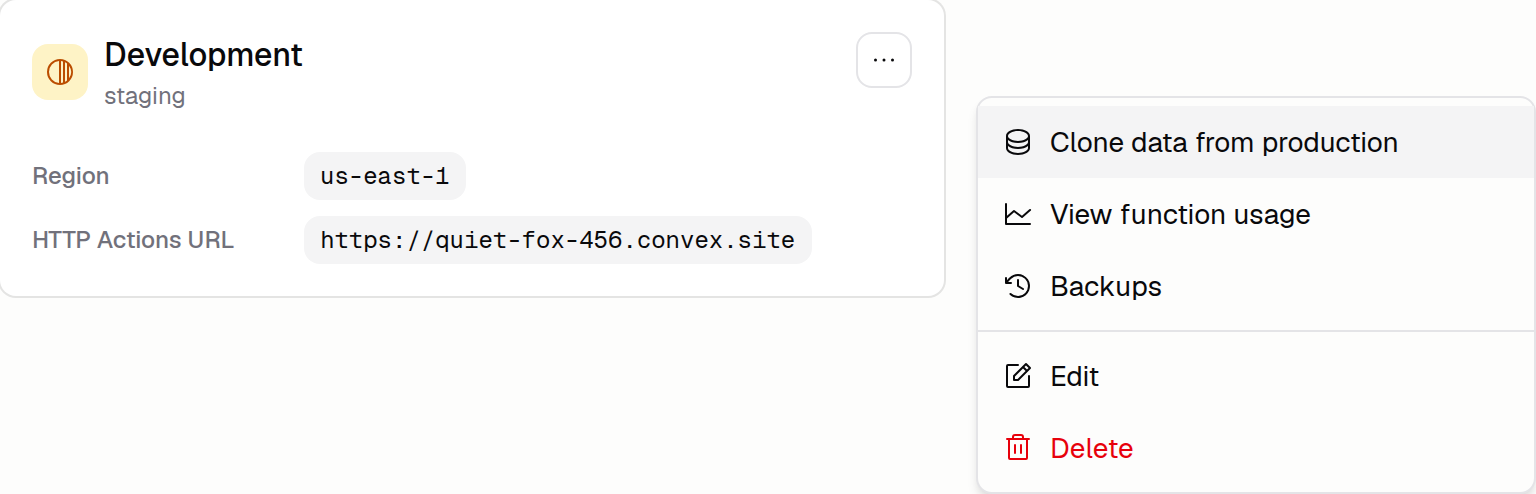
To get started, open Advanced → Backend, open the development deployment's menu, and click Clone data from production. Learn more in the Environments docs.