Launching Environments
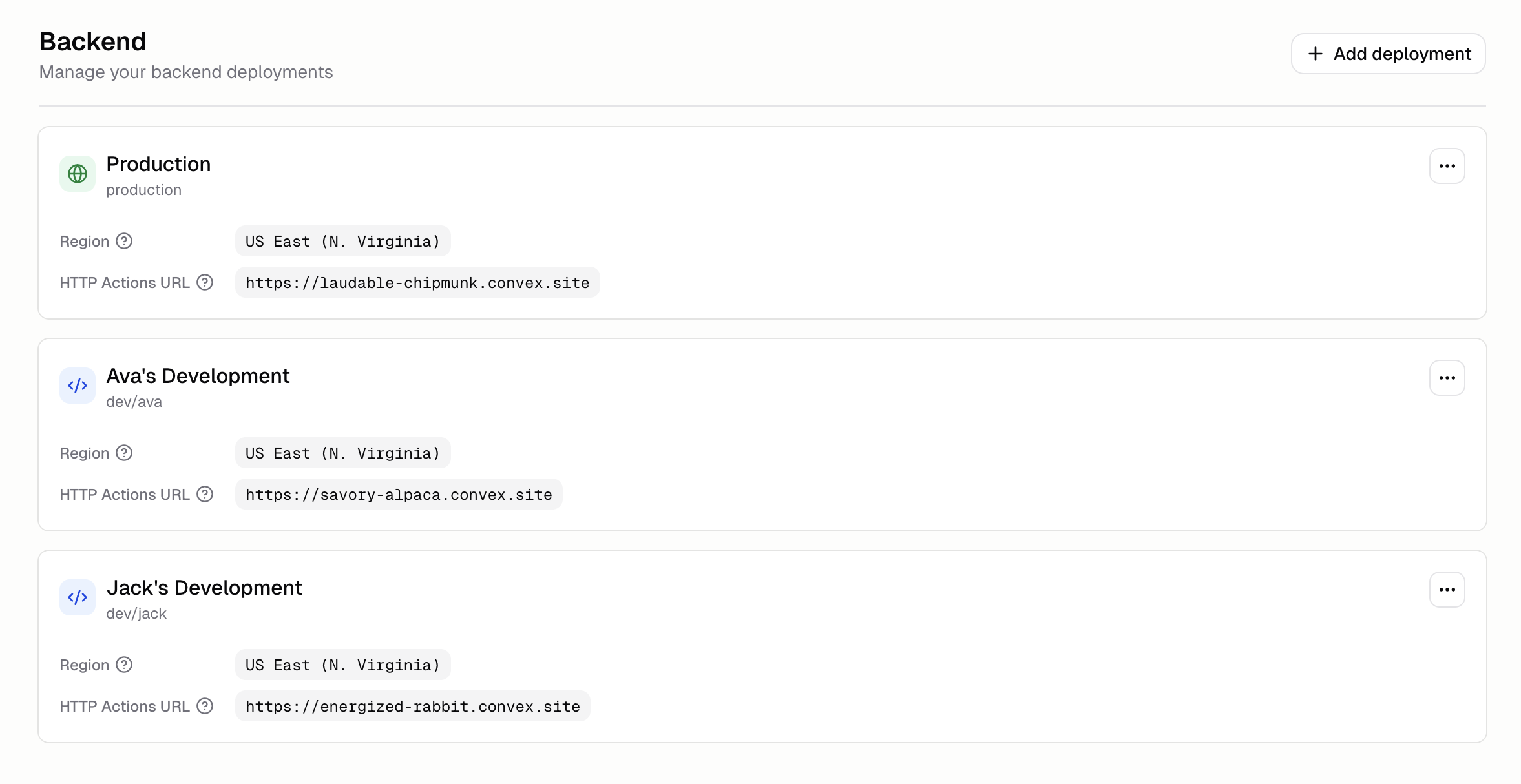
Every app now has separate Production and Development environments. Use a Development environment to test schema changes, integrations, and new features without impacting production data.
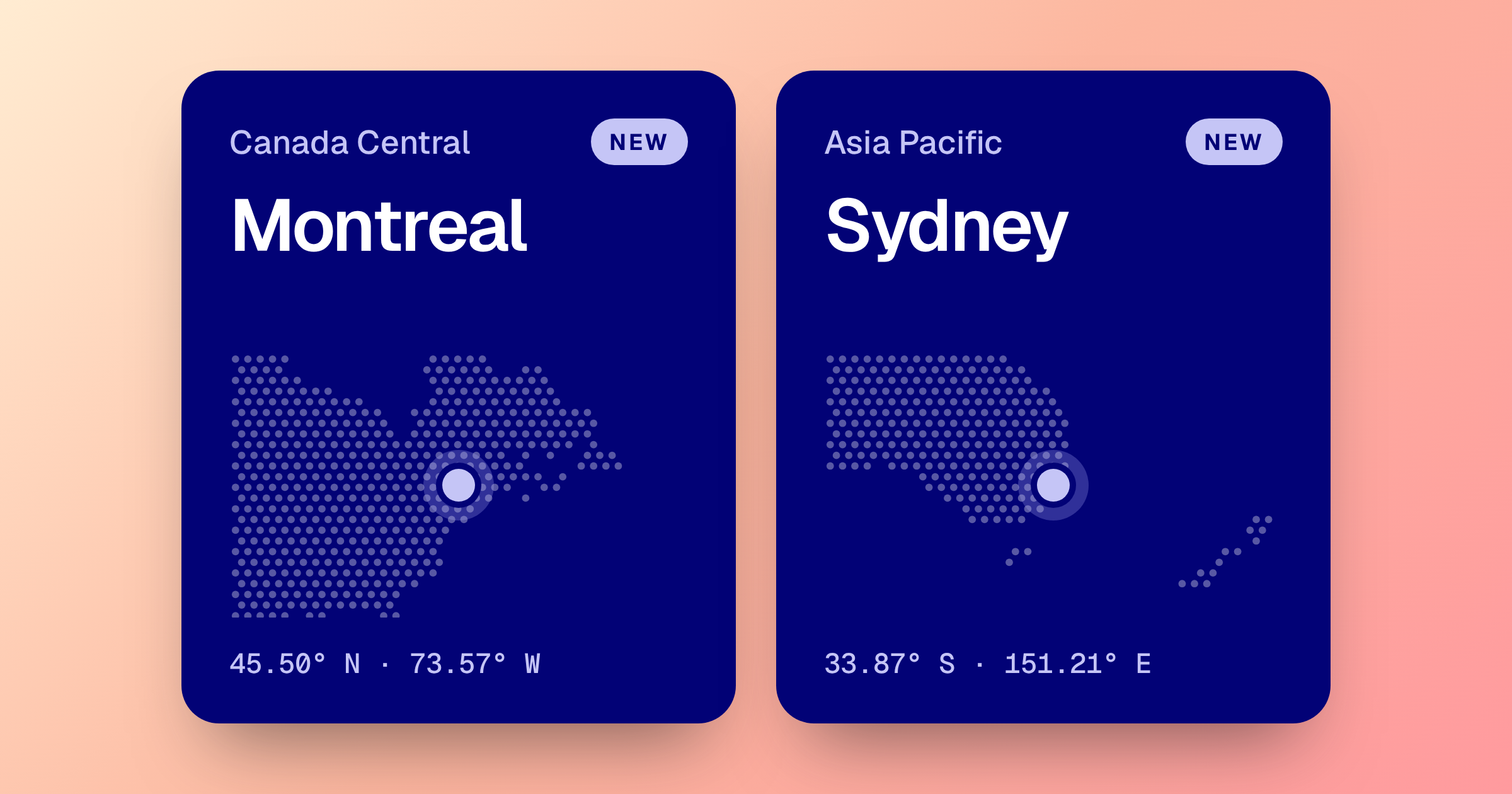
You receive up to 5 development environments per App. You can deploy each development deployment in different regions.
To get started, open Advanced → Backend and click Add deployment. Learn more in the Environments docs.