Disconnect Hercules Commerce Account
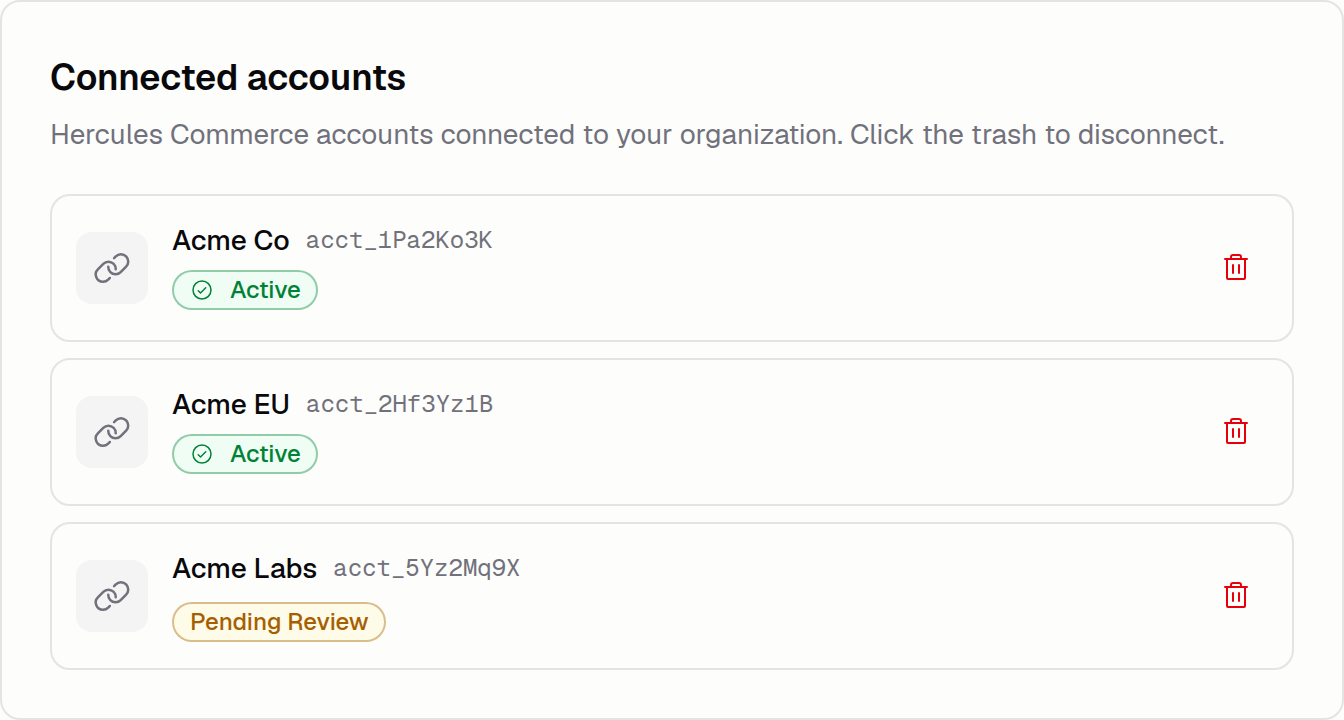
You can now disconnect a linked Hercules Commerce account from your organization yourself. The app using the account loses the link automatically, and the customers, subscriptions, products, prices, and billing history attached to the account go with it.
To get started, open Settings → Connected accounts and click the trash icon next to the account.