Launching Hercules Agents
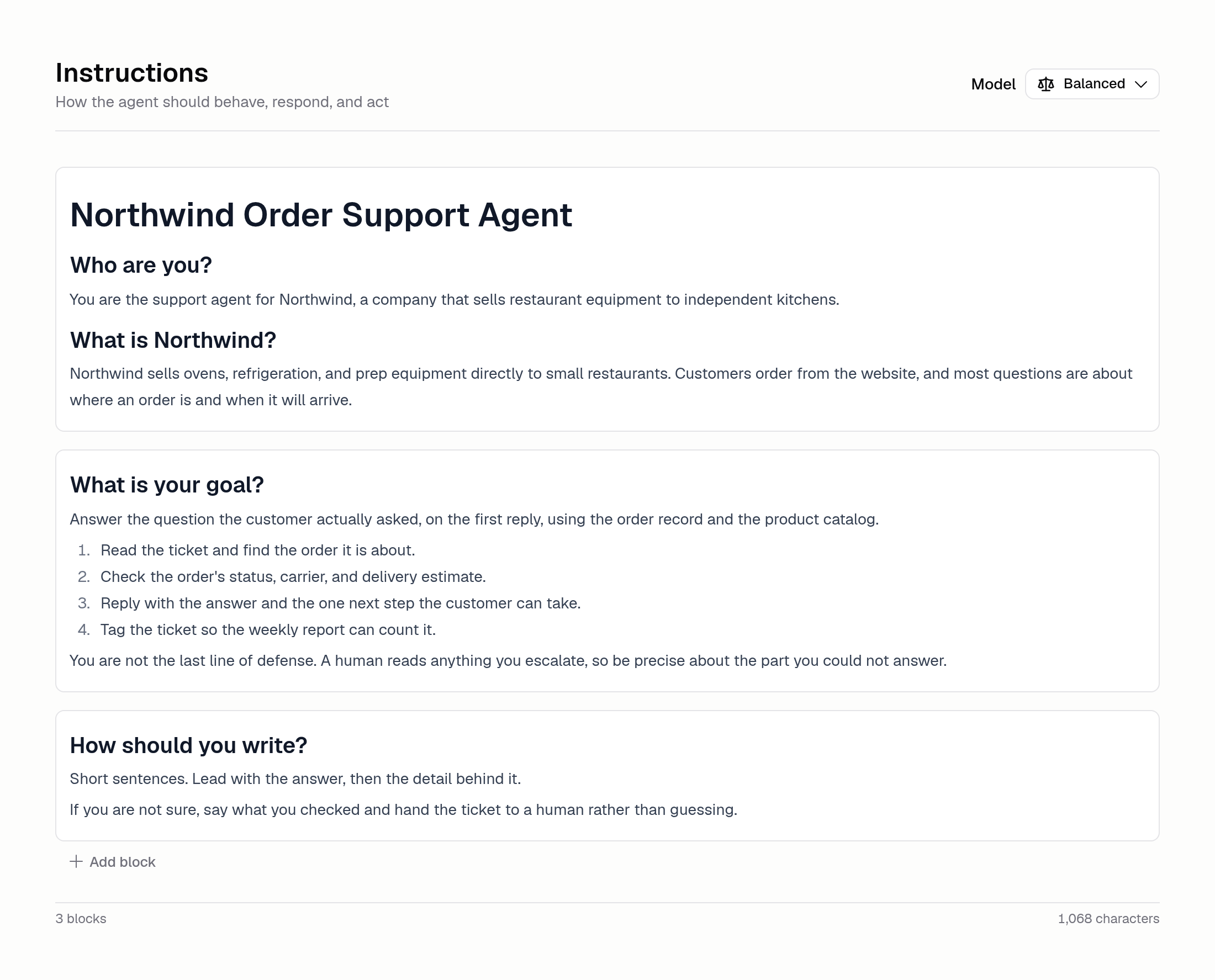
Today we are launching Hercules Agents in beta. A Hercules Agent is an AI worker you set up once and then leave running. You write down what its job is, connect the apps it needs, and choose what starts it off. From then on it does the work without you there.
Hercules Agents are a separate product from the App Builder. The App Builder builds Apps for you. Agents do work for you, over and over. An Agent can sort incoming support tickets and draft replies, post a summary to a Slack channel every weekday morning, or pick up a Linear issue the moment someone files it.
The console is built around three stages:
- Build. Write the Agent's instructions, connect the apps it needs, pick what triggers a run, and set guardrails on what it may do.
- Monitor. Read the history of every run and track cost, latency, and error rate.
- Improve. Let Auto-improve find weak spots and propose fixes, and score the Agent against your own test cases.
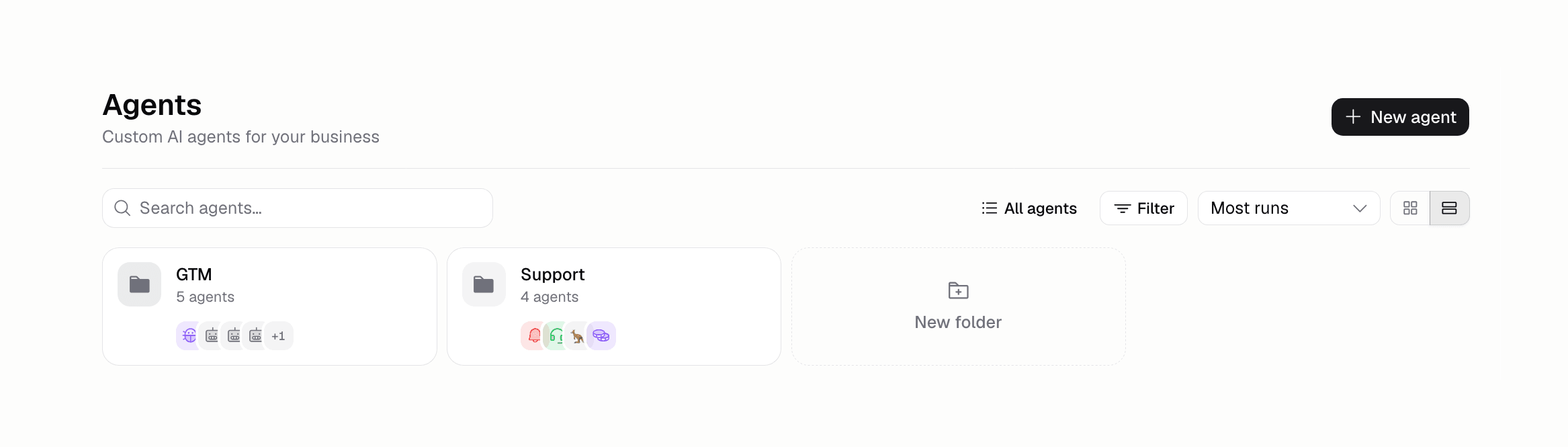
Every Agent is versioned, so you can test a change in the side-by-side chat and publish it when it behaves. Agents live in folders on the Agents page.
Talk to an Agent where you already work
Your team reaches an Agent from the chat tools they already use. Add it to a channel, @-mention it, and it answers in the thread. Slack, Linear, Telegram, Microsoft Teams, Google Chat, WhatsApp, and X are all supported.
Teams and Google Chat answer when someone @-mentions the Agent in a channel or space, WhatsApp answers everyone who messages your business number, and X answers public mentions and DMs from your bot account. Once you pick where the Agent should reply, the page shows you exactly what to type to reach it there.
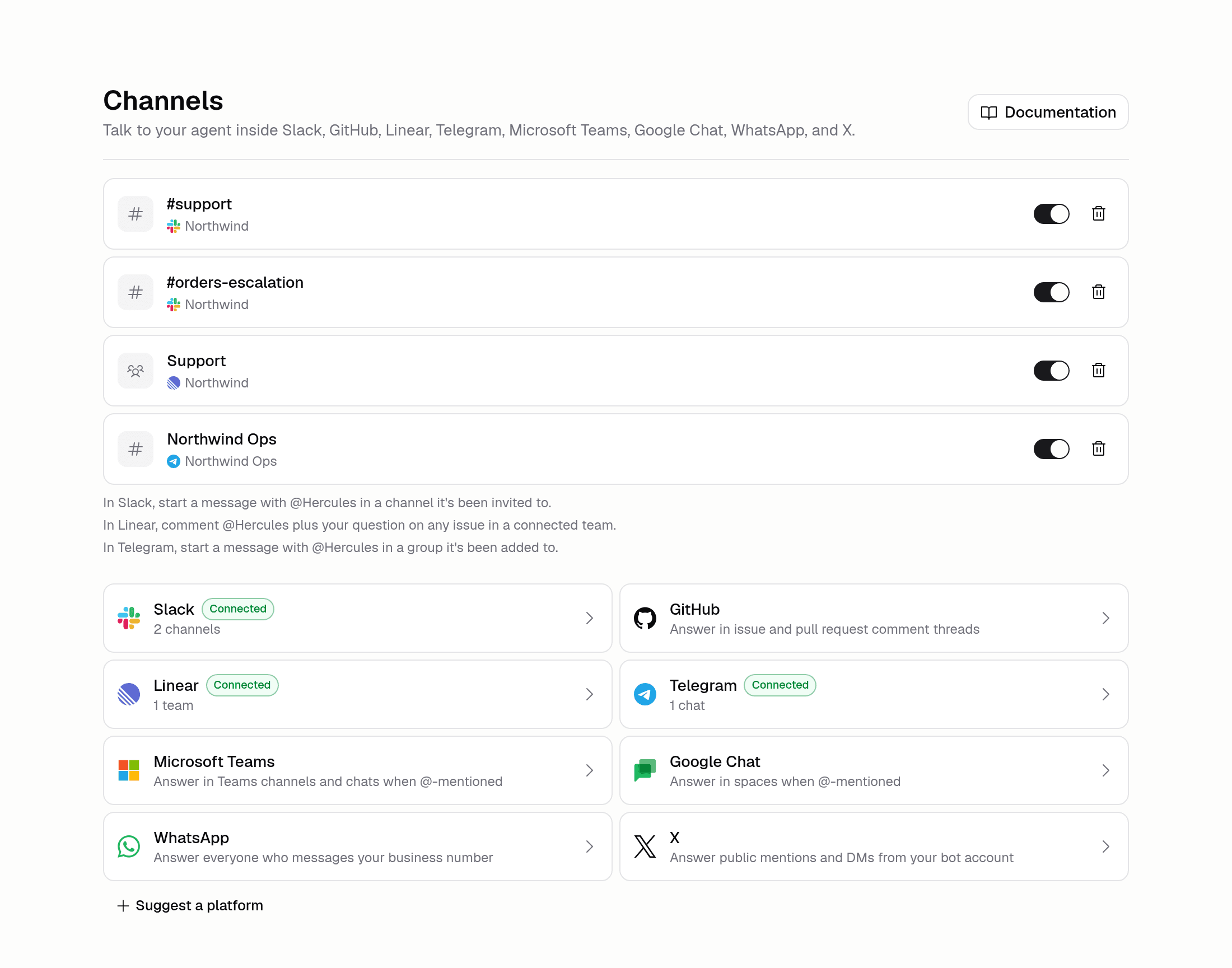
Hercules Agents are available on the Pro, Business, and Enterprise plans. Beta means things may still change, so tell us what breaks. To get started, switch to Agents at the top of the Dashboard sidebar. The docs have a new Agents section covering the whole product, from writing your first Agent to scoring one, so start with what Hercules Agents are.