Bulk Select Files
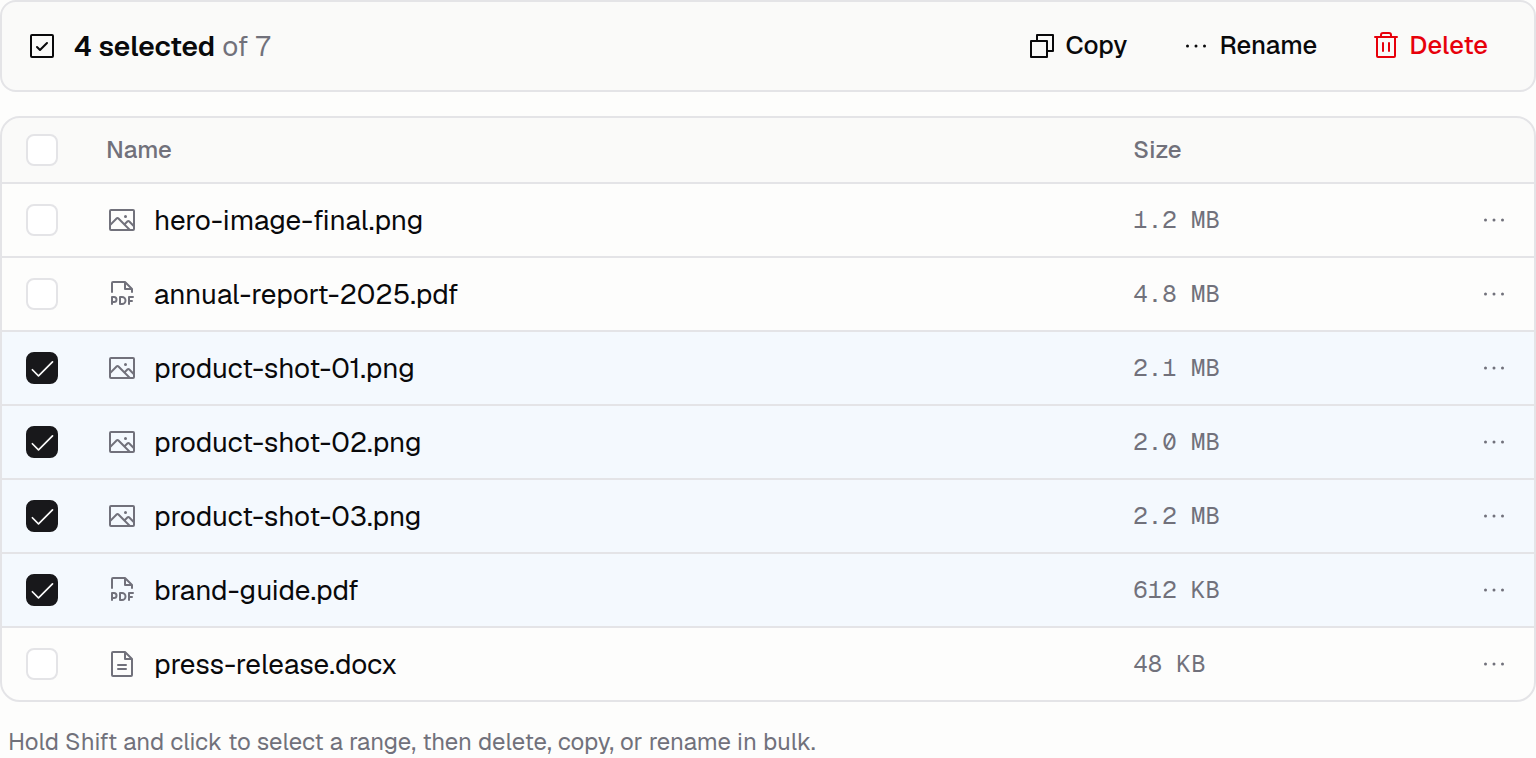
You can now bulk select files in the Files & Media tab by holding Shift then clicking on a file. This is similar to bulk selecting in Finder, Windows Explorer, or Gmail.
After bulk selecting files, you can perform bulk actions like deleting, copying, or renaming.
To get started, open Files & Media, select the top file, hold shift and select another file further down.