Transfer Apps Between Organizations
1 min read
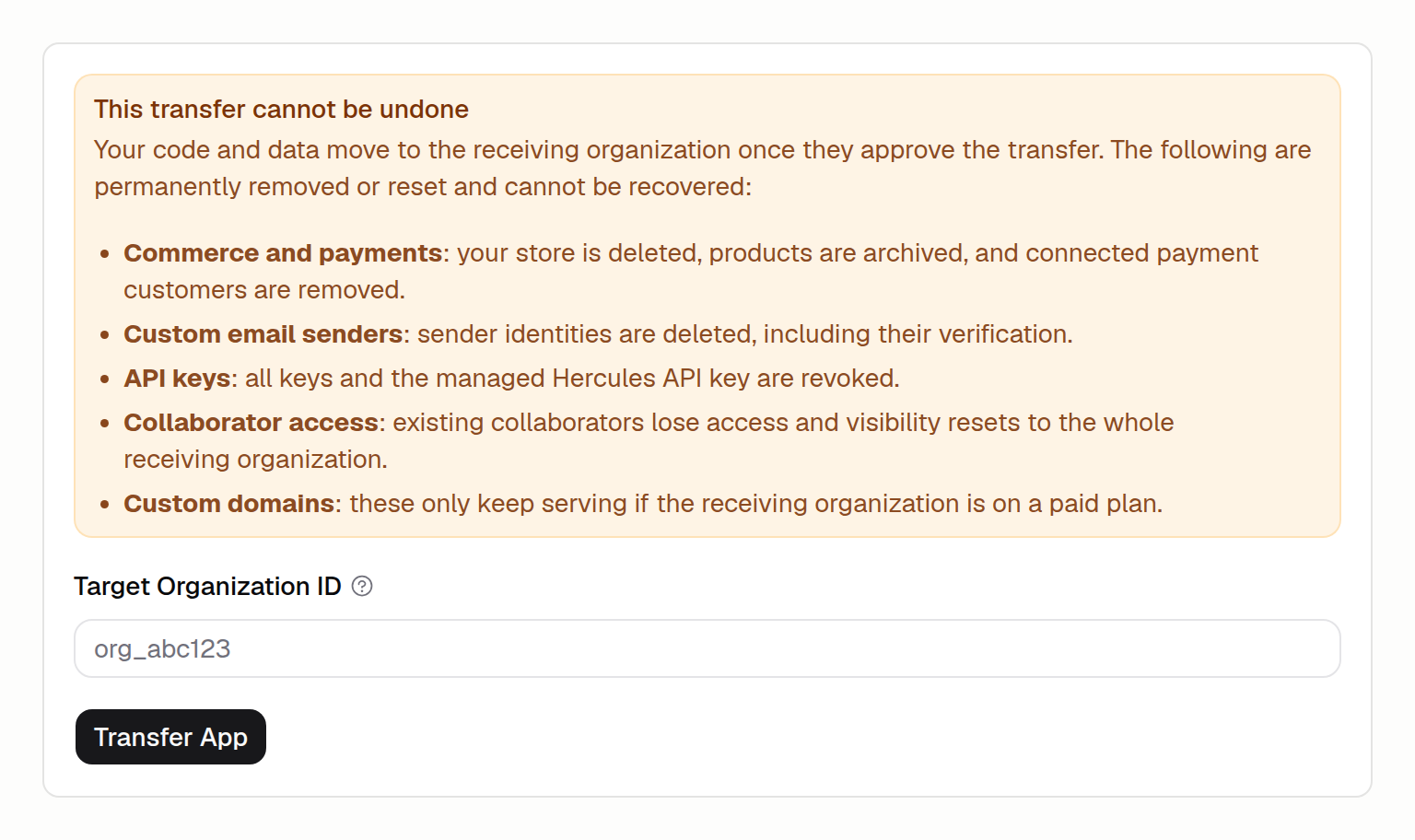
You can now transfer an App you own to another organization, right from the App's settings. Open Settings, then the Transfer tab, and enter the receiving organization's ID.
- The receiving organization approves. They see an incoming transfer and choose to accept or reject, so an App never moves without both sides agreeing.
- Your code and data come along. Commerce, custom email senders, and API keys are not carried over and are set up again in the new organization.
- Once every 30 days. Each App can be transferred once in any 30-day window.
Available on the Pro, Business, and Enterprise plans. Learn more in the App transfer docs.