Transfer Domains Between Apps
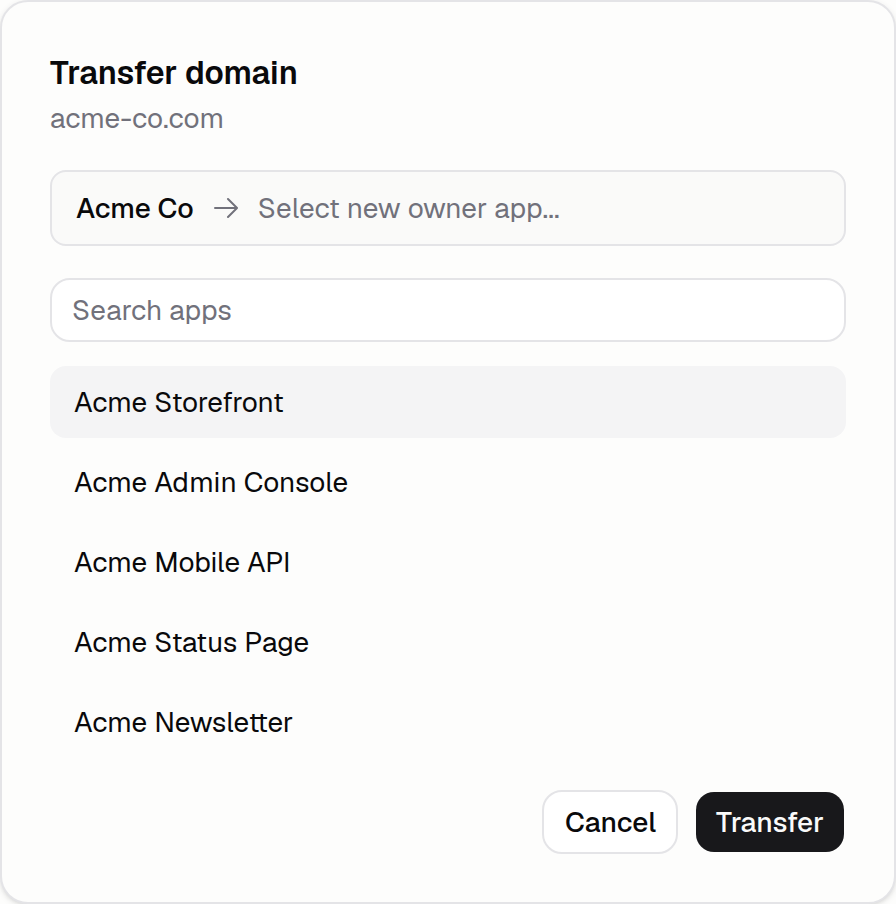
You can now move a purchased or connected domain from one app to another in the same organization. DNS automatically carries over, the domain just magically switches to the new app.
To transfer a domain
- Open the Domains tab on the app that owns the domain
- Click the settings button for the domain you want to transfer
- Click transfer domain
- Select the App you want to transfer to
- Confirm!