Organize Apps into Folders
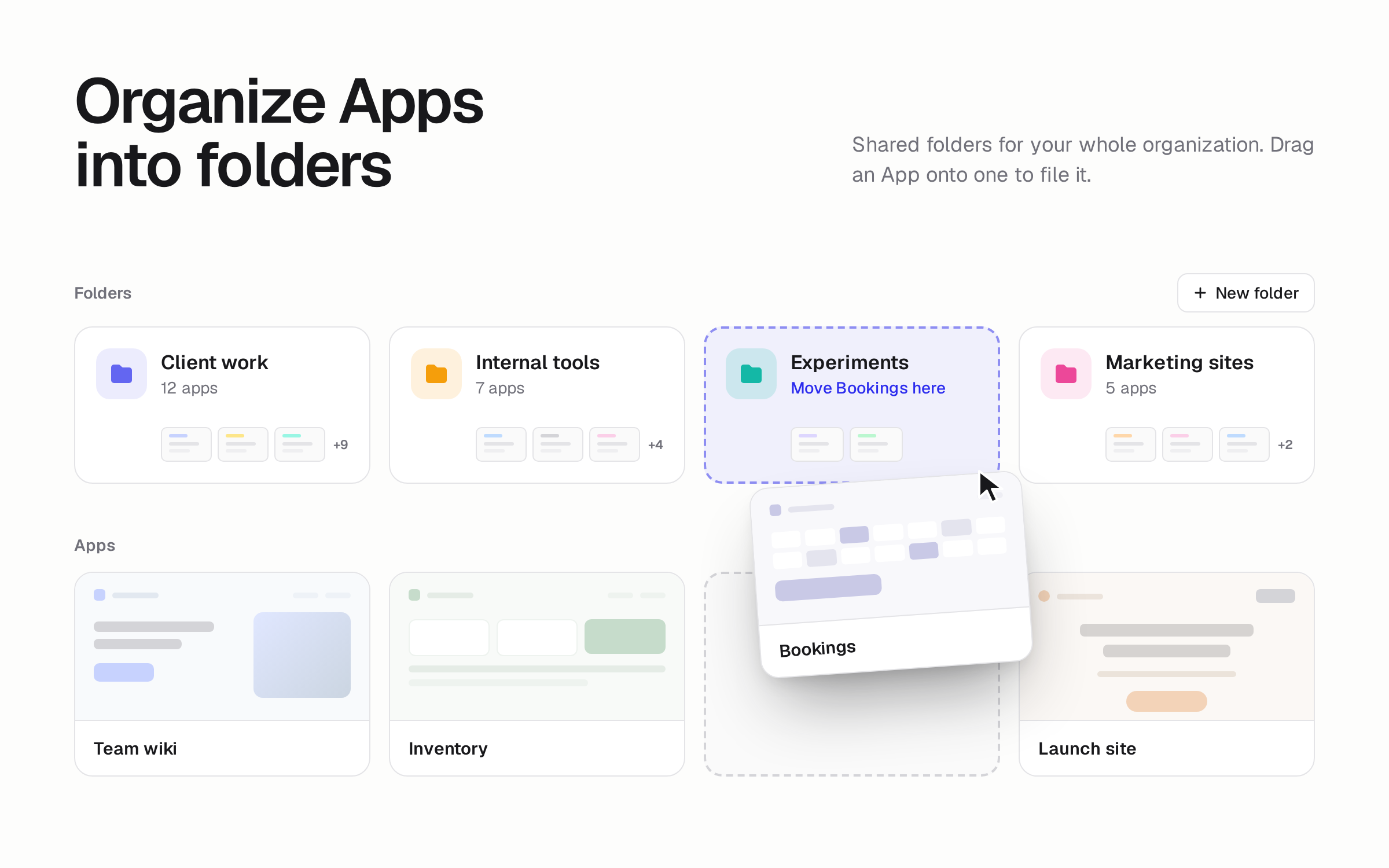
You can now group your organization's Apps into folders on the All Apps page. Everyone in your organization sees the same folders.
Drag an App onto a folder, or choose Move to from the App's menu. Deleting a folder moves its Apps back to the main list.
To get started, click New folder on the All Apps page.