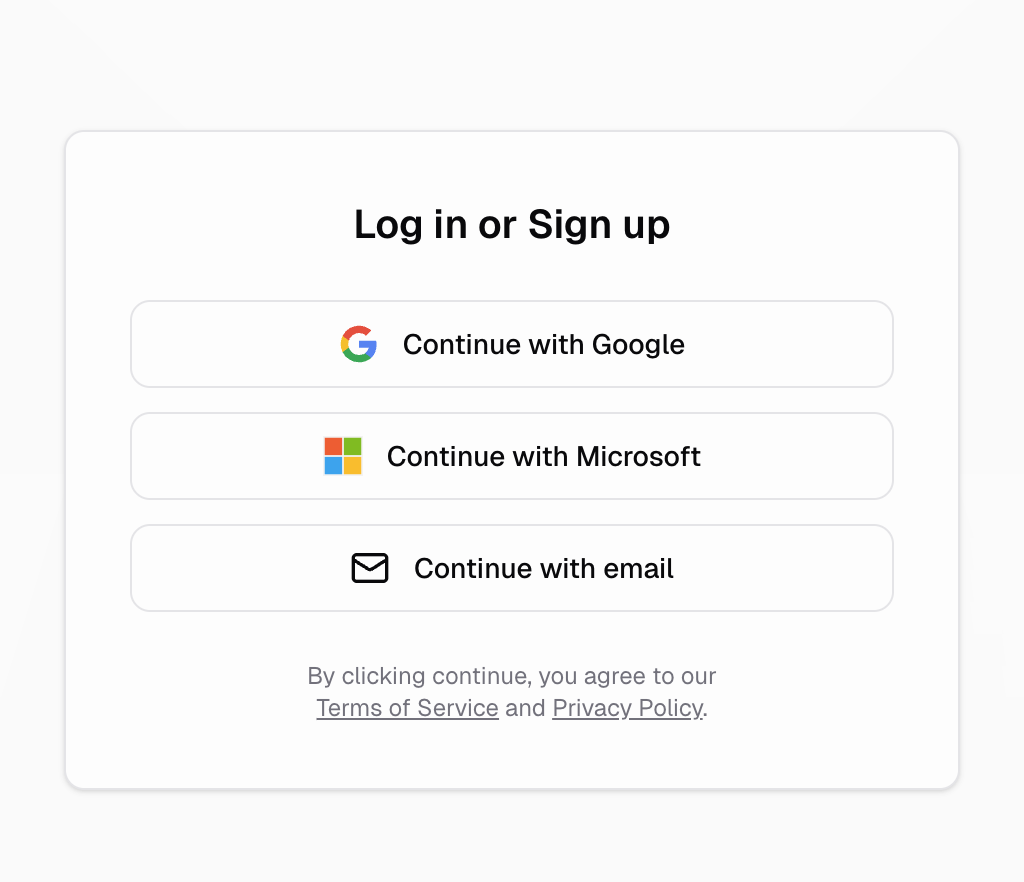
Hercules handles user authentication for you using Hercules Auth. Allow your users to sign in with email, Gmail, Microsoft, or SAML/SSO.
Customizable login page

How do I enable auth for my app?

Just ask Hercules to set it up for you.
Add authentication to app
Add login to my app

How does Hercules Auth work?

When your users click the login/sign up button, they are redirected to a customizable login portal. Your user chooses a login option. After authenticating, they are redirected back to your app and the authentication is officially saved on your app’s frontend and backend.

What login methods are supported?

Hercules Auth currently supports the following sign-up and login options:
  • Google
  • Microsoft
  • Email via one-time passcode
  • SAML / SSO (for Business customers only)

How do I customize the login page?

Go to Branding > Customize Login. See Branding & SEO.
Login and OTP email customization

Do I have to use Hercules Auth? Can I use my own custom auth?

Currently, Hercules apps only supports Hercules Auth. Authentication is a fragile part of building software. If auth breaks, your entire app can break. We prioritize making Hercules Auth a stable, well-supported, secure, and robust auth system. We are working on allowing you to customize auth more (see FAQ below)

Where can I view all the users who signed up for my app?

Go to the Users tab in the sidebar. You can also see more in the Users table of the Database tab
Users list

How can I implement roles, permission, and other access controls?

Just ask Hercules to set it up for you.
Set up roles and permissions
Assign different roles to my users and let me customize the permissions for each.

Additional FAQ

We’re actively improving authentication with these features planned for the near future:
  • More auth options — SMS OTP, email/password, and additional OAuth providers
  • Customize displayed options — Choose which login methods to show your users
  • In-app auth flows — Handle authentication inside your app instead of a separate login page
  • Managed role-based access control — Simplified role and permission management with pre-built UI
  • User impersonation — Allow admins to impersonate users for support and debugging
  1. Ask Hercules to configure auth like in the Hercules Auth debugging guide
  2. Accept any changes it recommends
  3. If still not working, please click “Report an issue” and someone from the Hercules team will help.
Ask Hercules to implement role-based access controls with admin and superadmin roles Do not try to impersonate a user. Instead, for B2B apps, give the admin role the permission to access to any organization instead of impersonating individual users.
User impersonation is not currently available. You cannot build this yourself. We are building this feature soon. In the meantime, use role-based access controls and give admin users permissions to access “orgs” or “projects” rather than impersonate a specific user.
  1. Hercules Auth does not properly log you out during testing (the “auto-login issue”)?
    This is a temporary issue associated with Hercules Auth. When you log out of the app, it doesn’t log you out of hercules.app. Next time you hit “Log in” to your app, you are redirected to a Hercules hosted URL. Hercules sees you’re already signed in and immediately redirects you back into the app. This makes it seem like you can’t logout of your app, when in reality, you are actually just getting auto-logged in to the same account you have with Hercules.
We are fixing this very soon (first week of March). In the meantime:
  • Use incognito/private windows for testing your app.
  • Or log out of Hercules (as in hercules.app), then try logging into your app.
Currently, no. Hercules apps only support Hercules Auth. Authentication is a fragile part of building software. If auth breaks, your entire app can break. We prioritize making Hercules Auth a stable, well-supported, secure, and robust auth system. We only support Hercules auth at this time.
Currently, all enabled auth methods are shown to users. The ability to selectively show or hide specific login options is coming soon.
Not currently. Hercules Auth works by redirecting to a Hercules-hosted authentication page. We are working on improving this to allow in-app authentication flows in the near future.