
Agents is in private beta, so things may change. If you hit a problem, tell us via Support &
feedback.
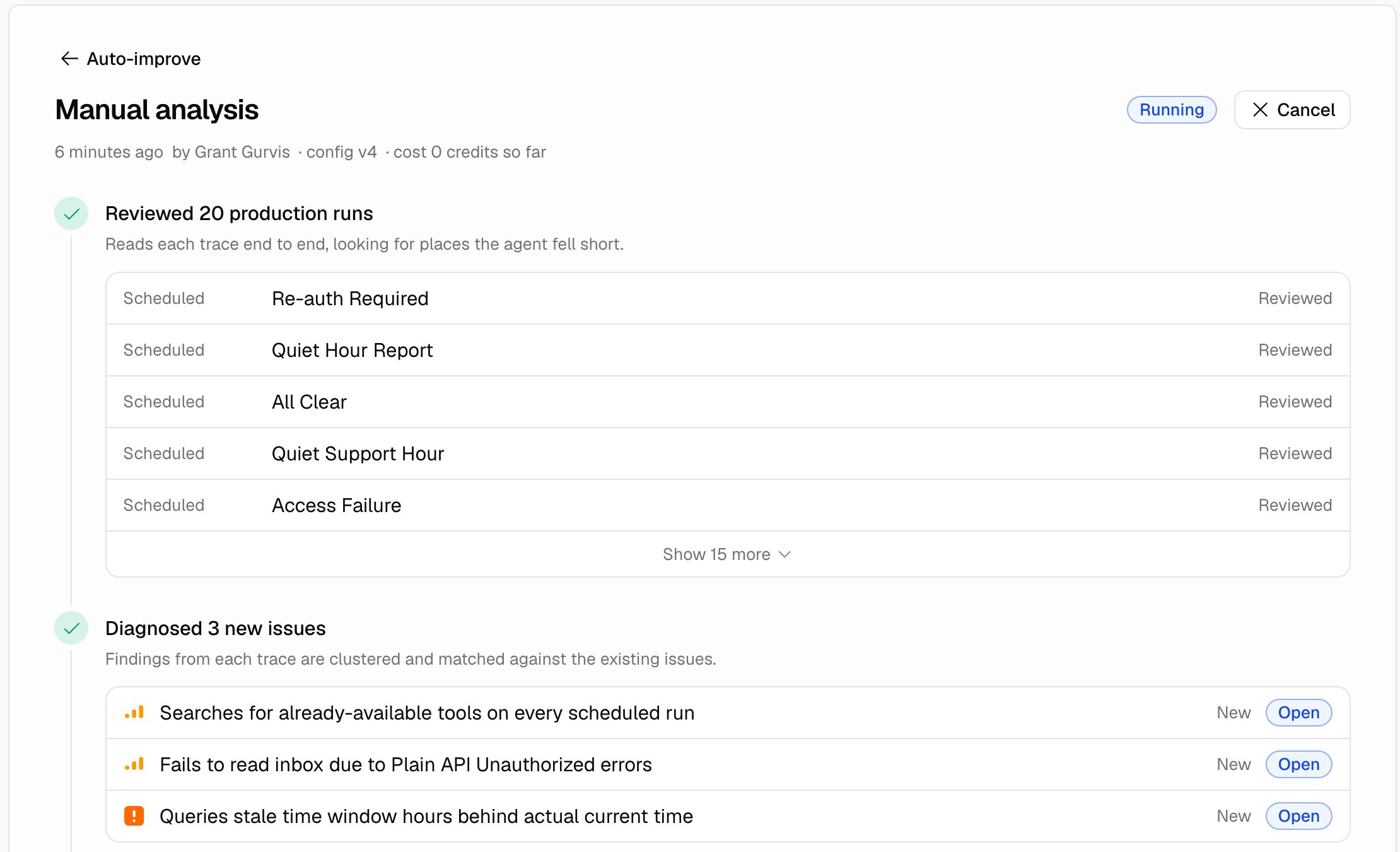
How do I run an analysis?
Open the Runs tab, tell it what to look at if you want, and click Run analysis.Focus example
How do I tell it what “good” looks like?
Open the Configure tab and answer three questions:
Skip that last one and Auto-improve will report your own policies as bugs.
Can it run on a schedule?
Yes. On the Configure tab, turn the schedule on, set when, and pick a timezone.Can it fix things on its own?
Yes. Under Behavior, switch it from only raising problems to fixing them automatically. Leave it on raising problems until you’ve read a few analyses and trust what it suggests.How do I stop it spending too much?
Three caps sit under Behavior on the Configure tab:
Every analysis reads some runs, so Traces per run is required: enter a whole number from 1 to 50. Leave Credits or Duration empty for no cap.
Auto-improve costs credits, but it isn’t a run, so it shows up under Spend by source on Analytics rather than in the run charts.
Where do its findings go?
To the Issues page. The Runs tab shows the analyses it’s done. Issues shows what they found.Additional FAQ
What does it read?
What does it read?
Your Agent’s runs, including the thumbs up and thumbs down your team left on them. See Run
history. Reviewing runs makes its analyses better.
Can the Agent see its own issues?
Can the Agent see its own issues?
Only if you let it. Build → More → Issue access has three settings: None, Read, and
Read and write. See Issues.
Does an analysis change my Agent?
Does an analysis change my Agent?
Not unless you apply a fix, or you turned on automatic fixes. Applying one is immediate: it
publishes a new version and goes live on the next run, with no draft to check first. Every fix is
in your version history, so you can roll it back. See
Issues.
How often should it run?
How often should it run?
Often enough that there are new runs to learn from. For a busy Agent, once a week is a good place
to start.