
Agents is in private beta, so things may change. If you hit a problem, tell us via Support &
feedback.
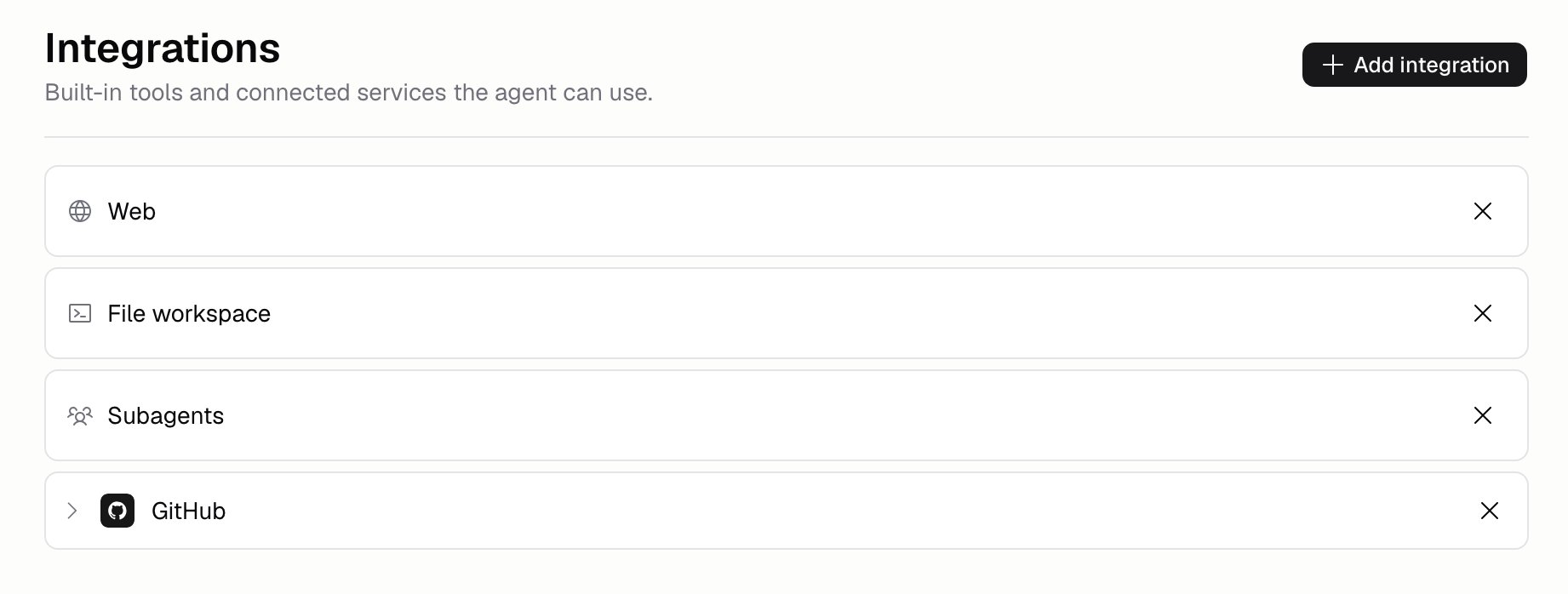
What built-in tools can I turn on?
Each one is a toolkit (a group of tools that switch on together), so you don’t have to pick tools one by one.Subagents get whatever tools the Agent already has, so this one is only worth turning on alongside
others.
How do I add an integration?
Click Add integration to open the catalog. It has three kinds of entry:- Built-in tools: the ones in the table above, with no setup needed
- Apps: things like Slack or Stripe, which you connect once and then use
- Custom: services you added yourself
Can I control which parts of an app the Agent uses?
Yes. Expand an integration on the Integrations page to see its tools. Each app is in one of three modes:- All tools: every tool, including any the app adds later
- Read only: only tools that read data, including any added later
- Custom: exactly the tools you check. Checking or unchecking a tool switches to this mode and freezes the list, so tools added later stay off until you check them
What is a skill?
A skill is a set of instructions saved in your Organization’s skill library and shared across Agents. Write a process once instead of copying it into every Agent. Add one on Build → Skills. Write it there, or add one from your library or the marketplace with Add from catalog. A skill’s SKILL.md and any extra files are edited on that page.What if the app I need is missing?
Click Suggest an integration in the catalog and tell us which one you need.Additional FAQ
Do these changes go live straight away?
Do these changes go live straight away?
No. They’re part of the Agent, so they save into a draft and go live when you Publish. See
Versions.
How many integrations should I add?
How many integrations should I add?
Only the ones the Agent needs. Every extra tool is one more thing it has to choose between, and
more choices usually means worse decisions.
Can I limit what an integration is allowed to do?
Can I limit what an integration is allowed to do?
Yes, with Guardrails. A guardrail set to Integration input is checked
before the Agent uses an integration, and can stop it. You can point it at specific integrations
or apply it to all of them.
Do integrations cost credits?
Do integrations cost credits?
Using a tool during a run adds to what that run costs, and shows up in the run’s cost on
Analytics. See Costs and limits.
Are these the same as Chat Connectors?
Are these the same as Chat Connectors?
Same apps, connected for a different reason. Chat Connectors let the
Hercules App Builder Agent reach your tools while you build an app. Agent integrations let your
own Agent reach them while it runs.
What happened to Read PDF, Image search, and Image generation?
What happened to Read PDF, Image search, and Image generation?
They were retired. All three were App Builder tools that needed a chat attachment, or saved things
nowhere else in an Agent run could read. If an Agent still lists one, it’s ignored. Older
versions still show it in their history.