
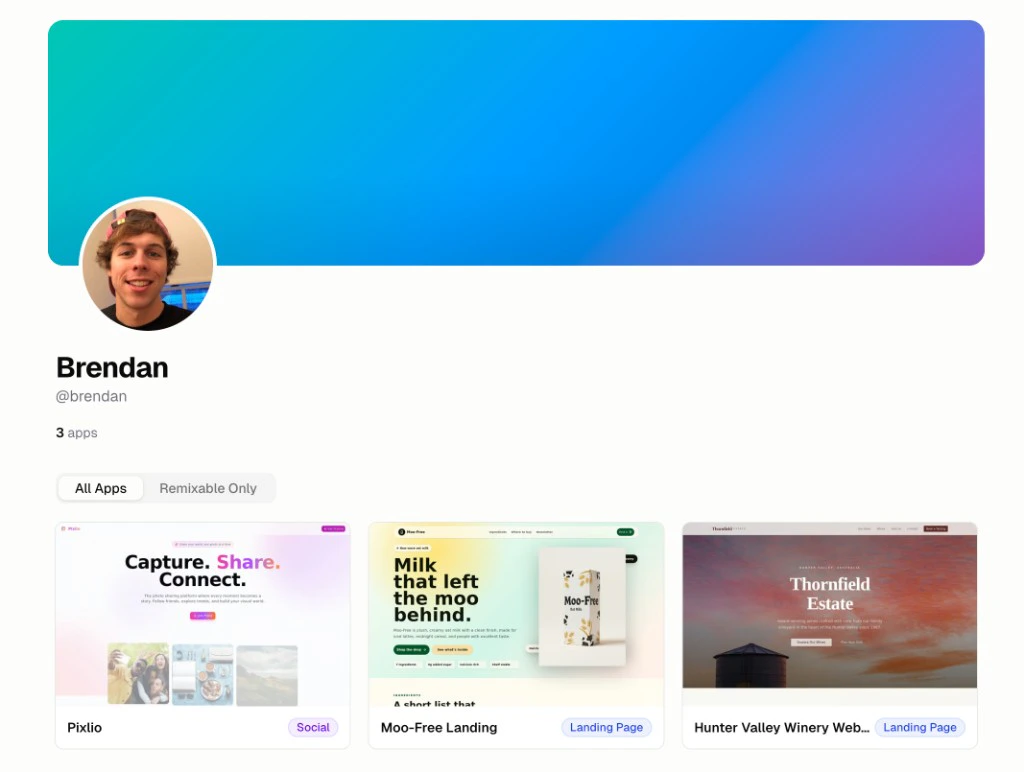
Where does my app appear publicly?
Your app appears in two places when Public Visibility is on:- Your org’s public profile page:
https://hercules.app/@org-slug - The app’s own public detail page:
https://hercules.app/@org-slug/app-slug(e.g. hercules.app/@brendan/moofree)
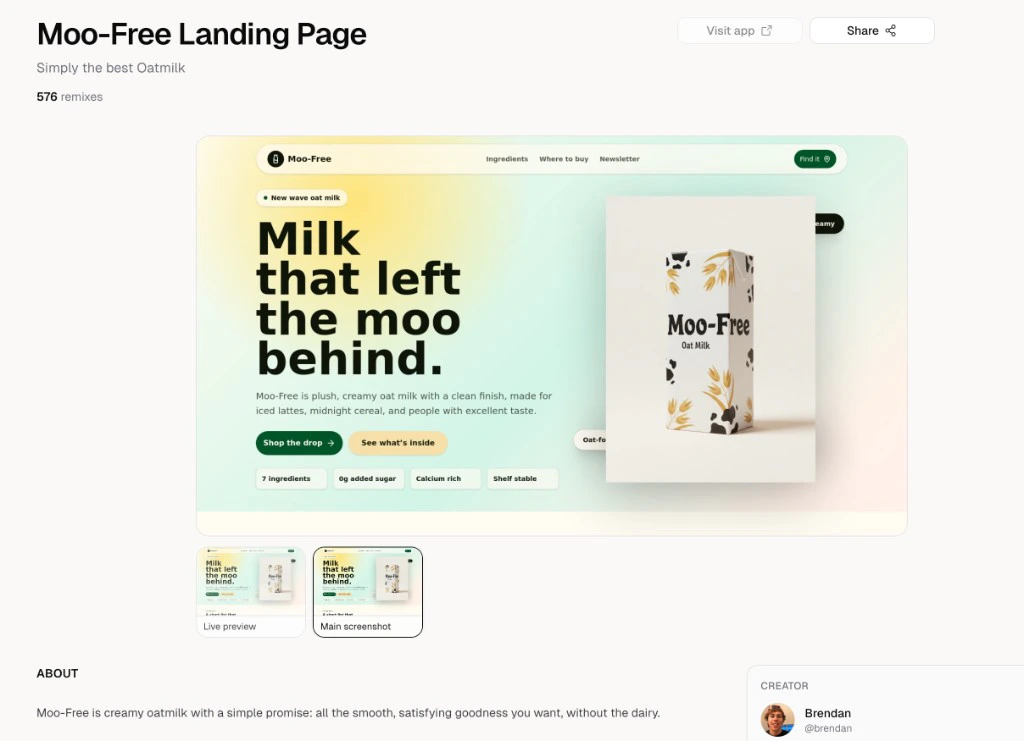
How do I publish to Hercules Showcase?
- In the sidebar, go to Publish → Showcase
- Configure how your app appears (like name, screenshots, tags, etc)
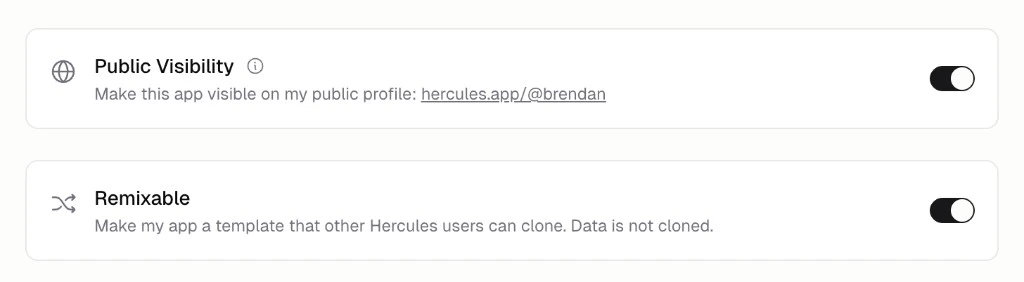
- Turn on Public Visibility to make your app visible on your profile at
https://hercules.app/@your-org-slug - Optionally turn on Remixable to make your app a template others can clone
How do I customize my organization slug?
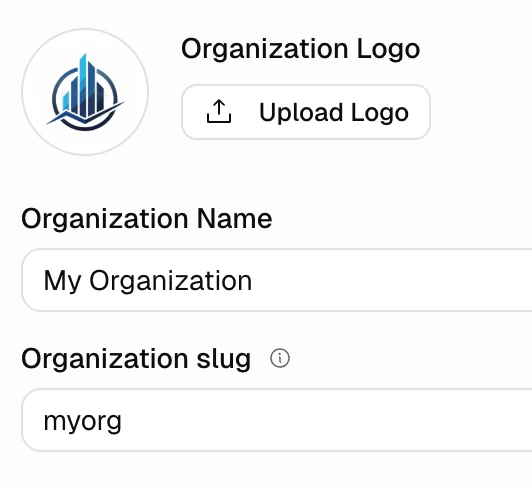
Your organization slug appears in your profile URL and app URLs. To change it:- Go to Settings → Organization → General
- Edit the Organization slug field
https://hercules.app/@org-slug
How do I configure how my app appears (like description and screenshots)?
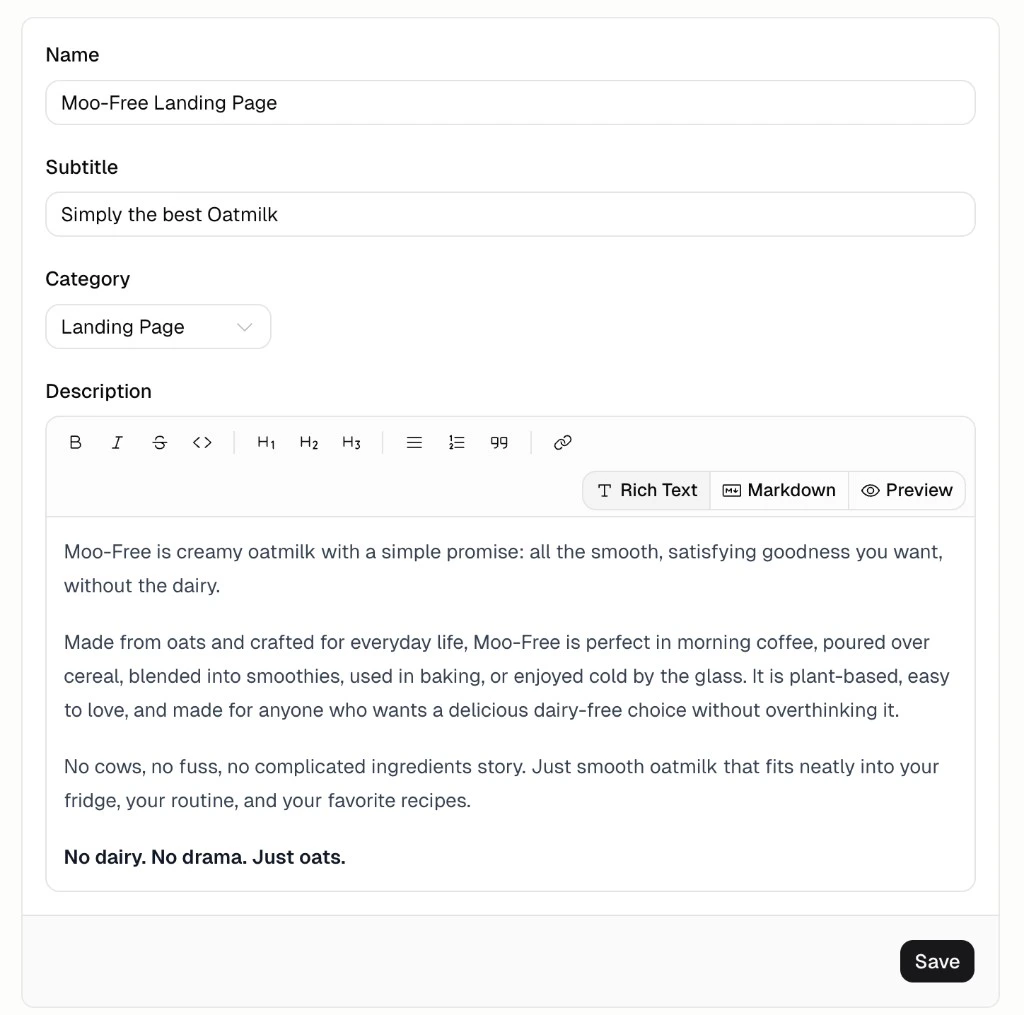
On the Showcase page, fill in:- Name
- Subtitle
- Category
- Description
- Screenshots (Upload up to 6 preview images for your app)
How do I make my app remixable?
Turn on Remixable in the Showcase settings. This will enable anyone to clone your app as a template. Your data is not cloned, only the underlying app structure.Additional FAQ
What is the difference between Public Visibility and Remixable?
What is the difference between Public Visibility and Remixable?
Public Visibility makes your app visible on your public profile. Others can view the app and information you publish about it.Remixable makes your app cloneable template. Other Hercules users can clone your app and start editing it. Data is not cloned.
Can I change my app slug?
Can I change my app slug?
The app slug is derived from your app name. To rename your app, go to More → General → App Name.
How do I make my app private instead of public?
How do I make my app private instead of public?
Go to Shocase and turn off Public Visibility
Do I need to be on a paid plan to make my apps private?
Do I need to be on a paid plan to make my apps private?
By default all Hercules apps are private (ie Go to Public Visibility is off) and not remixable. This applies to free tier and paid tier apps.Originally, all apps on the Hercules free plan were public and remixable by default (similar to how GitHub started). However on May 4th, 2026 the Hercules team decided to change this. Now all apps are private by default (new and existing apps) and it is opt in to become public.