What is a customer?
A customer is the billable entity. For consumer apps, this is usually the User. For B2B apps the billable entity is usually the Organization.How do I see all my customers?
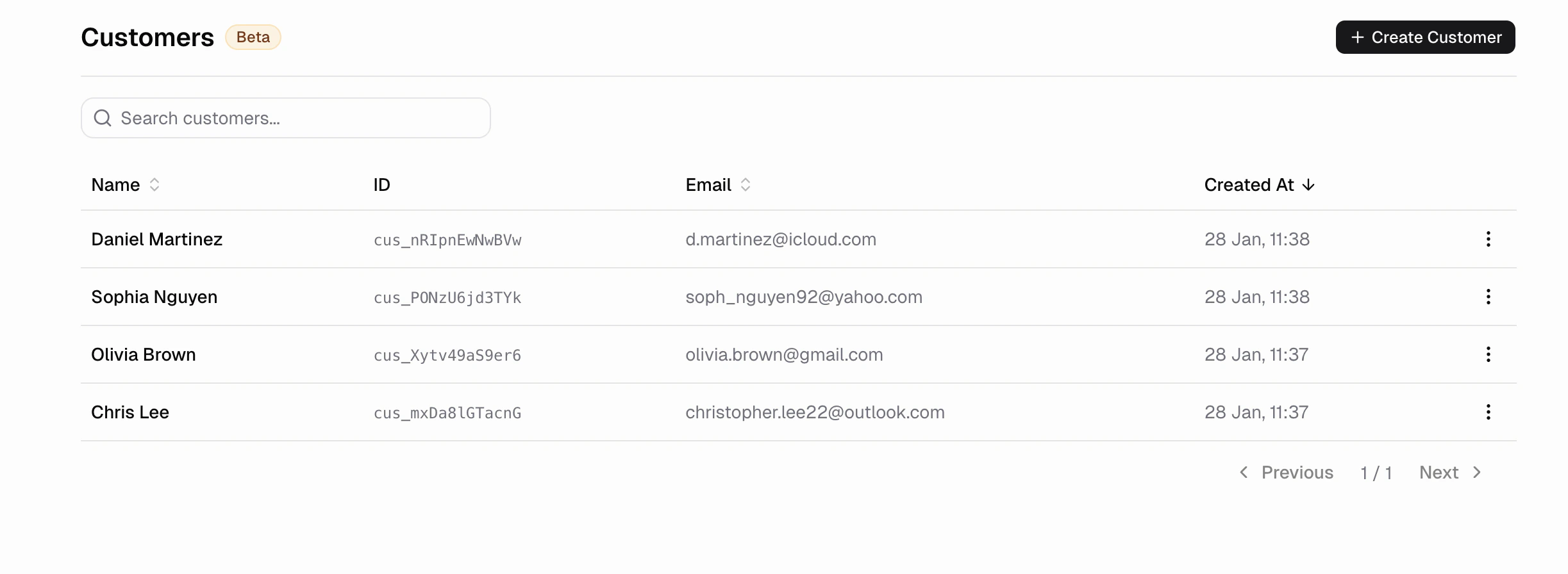
Go to Commerce → CustomersHow do I see a customer’s purchase history?
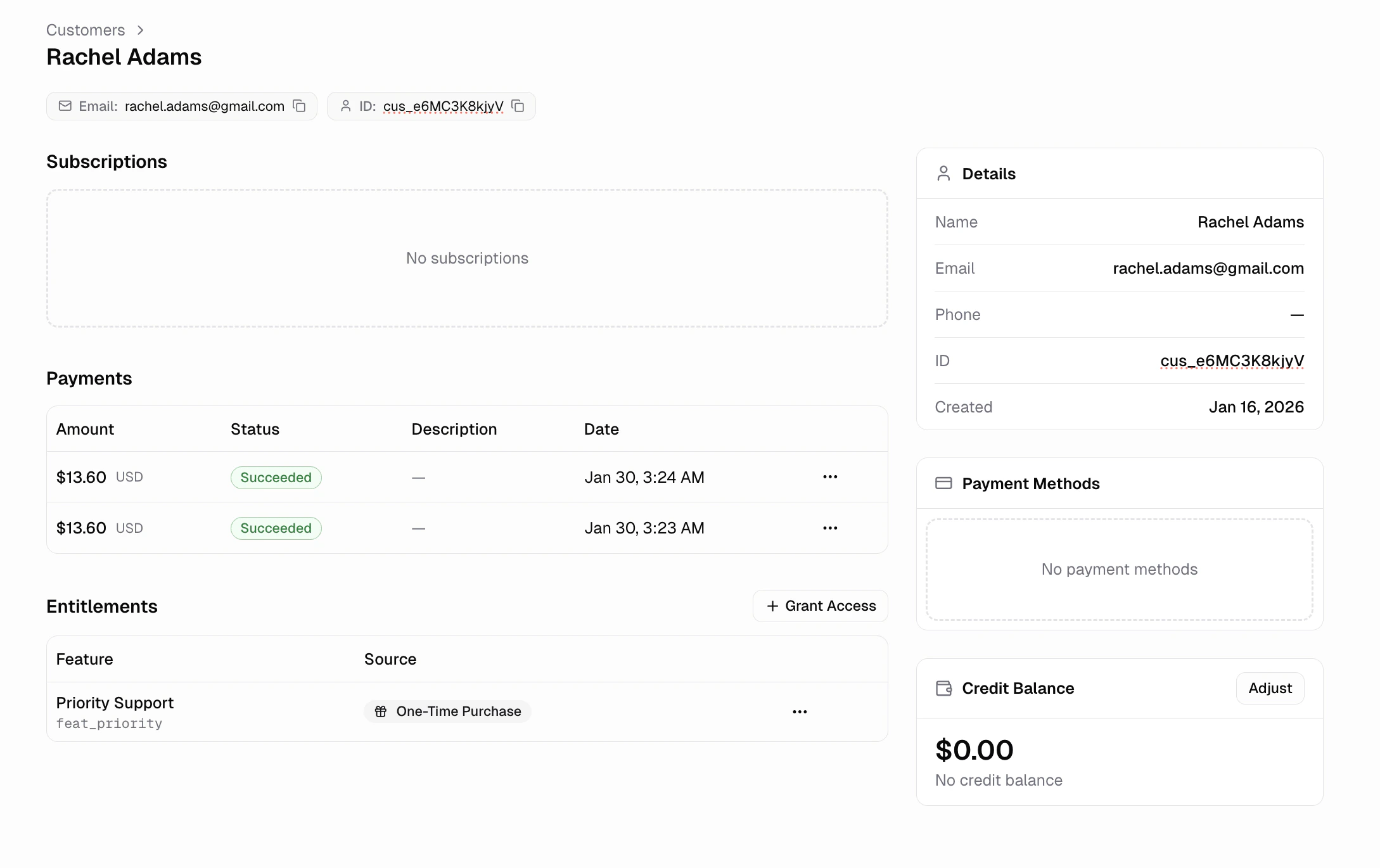
Click any customer to view their full profile. You can see their- Payments: All purchases and their status
- Subscriptions: Active, cancelled, or paused plans
- Entitlements: Current feature access
- Payment methods: Saved cards on file