
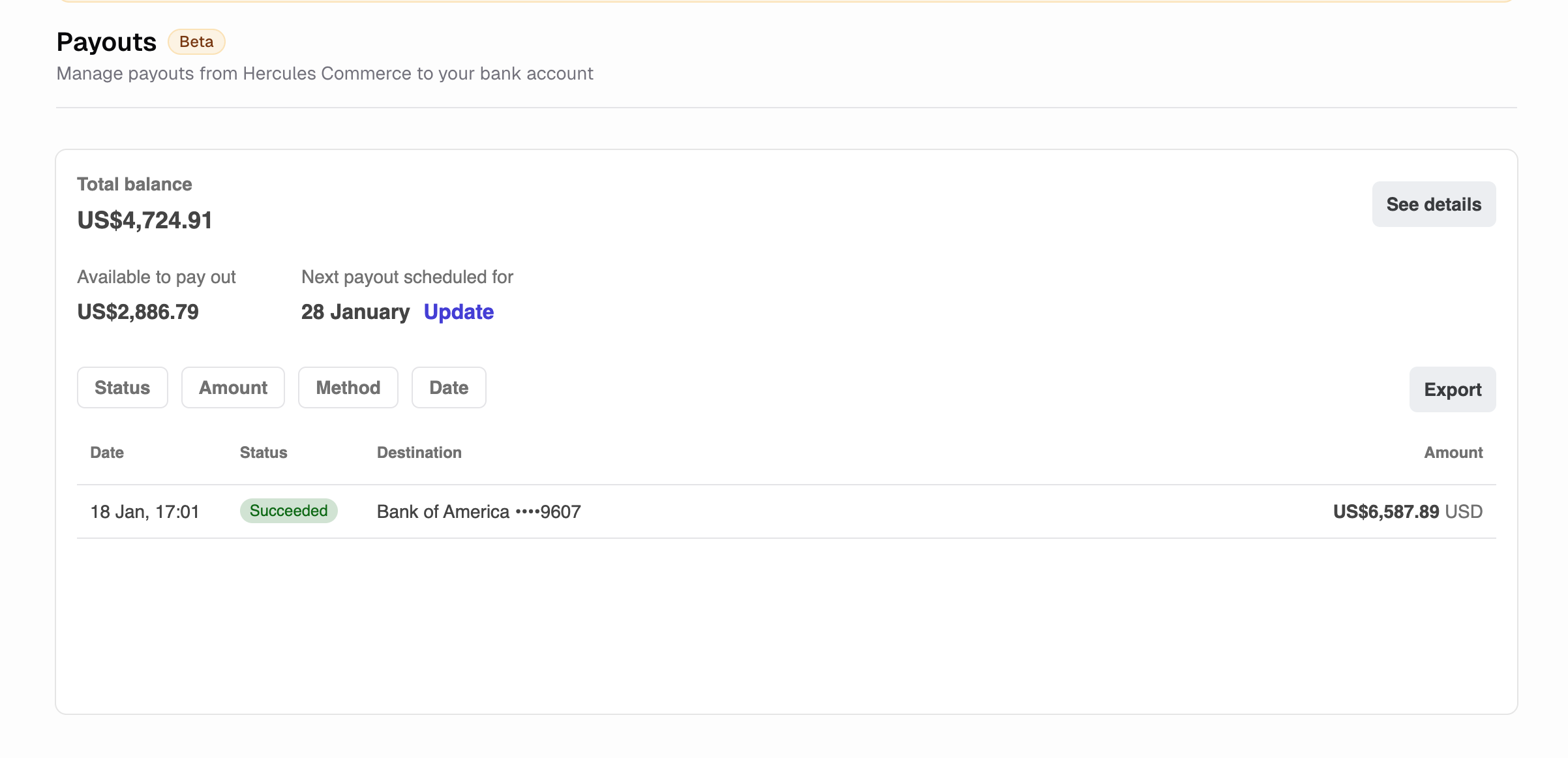
How do I view my payouts?
Go to Commerce → Payouts to see payout amount, status (pending, in transit, paid), expected arrival date, destination bank account Click any payout to see which transactions are included.How do payouts work?
- Customer pays you
- Hercules Commerce holds the payment for several days for risk and compliance reasons
- Remaining balance transfers to your bank
When do I get paid?
Payout timing depends on your region:- US: 2 business days
- UK/EU: 2-3 business days
- Other countries: Varies by region
Additional FAQ
Are instant payouts available?
Are instant payouts available?
Instant payouts are not currently available, but will become available soon. Instant payouts will
have a small fee associated with them.
Why is my payout delayed?
Why is my payout delayed?
Possible reasons: new account verification (7-14 days initially), weekends/holidays (business days
only), bank processing times, or account review for compliance purposes.
How do I add a bank account?
How do I add a bank account?
Go to Commerce → Settings → Add bank account. You can add multiple accounts and set a default.
Can I get paid in multiple currencies?
Can I get paid in multiple currencies?
Yes. Set up bank accounts in different currencies. Payouts go to the matching currency account
when available.