
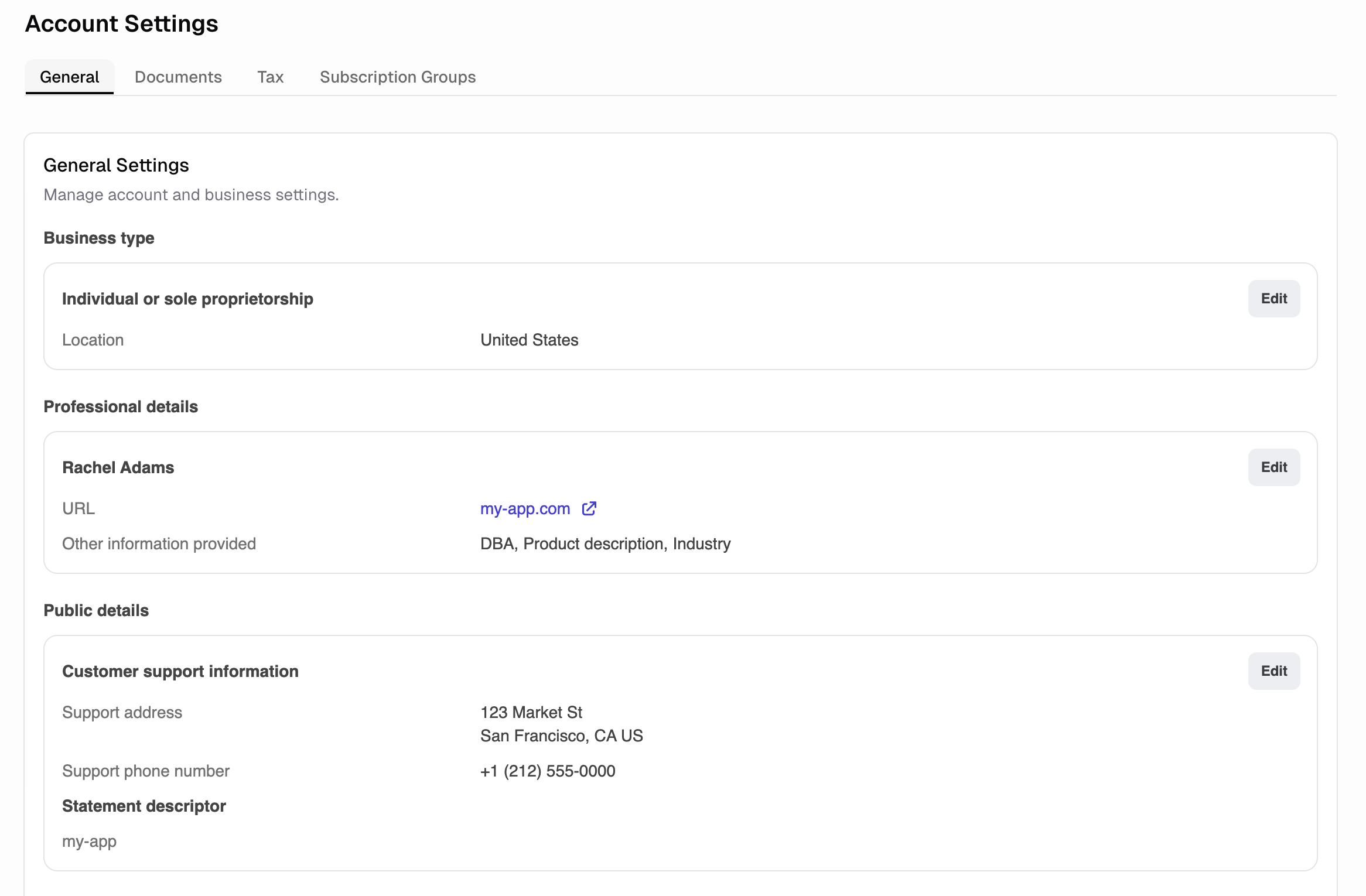
How do I configure the statement descriptor?
The statement descriptor is the text on your customer’s bank statement. Keep it recognizable to avoid disputes. Go to Commerce → Account Settings → General → Statement descriptor. Each app sets its own descriptor, so apps sharing one payment entity stay distinguishable. Stripe appends it to your account’s descriptor prefix, up to 22 characters in total. Leave it empty to use the account default. Example:MYCOMPANY: PRO PLAN or MYCOMPANY
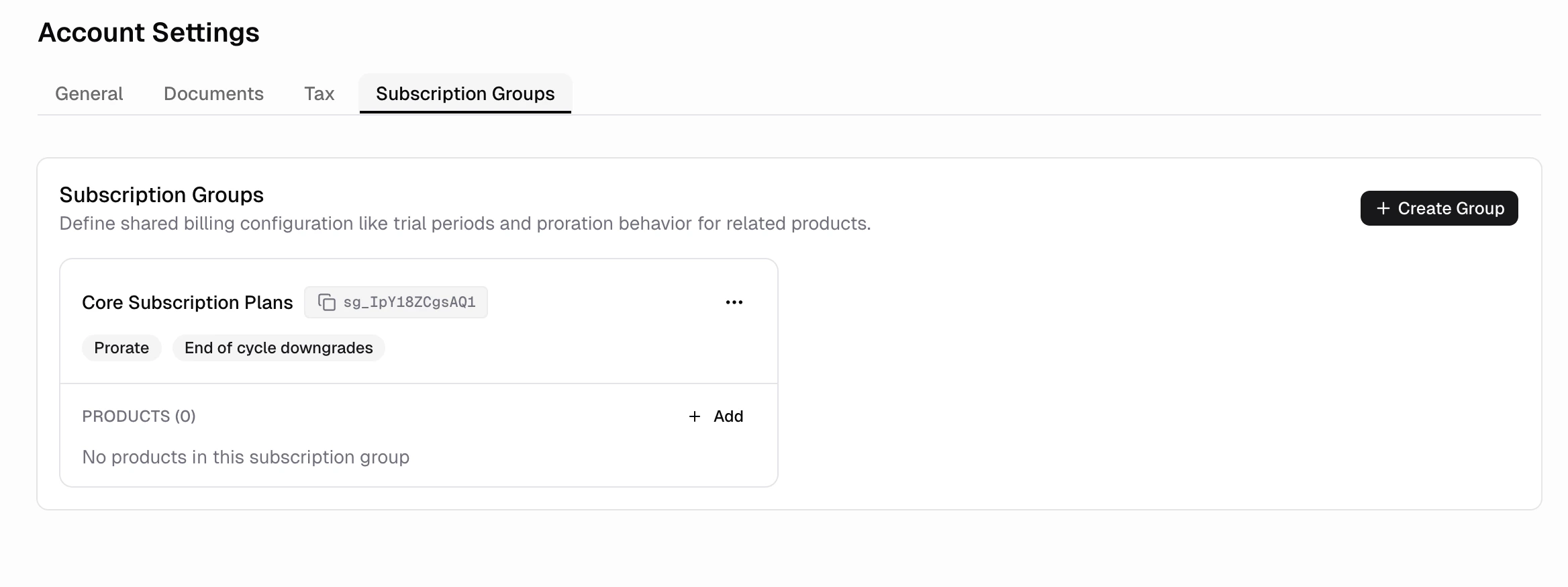
How do I configure what happens when customers upgrade/downgrade subscription?
You can configure:- Timing: Immediate vs. next billing cycle
- Proration: Charge/credit the difference immediately or not
- Billing cycle: Reset or maintain the current cycle date
How does tax work?
Go to Commerce → Settings → Tax to configure.How do I configure different payment entities?
Each app connects to one payment entity. Payment entities share transactions, customers, payouts, legal entity, and compliance verification Connect an app to an existing payment entity when:- want to consolidate revenue across multiple apps under one business entity
- are launching a new version or variant of an existing product
- want unified reporting and payouts across apps
- are sharing customers across apps
- are launching a completely separate business or brand
- need different legal entities for compliance or tax purposes
- want isolated financial reporting and separate payment accounts