
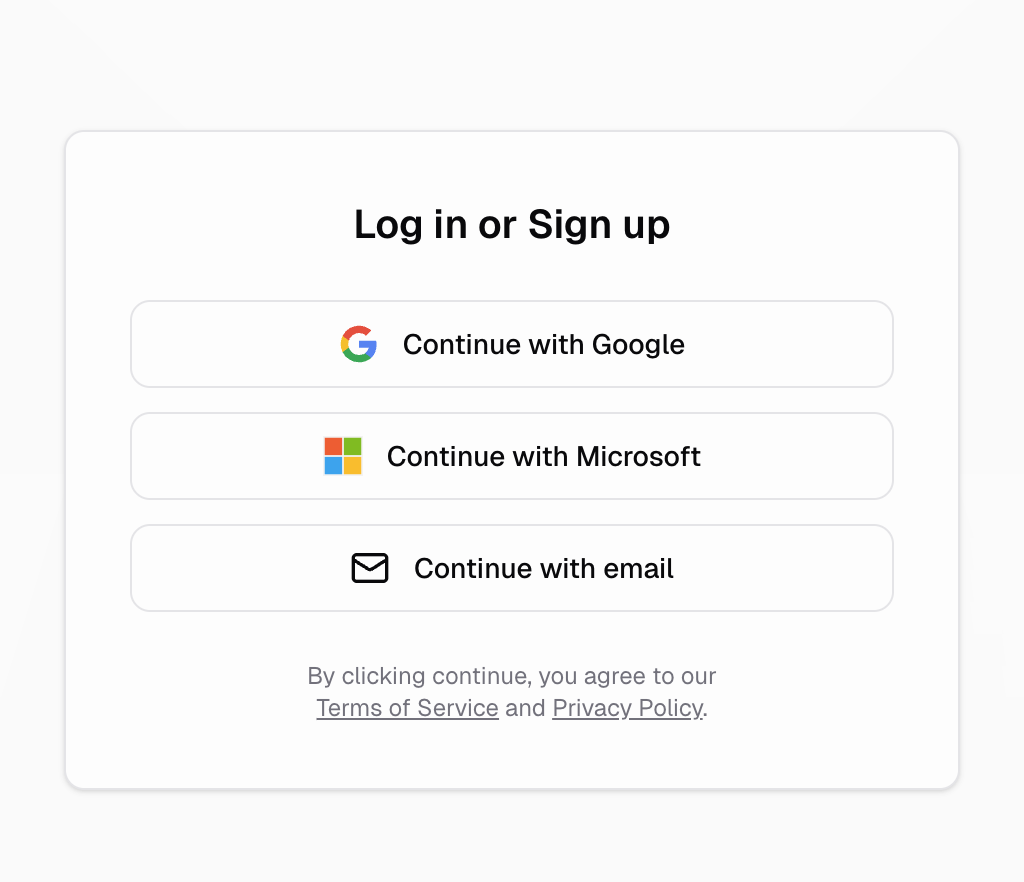
How does Hercules Auth work?
Your users sign into your app through a customizable login portal managed by Hercules. Your user picks their preferred login option. After authenticating, they are redirected back to your app and the authentication is officially saved on your app’s frontend and backend.What login methods are supported?
Hercules Auth currently supports the following sign-up and login options:- Apple
- Microsoft
- Email via one-time passcode
- Email and password
- Username and password (accounts created by you, no email required)
How do I enable auth for my app?
It’s easy: just ask Hercules to set it up for you!Add authentication to app
How do I upgrade an existing app to Hercules Auth 2.0?
Apps created before Hercules Auth 2.0 shipped can upgrade in place to unlock provider toggles, your own developer accounts, and a custom auth domain. See Upgrade to Hercules Auth 2.0.What’s next?
Customize Login & Sign up
Customize login methods, branding, and domains
Manage Users
Manage users, roles, and permissions