
How do I see my users?
Go to the Users & Access tab in the sidebar. You can see every user who has signed up for your app, including their email, sign-up date, and status. You can also see more detail in the Users table of the Database tab.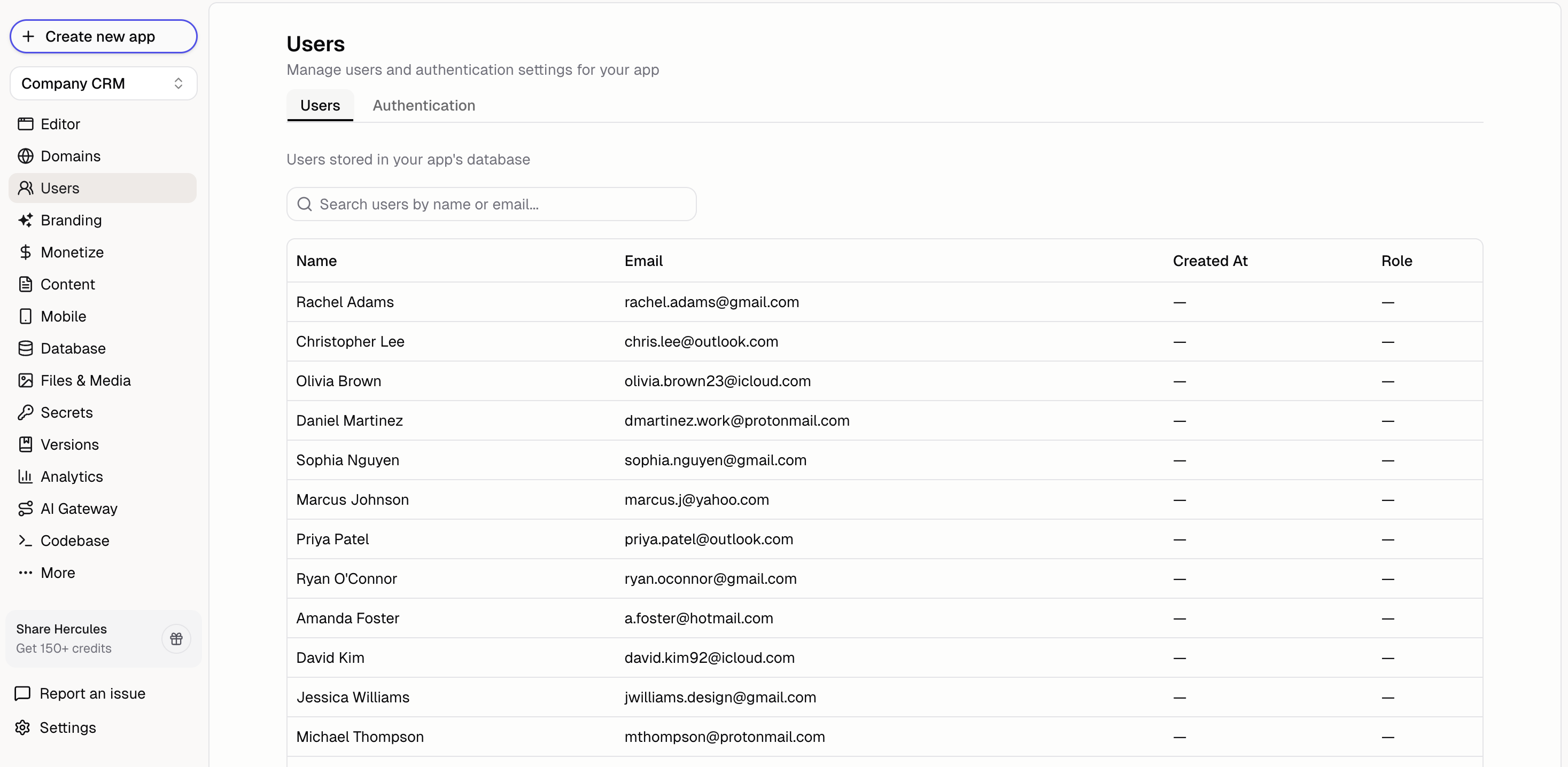
How do I control who can sign up?
Click Users & Access → Sign-in Rules to limit sign-up to approved email addresses and domains. See Sign-in Rules.How do I approve users before signing in?
Ask Hercules to add a sign-up approval flow. Users will be able to create an account but won’t be able to access your app until an admin approves them.Add sign-up approval
How do I manage permissions and role-based access?
Ask Hercules to set up role-based access control for your app. Describe the roles you need and what each role should be able to do.Set up roles and permissions
How do I create admin and superadmin roles?
Ask Hercules to implement role-based access controls with admin and superadmin roles. For B2B apps, give the admin role permission to access any organization rather than impersonating individual users.Create admin roles